6 7
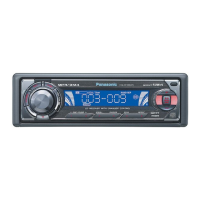
CQ-C3301NCQ-C3301N
6
E
N
G
L
I
S
H
5
E
N
G
L
I
S
H
Note:
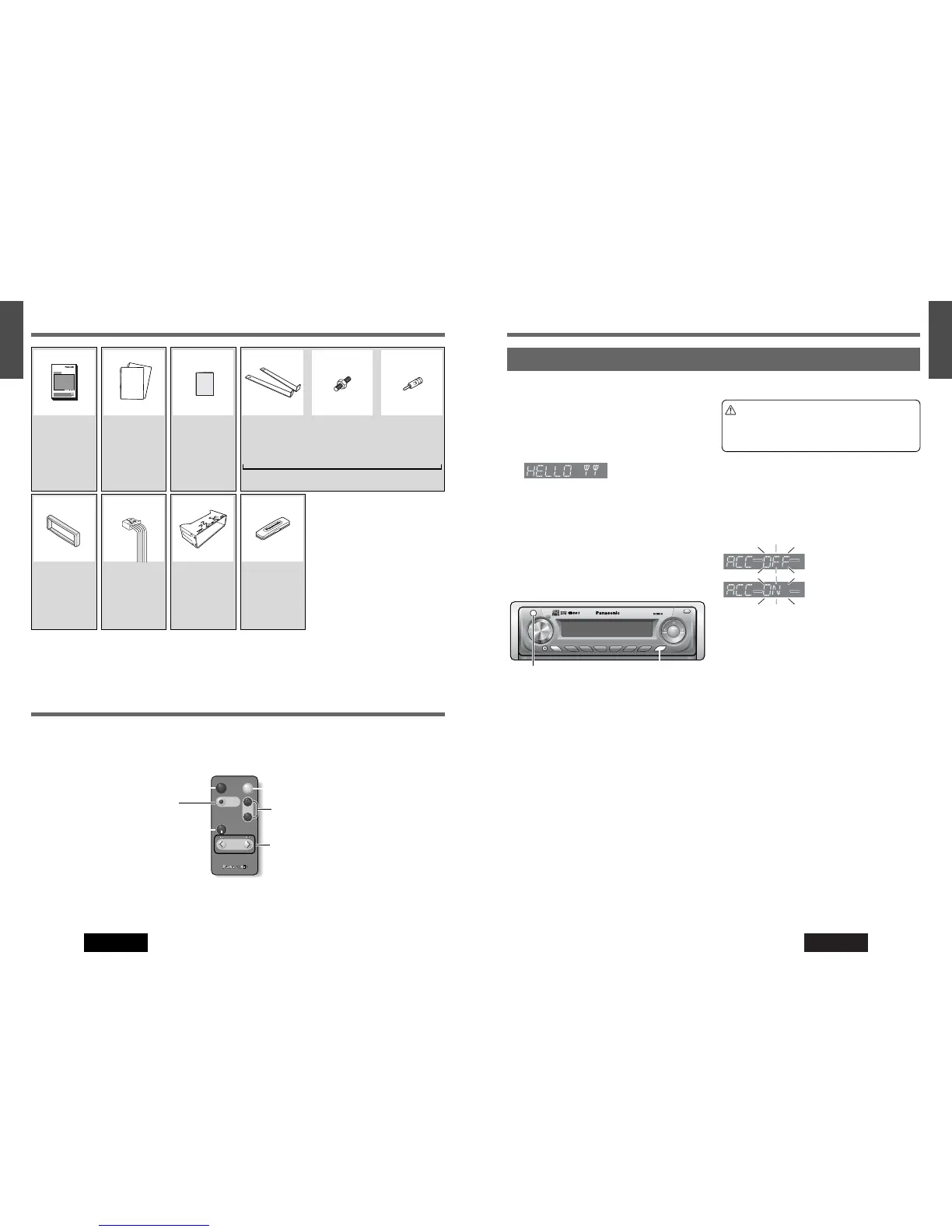
¡ The number in parentheses underneath each accessory part name is the part number for maintenance and service.
¡ Accessories and their parts numbers are subject to modification without prior notice due to improvements.
¡ Trim Plate and Mounting Collar are mounted on the main unit at shipment.
Accessories Preparation
[SRC] (PWR: Power)
[DISP] (Display)
The demonstration message appears for initial use.
1
Set your car’s ignition switch to the ACC or
ON position.
2
Press [SRC] (PWR).
The demonstration screen appears.
3
Press [DISP].
The demonstration screen is cancelled, and no more
appears.
Note:
¡
If you would like to turn on the power and make the
demonstration message appear, press and hold [SRC]
(PWR) for more than 4 seconds. (ACC ON)
First Time Power On
For an ACC-equipped car, select ON. (a Page 30) The
following functions are available. (Default: off)
¡The power is turned on automatically when inserting a
disc.
¡The clock can be displayed even if the power is off.
(a Page 8)
¡After the security function (a Page 28) is set to ON, the
function works when turning the ignition switch to OFF.
: ACC not equipped
(Default)
:
ACC equipped
Caution
¡Be sure to select OFF when your car has no
ACC position in the ignition switch. Failure to
do this could cause the battery to go dead.
Cancellation of demonstration ACC Setting
Power
Connector
(YEAJ02874)
Qty.: 1
Mounting
Collar
(YEFX0217263)
Qty.: 1
Removable
Face Plate Case
(YEFA131839)
Qty.: 1
Trim Plate
(YEFC05656)
Qty.: 1
Installation
Instructions
(YEFM293899)
(YEFM293900)
(YEFM293901)
Qty.: 1 set
Warranty
Card
Qty.: 1
Operating
Instructions
(YEFM285614)
Qty.: 1
Lock Cancel
Plate
Qty.: 2
Mounting
Bolt
Qty.: 1
ISO Antenna
Adapter
Qty.: 1
Installation kit (YEP0FZ5699)
¡ This instruction manual explains operations for use with the buttons on the main unit. (Different operations excluded)
Remote Control Unit (Option)
Note:
¡ The optional remote control unit is available from your local dealer. (CA-RC61EX)


 To Next Page
 Loading...