thermistor at the remote control unit box. However, do not switch to the remote control unit
thermistor if using two remote control units.
1. While operation is stopped, press and hold the STOP/RUN switch, and then press the UP and
DOWN / switches together.
2. “DO” or “01” will appear in the time display.
3. Press the FORWARD or BACK timer switches to switch the display between “00” and “01 “. “00”...
Indoor unit setting (factory default) “01”... Remote control unit setting
4. Press the RESERVE switch. (Be sure to press the RESERVE switch so that normal operation
mode can be resumed.)
- Repeat the procedure in steps (1) to (4) to change the setting again.
24. TROUBLE SHOOTING
If test operation does not proceed correctly
Carry out test operation after approximately 6
hours have passed since the power was turned on
(crankcase heater is energized). If operation is
started by using the remote control within 1
minute of turning on the power, the outdoor unit
settings will not be made correctly and correct
operation will not be possible.
If the following symptoms occur after turning on the power, check the wiring connections once more. /
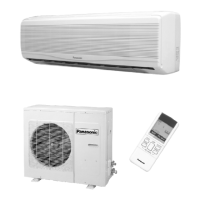
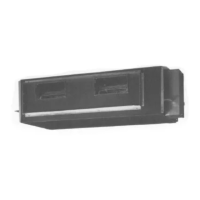
- For standard installation / (System example)
189



 To Next Page