ENGLISH
7
CAUTION
• Switch off the power supply and unplug before cleaning.
• Do not touch the aluminium fi n, sharp parts may cause injury.
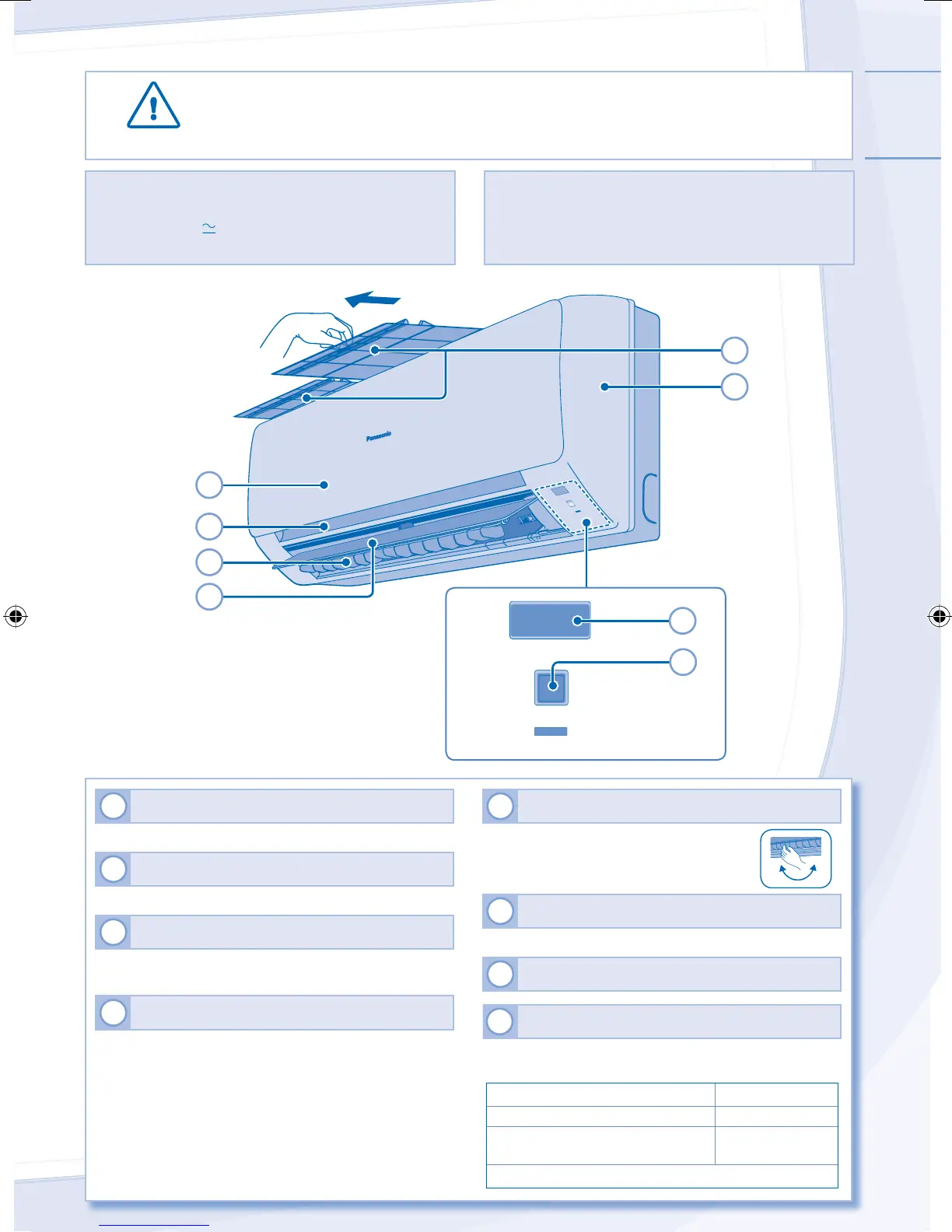
1
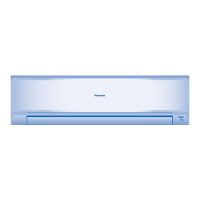
INDOOR UNIT
• Wipe the unit gently with a soft, dry cloth.
2
FIXED PANEL
• Could not be removed.
3
FIXED FILTER
• Could not be removed.
• Wipe the fi lter gently with a soft damp cloth.
4
AIR FILTERS
• Air fi lter cleaning is required every two weeks.
• Wash/rinse the fi lters gently with water to avoid damage
to the fi lter surface.
• Dry the fi lters thoroughly under the shade, away from
fi re or direct sunlight.
• Replace any damaged fi lters.
5
HORIZONTAL AIRFLOW DIRECTION LOUVER
• Manually adjustable.
6
VERTICAL AIRFLOW DIRECTION LOUVER
• Do not adjust by hand.
7
REMOTE CONTROL RECEIVER
8
AUTO OFF/ON BUTTON
• Use when remote control is misplaced or a malfunction
occurs.
Action Mode
Press once. Auto
Press and hold until 1 beep is
heard, then release.
Cooling
Press the button to turn off.
INDOOR UNIT
HINT
• Do not use benzene, thinner or scouring powder.
• Use only soap ( pH7) or neutral household detergent.
• Do not use water hotter than 40°C.
• To ensure optimal performance of the unit, cleaning
maintenance has to be carried out at regular intervals.
Please consult authorized dealer.
5
1
4
6
3
2
AUTO
OFF/ON
POWER
7
8
F567945-YS1210-0_1EN.indd 7F567945-YS1210-0_1EN.indd 7 07-Jan-11 6:10:43 PM07-Jan-11 6:10:43 PM



 To Next Page