EasyManua.ls Logo

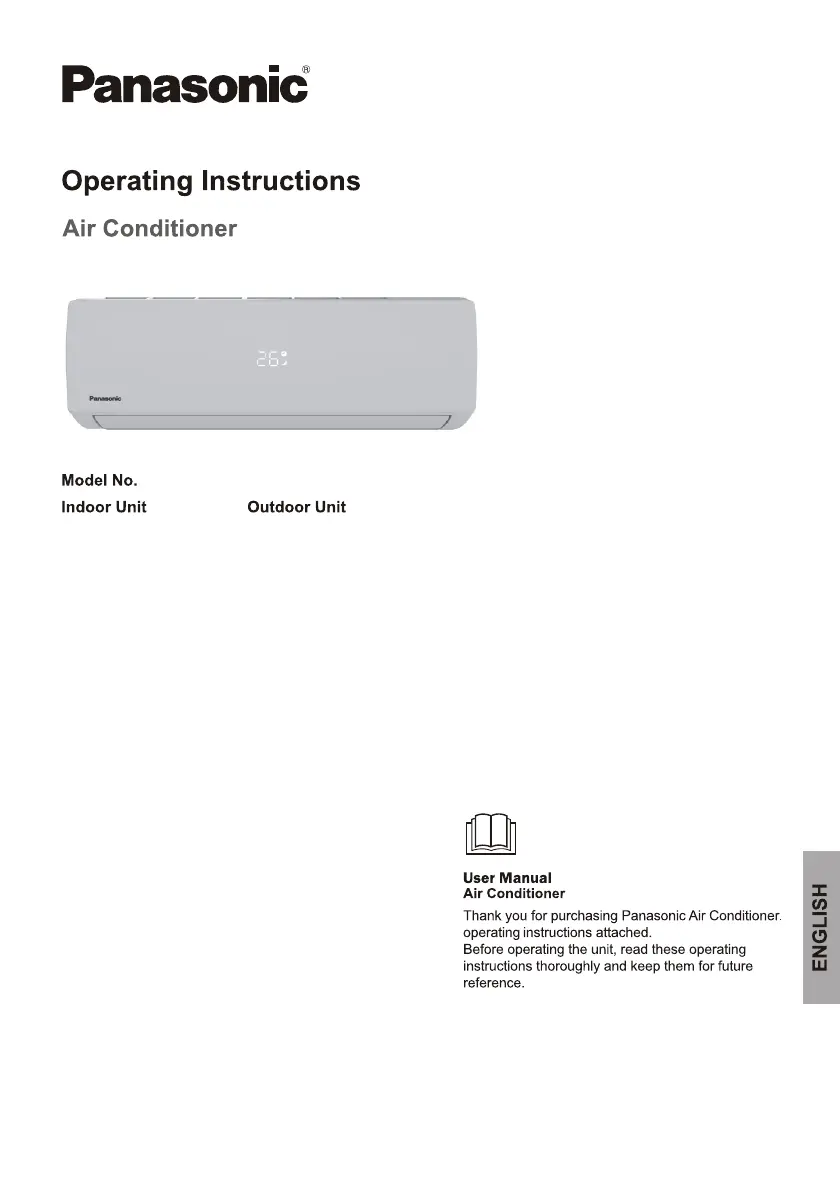
Panasonic CS-YE9WKU1 - User Manual

Panasonic CS-YE9WKU1
36 pages
Print Icon
To Next Page IconTo Next Page
Loading...
CS-YE9WKU1
CS-YE12WKU1
CU-YE9WKU1
CU-YE12WKU1

Questions and Answers

  • B
    Brett Underwood Jr.Aug 3, 2025
    Why my Panasonic Air Conditioner does not operate?
    • M
      Michael RobinsonAug 3, 2025
      If your Panasonic Air Conditioner isn't turning on, there are several potential causes. First, check the power connection to ensure it's properly plugged in. Also, verify that the TIMER-ON function isn't active. Other possible issues include a damaged indoor or outdoor unit fan motor (which would need replacing), a faulty compressor thermomagnetic circuit breaker (which should be inspected and replaced if necessary), or faulty protective devices or fuses (these should also be checked and replaced). Ensure all connections are secure and check the voltage supply. In some cases, the appliance may stop operating temporarily to protect itself; in this case, let it rest before restarting. Finally, a damaged electronic control board could be the culprit, requiring replacement.
  • J
    Jacob SmithAug 8, 2025
    Why Panasonic CS-YE9WKU1 Air Conditioner has insufficient airflow?
    • S
      sarawatsonAug 8, 2025
      If your Panasonic Air Conditioner isn't providing enough airflow, whether hot or cold, several factors could be responsible. First, check that the temperature setting is appropriate. Make sure that air intakes and outlets are free from obstructions. A dirty air filter can also restrict airflow, so clean or replace it. Ensure that the fan speed isn't set to the minimum; increase it if necessary. Other heat sources in the room could also impact cooling efficiency, so minimize these. Finally, low refrigerant levels can cause this issue, so check and refill if needed.
  • J
    Jake MiddletonAug 13, 2025
    What to do if Panasonic CS-YE9WKU1 does not respond to remote control?
    • S
      Sandra ColonAug 13, 2025
      If your Panasonic Air Conditioner isn't responding to the remote control, try these steps. First, make sure you're close enough to the indoor unit. Then, replace the batteries in the remote control. Also, ensure there are no obstacles blocking the signal between the remote and the indoor unit's receiver.
  • R
    Robert SanchezAug 18, 2025
    When to switch off Panasonic Air Conditioner immediately?
    • K
      Kevin PopeAug 18, 2025
      Immediately switch off your Panasonic Air Conditioner and cut off the power supply if you notice any strange noises during operation. Also, do this if you observe overheated cables or plugs, very strong smells coming from the appliance, spraying water or objects inside the appliance, faulty fuses or switches, or a faulty electronic control board. Inspect for any unusual sounds, overheating, and address the source of the smell. Remove water or objects from inside the appliance. Check and replace the electronic control board, faulty fuses or switches and damaged components.
  • E
    Elizabeth MaloneAug 23, 2025
    How to fix strange odor from Panasonic Air Conditioner?
    • E
      Ethan MoralesAug 23, 2025
      If you notice a strange odor coming from your Panasonic Air Conditioner, the most likely cause is a dirty air filter. Try cleaning or replacing the air filter to resolve the issue.
  • A
    Amy DavisAug 28, 2025
    Why Panasonic CS-YE9WKU1 Air Conditioner display is off?
    • D
      Devin BookerAug 28, 2025
      If the display on your Panasonic Air Conditioner is off, it could be due to the display function being inactive. In this case, activate the display function. Another possibility is a power failure, so restore the power supply to resolve the issue.

Summary

Safety Precautions

Safety Rules and Recommendations for the Installer

Warnings and recommendations for installers regarding safe installation practices.

Safety Symbols and Indicators

Explanation of warning, prohibition, and mandatory action symbols.

User Safety and Warnings

Safety Rules and Recommendations for the User

User responsibilities and precautions for safe operation and maintenance.

General Safety Warnings

Critical warnings about direct cold air, smoke, repairs, and appliance usage.

Safety Prohibitions

Prohibited Actions for Safe Operation

Lists of actions that must be avoided for safe operation and to prevent damage.

Product Overview

Component Identification

Lists and identifies parts of the indoor and outdoor units with numbering.

Indoor Unit Display Indicators

Explains the meaning of various LEDs and symbols on the indoor unit display.

Remote Control Guide

Details button functions on the remote control for operation.

Remote Control Display Symbols

Explains the meaning of symbols shown on the remote control's LCD screen.

Remote Control Setup and Maintenance

Guide for replacing batteries and configuring the remote control.

Operating Instructions

Special Operating Functions

Operation of emergency button and auto-restart feature after power failure.

Remote Control Guide

Details button functions on the remote control for operation.

Remote Control Display Symbols

Explains the meaning of symbols shown on the remote control's LCD screen.

Remote Control Setup and Maintenance

Guide for replacing batteries and configuring the remote control.

Swing Control of Airflow

How to control horizontal and vertical flap movement for airflow direction.

Operating Modes (Cooling, Heating)

How to activate and use the cooling and heating functions.

Operating Modes (Dry, Fan, Auto)

How to activate and use the dry, fan, and auto modes.

Operating Features (Display, Sleep, Fan Speed)

How to use display control, sleep mode, and adjust fan speed.

Energy Saving Operations (ECO, Turbo)

How to activate ECO mode for energy saving and Turbo for maximum airflow.

Timer Control

How to set automatic switch-on and switch-off timers.

Optional Operating Functions

How to use optional I FEEL, Self-Clean, and Mute functions.

Operating Protection Limits

Temperature Operating Ranges

Details operating temperature ranges and compressor protection delays.

Installation Manual

Installation Site Selection

Guidelines for choosing suitable locations for indoor and outdoor units.

Indoor Unit Installation

Steps for installing the indoor unit, including mounting and connections.

Indoor Unit Installation

Refrigerant piping connection and water drainage setup for the indoor unit.

Indoor Unit Installation

Final mounting and securing of the indoor unit.

Outdoor Unit Installation

Guidelines for mounting and securing the outdoor unit.

Outdoor Unit Installation

Electrical connections and refrigerant pipe connection for the outdoor unit.

Outdoor Unit Installation

Refrigerant circuit bleeding for the outdoor unit.

Installation Operation Tests

Tests to verify correct operation of both indoor and outdoor units.

Installer Technical Information

Model specifications, torque values, wiring diagrams, and cable specs.

Periodic Maintenance

Indoor Unit Filter Cleaning

Instructions for cleaning the anti-dust filters of the indoor unit.

Heat Exchanger Cleaning

Steps for cleaning the indoor unit's heat exchanger for efficiency.

End of Season Maintenance

Recommended maintenance tasks at the end of the operating season.

Remote Battery Replacement

Guide on when and how to replace batteries in the remote control.

Troubleshooting Guide

Common Malfunctions and Causes

Lists common appliance problems and their potential causes.

Error Signals on Display

Lists error codes displayed on the indoor unit and their meanings.

Regulatory Information

Equipment and Battery Disposal

Information on the proper disposal of old equipment and used batteries.

FCC Interference Statement

Compliance statement regarding radio frequency interference according to FCC rules.

Industry Canada Notice

Compliance statement for Canadian digital apparatus.

Panasonic CS-YE9WKU1 Specifications

General IconGeneral
BrandPanasonic
ModelCS-YE9WKU1
CategoryAir Conditioner
LanguageEnglish

Related product manuals