EasyManua.ls Logo

Panasonic CT 32SL15 - User Manual

Panasonic CT 32SL15
56 pages
Print Icon
To Next Page IconTo Next Page
Loading...
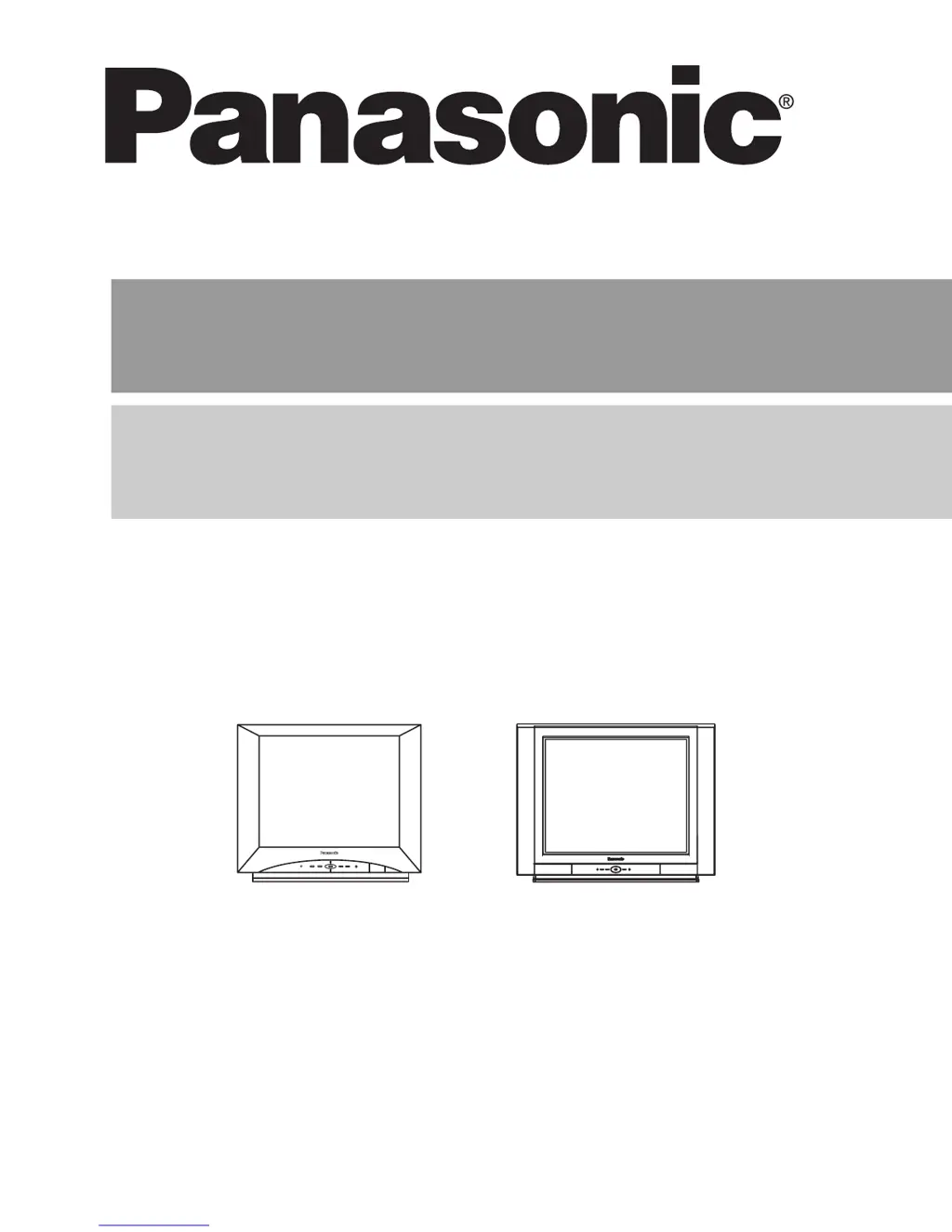
Color Television
Operating Instructions
Télé-couleur
Manuel d’utilisation
TQB2AA0529 50217
PRINTED IN USA
IMPRESO EN EE.UU
IMPRIMÉ AUX ÉTATS-UNIS
CT-32SL15CT-32SC15
0529 Prod cover 50217.fm Page 1 Tuesday, February 22, 2005 9:29 AM

Table of Contents

Questions and Answers

  • C
    Christopher DodsonAug 8, 2025
    What to do if my Panasonic TV has no audio?
    • G
      gilbertandrewAug 8, 2025
      If your Panasonic TV has no audio, first, increase the volume. Then, check the audio mode setting (Stereo/SAP/Mono). Also, ensure that the mute function is off, and that the television speakers are turned on. Finally, try changing the channel.
  • D
    Darren HallAug 13, 2025
    How to fix noisy audio on Panasonic CT 32SL15?
    • J
      Jennifer DuarteAug 13, 2025
      To address noisy audio on your Panasonic TV, start by adjusting the antenna's location and connection. Ensure the antenna lead-in wire and cable connections are secure. Additionally, verify that the TV or cable mode is properly set and that the antenna cables are in good condition. Moving the television away from electrical appliances, lights, vehicles, and medical equipment might also help.
  • S
    Susan WhiteheadAug 17, 2025
    Why is the audio wrong on my Panasonic TV?
    • A
      Autumn SmithAug 17, 2025
      If the audio on your Panasonic TV is incorrect, check that the audio is set to Stereo or Mono, and not SAP.
  • F
    fmoranAug 21, 2025
    What to check if there is no audio on Panasonic TV?
    • J
      James PenningtonAug 21, 2025
      If you're experiencing a 'no audio' issue with your Panasonic TV, verify that the power cord is properly plugged into an active outlet. Adjust the brightness and audio controls. Try changing the channel, check the cable connections, reprogram the remote control, and check the second video source operation.
  • D
    Desiree ForbesAug 25, 2025
    What to do if Panasonic CT 32SL15 TV front control panel keys have no effect?
    • S
      Stephanie GoldenAug 26, 2025
      If the front control panel keys on your Panasonic TV are not working, the control panel may be locked. To unlock it, select NO in the Keyboard feature within the LOCK menu.
  • X
    xsheltonAug 29, 2025
    How to unlock Picture Menu on Panasonic CT 32SL15 TV?
    • G
      gchungAug 30, 2025
      If the Picture Menu is locked on your Panasonic TV, press the ACTION and TV/VIDEO buttons on the TV front panel simultaneously, then quickly press ACTION and VOL to unlock it.
  • J
    Jennifer HopkinsSep 3, 2025
    What to do if Panasonic TV front control panel keys except the POWER button have no effect?
    • S
      Sara MelendezSep 3, 2025
      If the only functional button on your Panasonic TV's front control panel is the POWER button, press the ACTION and TV/VIDEO buttons simultaneously, then quickly press ACTION and VOL X buttons simultaneously.

Panasonic CT 32SL15 Specifications

General IconGeneral
Display TechnologyCRT
Screen Size32 inches
Aspect Ratio4:3
Audio TypeStereo
Resolution480i
Comb Filter3D
InputsComposite, S-Video

Related product manuals