EasyManua.ls Logo

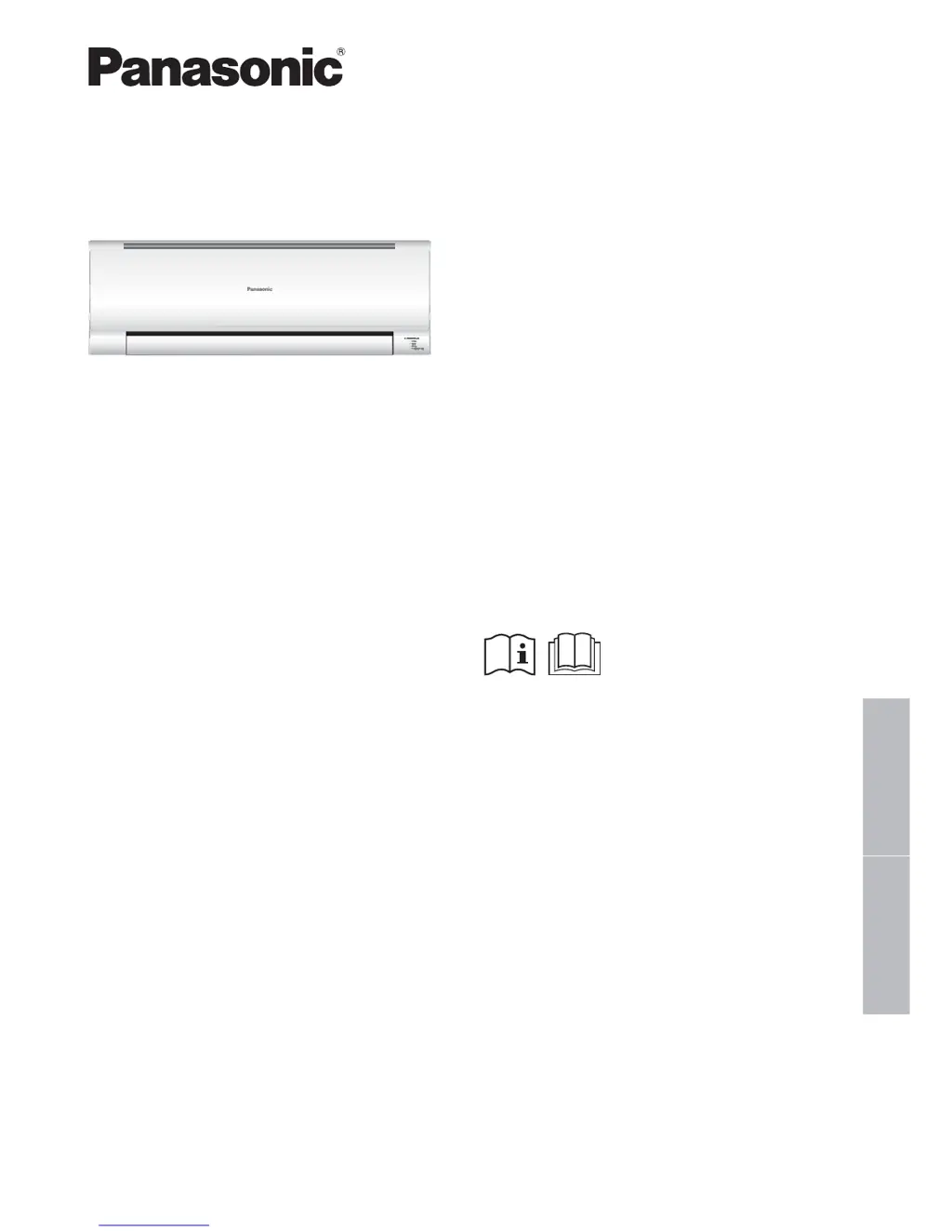
Panasonic CU-V18PWA - User Manual

Panasonic CU-V18PWA
20 pages
Print Icon
To Next Page IconTo Next Page
Loading...
English
中文
Model No.
Indoor Unit Outdoor Unit
CS-V7PWA
CS-V9PWA
CS-V12PWA
CS-V18PWA
CU-V7PWA
CU-V9PWA
CU-V12PWA
CU-V18PWA
Operating Instructions
Air Conditioner
F568969
操作說明書
空調器
2-11
感謝您購買
Panasonic
空調器。
附帶安裝說明。
在操作空調器前 , 請細讀此操作說明 , 並保存此書
以備日後參考。
Operating Instructions
Air Conditioner
12-21
Thank you for purchasing Panasonic Air Conditioner.
Installation instructions attached.
Before operating the unit, read these operating
instructions thoroughly and keep them for future
reference.

Questions and Answers

  • S
    Sylvia SweeneyAug 8, 2025
    What to do if my Panasonic CU-V18PWA doesn't receive the signal from the remote control?
    • H
      Henry RiveraAug 8, 2025
      If your Panasonic Air Conditioner unit isn't responding to the remote control, ensure that nothing is blocking the receiver. Also, be aware that certain fluorescent lights can interfere with the signal transmission.
  • K
    kristy15Aug 13, 2025
    Why my Panasonic Air Conditioner doesn't work?
    • P
      philipnewmanAug 13, 2025
      If your Panasonic Air Conditioner isn't working, first check if the circuit breaker has tripped. Also, verify if any timers have been set, as this could prevent the unit from turning on.
  • P
    parkermichelleAug 19, 2025
    What to do if Panasonic CU-V18PWA Air Conditioner remote control does not work?
    • C
      Casey HuberAug 19, 2025
      If the remote control for your Panasonic Air Conditioner isn't working properly, with a dim display or weak signal, try these steps: * Ensure the batteries are inserted correctly. * Replace weak batteries with new ones.
  • E
    Emma CollinsAug 26, 2025
    How to improve cooling efficiency of Panasonic CU-V18PWA Air Conditioner?
    • Z
      zgravesAug 26, 2025
      If your Panasonic Air Conditioner's COOL mode isn't working efficiently, make sure you have set the temperature correctly. Additionally, ensure all doors and windows are closed to maintain cooling efficiency. Clean or replace the filters, and check for any obstructions at the air inlet and outlet vents.
  • D
    David HayesSep 1, 2025
    Why is my Panasonic Air Conditioner so noisy?
    • J
      Joseph MartinezSep 1, 2025
      If your Panasonic Air Conditioner is noisy during operation: * Check to see if the unit has been installed at an incline. * Ensure that the front panel is closed properly.

Summary

Safety precautions

Indoor unit and outdoor unit

Safety guidelines and warnings related to the indoor and outdoor components of the unit.

Remote control

Precautions regarding the safe handling and use of the remote control.

Power supply

Safety measures related to the electrical power supply and connections to prevent hazards.

How to use - Basic Operations

MODE: To select operation mode

Guide to selecting different operating modes like AUTO, COOL, and DRY for desired comfort.

POWERFUL;QUIET: Switch between powerful & quiet

Explanation of how to switch between powerful cooling/heating and quiet operation modes.

FAN SPEED: To select fan speed

Instructions on how to adjust the fan speed for optimal airflow and comfort.

To adjust horizontal airflow direction

How to manually adjust the louvers for directing airflow horizontally.

Auto OFF;ON button

How to use the unit's auto ON/OFF button when the remote is unavailable.

How to use - Advanced Features

NANOE-G To purify the air

Details on activating and using the NANOE-G function for air purification.

To deactivate viruses;bacteria on the filter

Information on the function to deactivate viruses and bacteria on the filter.

AIR SWING To adjust vertical airflow direction

How to adjust the louvers for directing airflow vertically.

To set the timer

Guide on setting the timer to automatically turn the unit ON or OFF.

Operation conditions

Recommended temperature ranges for efficient operation in different modes.

Cleaning instructions

Indoor unit

How to clean the indoor unit gently with a soft, dry cloth.

Front panel

Instructions for washing and drying the removable front panel.

Air filters

Guide on cleaning air filters regularly for optimal performance and air quality.

nanoe-G Generator

How to clean the nanoe-G generator using a dry cotton bud.

For seasonal inspection after extended non-use

Checks to perform on the unit and remote control after periods of non-use.

For extended non-use

Steps to take for extended periods of non-operation, including nanoe-G activation.

Troubleshooting

NON SERVICEABLE CRITERIAS

Conditions requiring professional service and immediate power disconnection.

Information

Information for Users on Collection and Disposal of Old Equipment and used Batteries

Guidelines for the proper collection and disposal of old equipment and batteries.

Panasonic CU-V18PWA Specifications

General IconGeneral
BrandPanasonic
ModelCU-V18PWA
CategoryAir Conditioner
LanguageEnglish

Related product manuals