68
(EN)
Wireless LAN settings
5
Connect to the network using AP
mode.
(For iOS 11.0 or later and
Android™ 4.4 or later only)
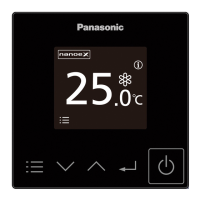
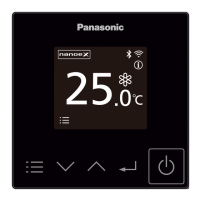
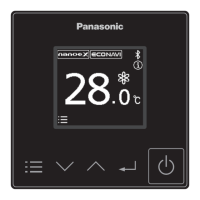
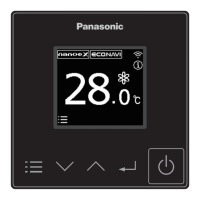
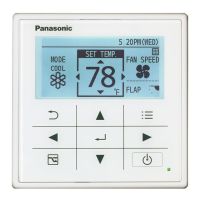
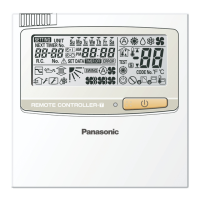
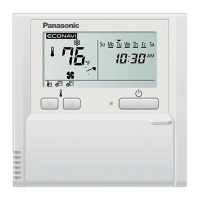
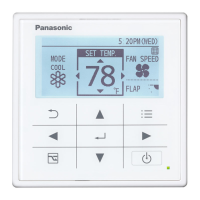
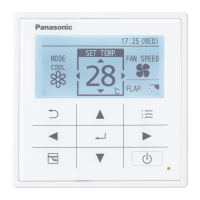
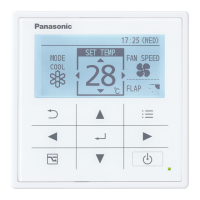
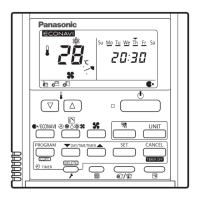
1. Make the remote controller
operate in Manual mode.
Remote controller
Follow the instructions on the app
screen.
Mobile device
Conrm that “Operating in Manual
mode” is displayed, then tap
“Next”.
2. Join to connect to the
“Panasonic-CZ-C-wirelessAP”
network.
Mobile device
(First time only)
Tap “Allow While Using App”.
Then, tap “Join”.
(Subsequent connections)
Tap “Join”.

 To Next Page
 Loading...