WEB-ACXF55-27544-EN
F0620-50223
Operating Instructions
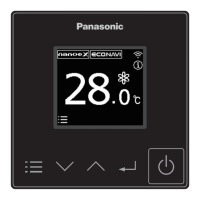
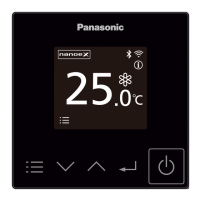
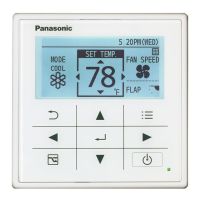
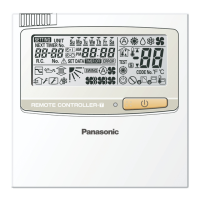
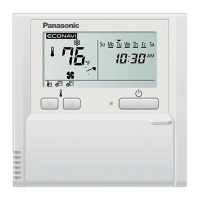
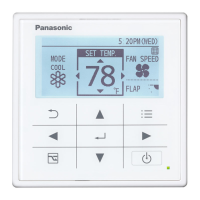
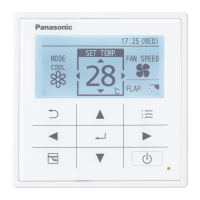
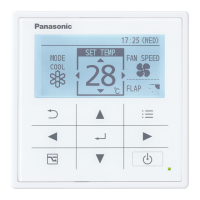
Wired Remote Controller
Model No. CZ-RTC6BL
CZ-RTC6WBL
English
Before operating the unit, read these Operating Instructions thoroughly and keep them for future reference.
Page
z Safety precautions .............................................3
z Part names .......................................................... 6
• Control panel / Top screen .......................................... 6
• Screen display ............................................................. 7
• Operation guide ........................................................... 7
z Basic operations ................................................8
z Menu list ............................................................ 11
z ECONAVI function ............................................ 12
z nanoe™ X function ..........................................15
z Filter sign ..........................................................17
z Outing function ................................................18
z Clock/Clock type/Controller name..................20
z Touch sound/Contrast .....................................21
z Backlight/Language .........................................22
z Contact address/Display mode.......................23
z Setting information list ....................................24
z Bluetooth
®
settings ..........................................26
z Troubleshooting ............................................... 58
z Specications ................................................... 61
z Software License Information ......................... 63
Panasonic Corporation
1006 Oaza Kadoma, Kadoma City, Osaka 571-8501, Japan
Installation Instructions
separately attached


 To Next Page

 General