White Balance / Image Quality – [Filter Settings]
316
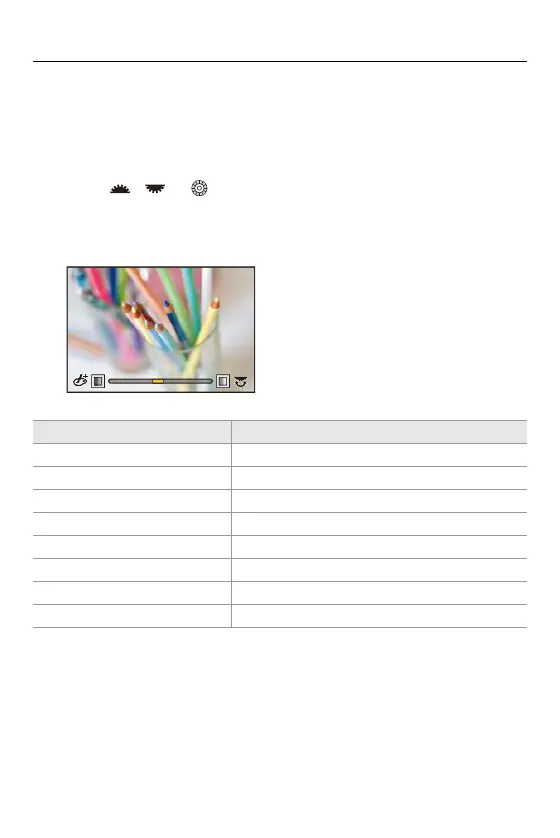
Adjusting the Filter Effect
You can adjust the filter effect.
1 Select the filter.
2 On the recording screen, press [WB].
3 Rotate , or to set.
• To return to the recording screen, press [WB] again.
• When the filter effect is adjusted, the filter icon on the recording screen is
indicated with [¢].
Filter Items that can be adjusted
[Expressive] Vividness
[Retro] Coloring
[Old Days] Contrast
[High Key] Coloring
[Low Key] Coloring
[Sepia] Contrast
[Cross Process] Coloring
[Bleach Bypass] Contrast








 To Next Page