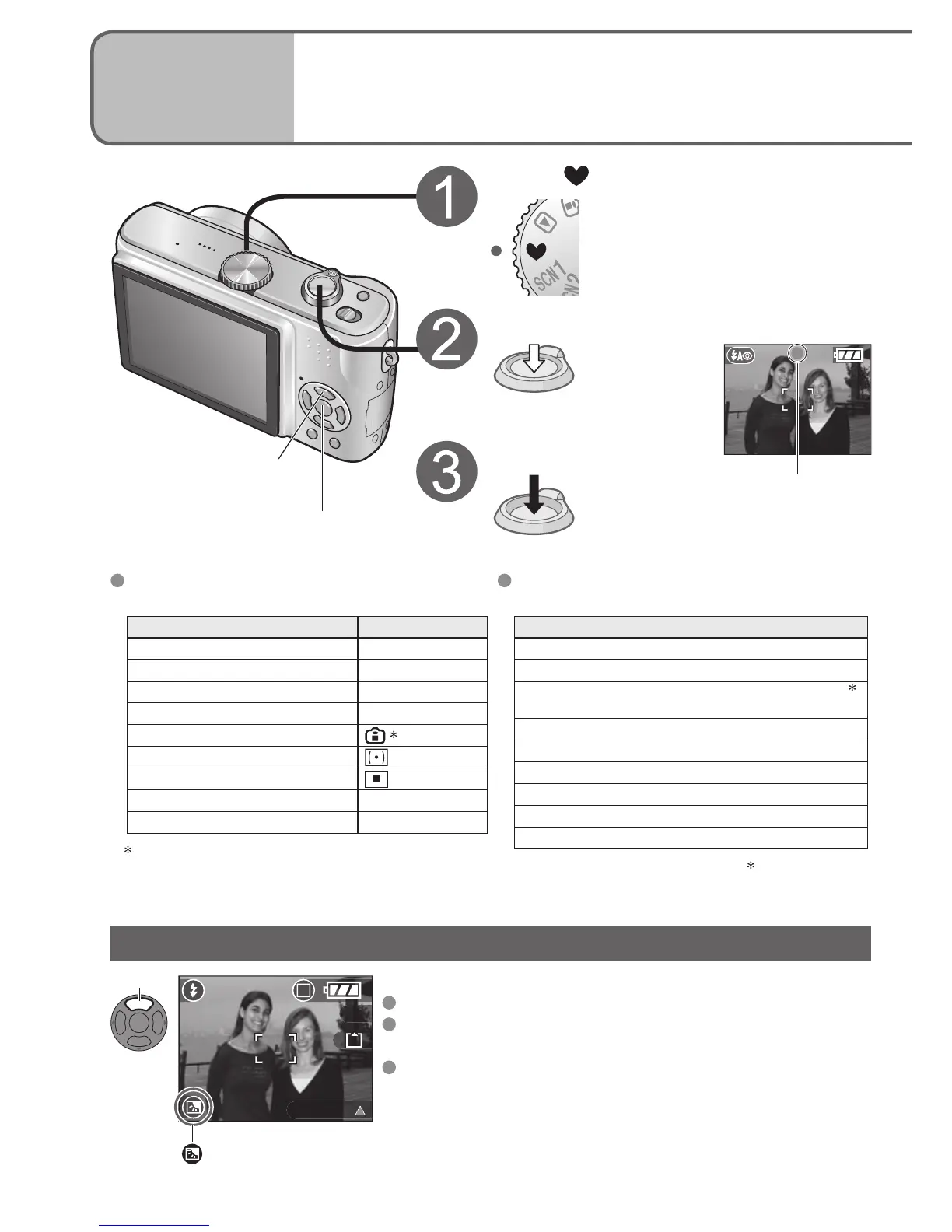
The settings for the following functions are
fixed.
Item Setting
SELFTIMER (P.35) OFF/10 SEC.
POWER SAVE (P.20) 5 MIN.
STABILIZER (P.39) MODE1
W.BALANCE (P.50) AWB
SENSITIVITY (P.51)
1
METERING MODE (P.53)
AF MODE (P.54)
AF ASSIST LAMP (P.56) ON
COL.MODE (P.57) STANDARD
1
Same as with ISO LIMIT ‘800’ setting in
Intelligent ISO mode (P.46).
Prevents subjects being dark when background is light.
To cancel compensation: Press ▲ again.
Using flash (FORCED FLASH ON) is recommended
(P.36)
Adjust using ‘EXPOSURE’ (P.38), except for in SIMPLE
MODE.
Displayed when compensation is on.
MENU/SET
Backlight compensation
Set to
Adjust the focus
Press halfway
Take a picture
Press fully
The following functions cannot be used.
Item
BURST mode (P.54)
Digital zoom (P.27)
Exposure compensation/AUTO BRACKET
2
(P.38)
White balance fine adjustment (P.50)
AUDIO REC. (P.53)
CONT.AF (P.55)
ECONOMY (P.20)
HIGH ANGLE (P.34)
GUIDE LINE (P.33)
2
DMC-TZ3 only
Green when
focus aligned
Backlight compensation (SIMPLE MODE only)
Press


 To Next Page
 Loading...