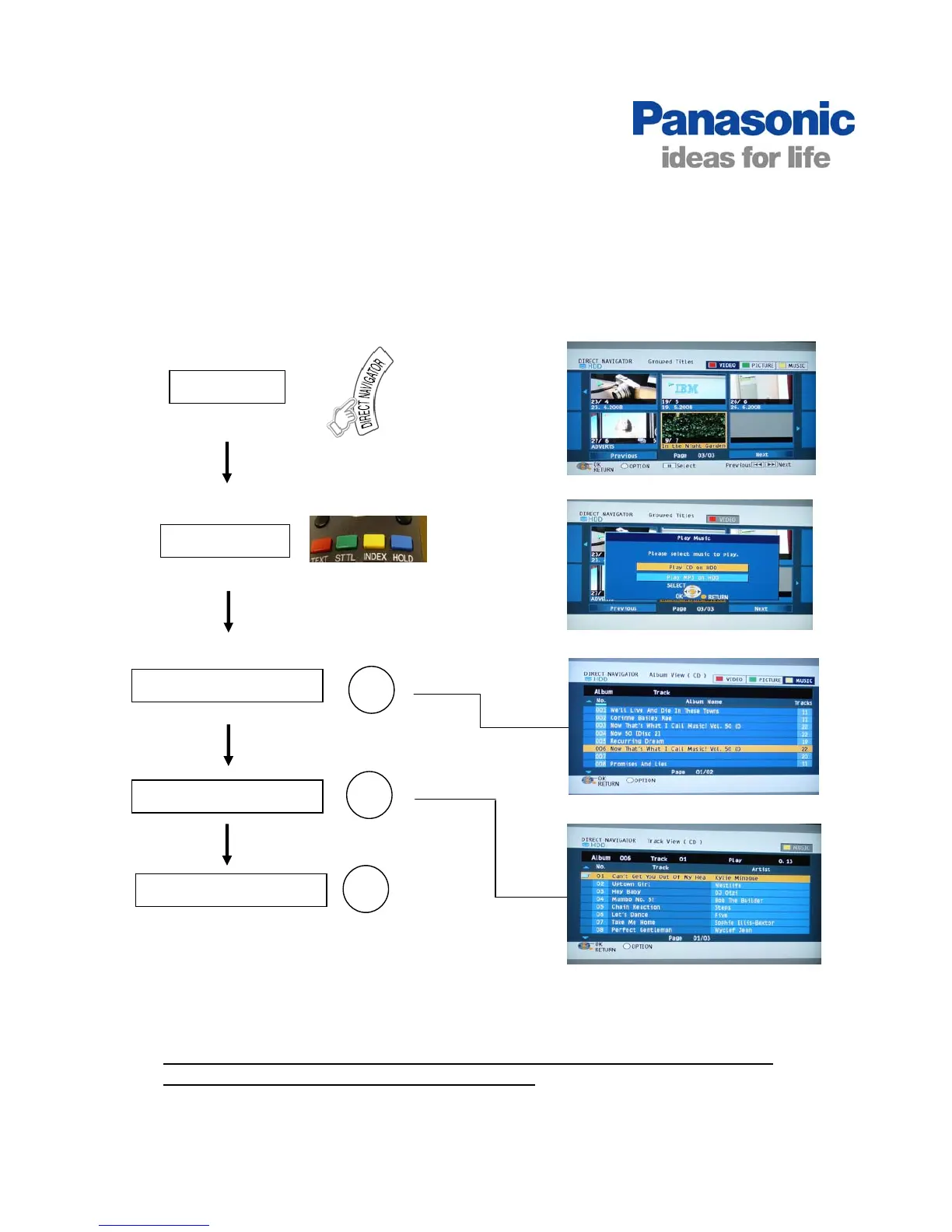
Using Music Jukebox
Play CD on HDD
Navigator
Music Jukebox stores up to 300 CD albums and MP3 files onto the hard disk drive.
The albums/ tracks can be selected for playback.
Select Press You will see
Playback begins from the
selected track of the selected
album and continues.
Select Music
OK
It is possible to select individual tracks or albums to repeat using the “!Options”
button when selecting the album or track above.
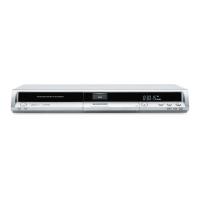
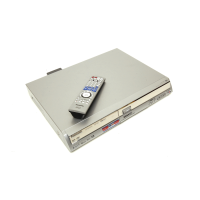
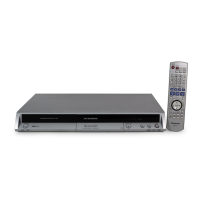
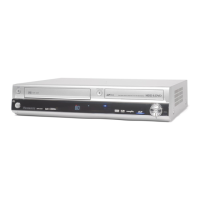
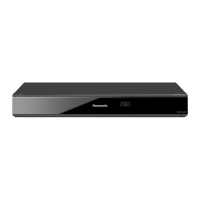
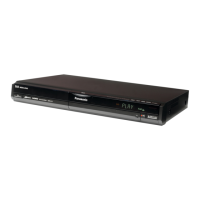
DMREX78, DMREX88 and DMREX98V Models
Press the yellow
button to select
Music
OK
Select the Album
Select the Track
OK



 To Next Page