EasyManua.ls Logo

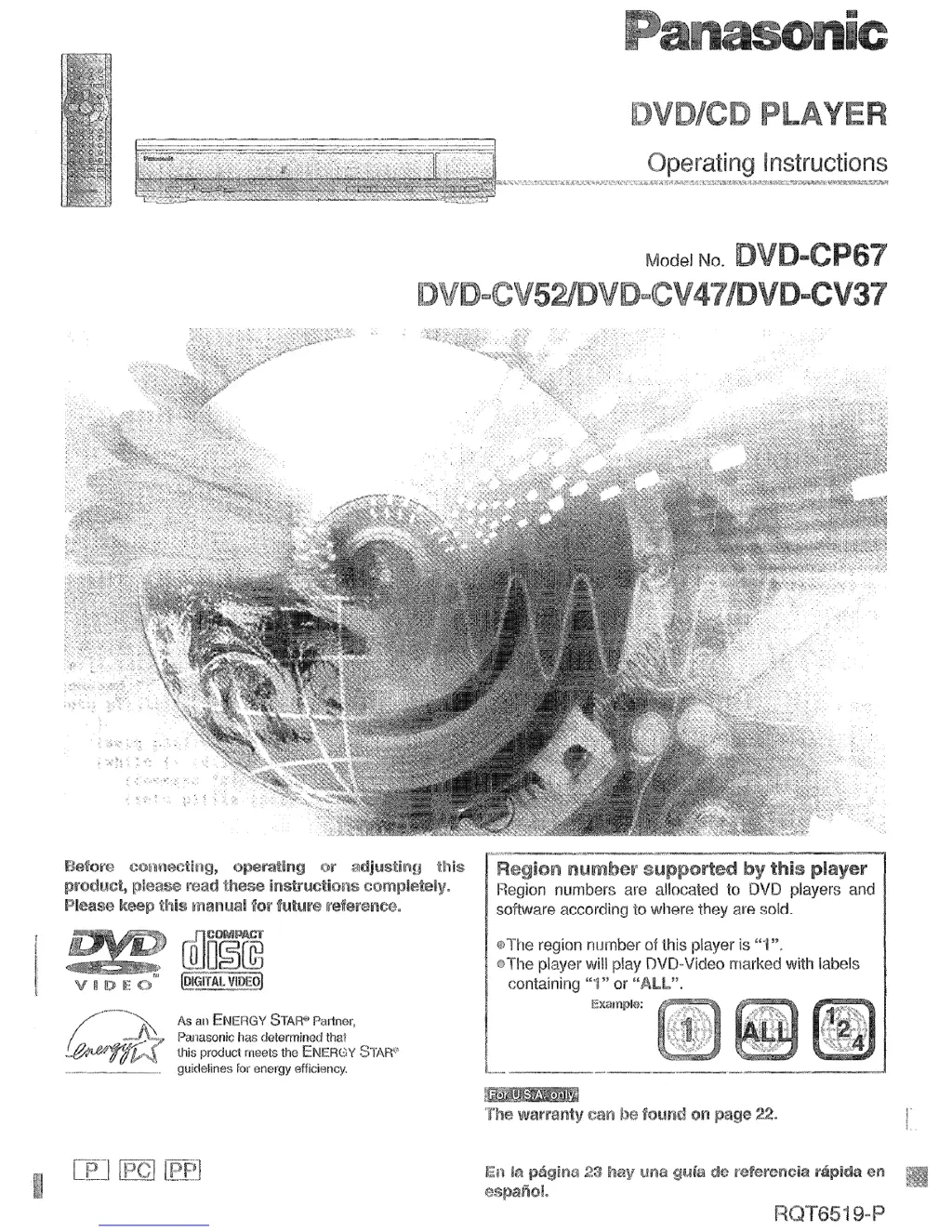
Panasonic DVD-CP67 - User Manual

Panasonic DVD-CP67
29 pages
Print Icon
To Next Page IconTo Next Page
Loading...
this producl meets the
ENERGY ~I’AW
..- --___.
guidelines for oncrgy efficiency.

Questions and Answers

  • G
    georgescottAug 10, 2025
    What to do if my Panasonic DVD-CP67 has no power?
    • L
      Lindsey RiveraAug 10, 2025
      First, ensure the AC power supply cord is securely inserted into the household AC outlet. Also, to conserve power, the unit automatically switches to standby after approximately 30 minutes in the stop mode, so turn the power back to ON. Lastly, check if the unit was switched to standby by the SLEEP timer.
  • D
    Dustin LeeAug 20, 2025
    What to do if my Panasonic DVD-CP67 DVD Player displays "NoPLAY" "CHECK" "H??"?
    • R
      Robin ThomasAug 20, 2025
      This message indicates a problem with the disc or the unit itself. It could mean you've inserted a disc the unit can't play, so try a compatible disc. If the disc is dirty, wipe it clean. If the issue persists, try resetting the unit by pressing the power button to switch it to standby mode, and then back to ON. Alternatively, disconnect the AC power supply cord, and then reconnect it. If the service numbers fail to clear, note the service number and contact a qualified service person.
  • T
    tyangAug 26, 2025
    What to do if my Panasonic DVD Player has no sound or distorted sound?
    • A
      Amanda KerrAug 26, 2025
      If you're experiencing sound issues, start by checking all connections to ensure they are secure. Then, verify the volume level on all connected equipment. Make sure the input settings for your television and stereo system are correct. If the sound is distorted, try turning ADVANCED SURROUND off. If you have the unit connected to other equipment through the DIGITAL AUDIO OUT terminal, ensure you have selected the correct settings for 'Dolby Digital', 'DTS Digital Surround' in the SETUP menu’s Audio menu.
  • A
    amanda86Aug 30, 2025
    What to do if my Panasonic DVD-CP67 DVD Player has picture problems, like distortion or no picture?
    • A
      Angela SilvaAug 30, 2025
      First, ensure that all equipment is connected properly and that your television is turned on and set to the correct video input. Access the Video menu in the SETUP screen and adjust the 'TV Aspect' to match your television's aspect ratio. You might also need to adjust the screen mode on your TV. Ensure that the unit is connected directly to the television, not through a video cassette recorder. Also check the settings in the On-Screen Menu Icons’ Video menu.
  • M
    Matthew ClarkSep 4, 2025
    How to fix no on-screen display on Panasonic DVD-CP67 DVD Player?
    • L
      Leslie WilliamsSep 4, 2025
      To resolve on-screen display issues, first, go to the Display settings in the SETUP menus and select 'On' for 'On-Screen Messages'. If the icons are only partially displayed, press [3, 4] while the rightmost icon is highlighted to move them down. If the disc’s menu is displayed in a different language, go to the Disc settings in the SETUP menus and select the preferred language for 'Menus'.
  • R
    Rodney ShafferNov 14, 2025
    What to do if buttons on my Panasonic DVD-CP67 are not responding?
    • J
      Jeremy ThomasNov 14, 2025
      There could be several reasons why the buttons aren't responding. Some operations might be prohibited by the disc itself. Try resetting the unit by pressing the power button to switch it to standby mode and then back on. Alternatively, disconnect the AC power supply cord, and then reconnect it. Ensure the batteries in the remote are installed correctly or replace them with new ones. Also, make sure you are pointing the remote control at the remote control signal sensor. If condensation has formed, wait 1 to 2 hours for it to evaporate. If the sequential mode is on, press [SEQUENTIAL] ([CD SEQUENTIAL]) to turn the sequential mode off. While stopped, press and hold [: 6] and [;] on the unit and then also press and hold [

Panasonic DVD-CP67 Specifications

General IconGeneral
BrandPanasonic
ModelDVD-CP67
CategoryDVD Player
LanguageEnglish

Related product manuals