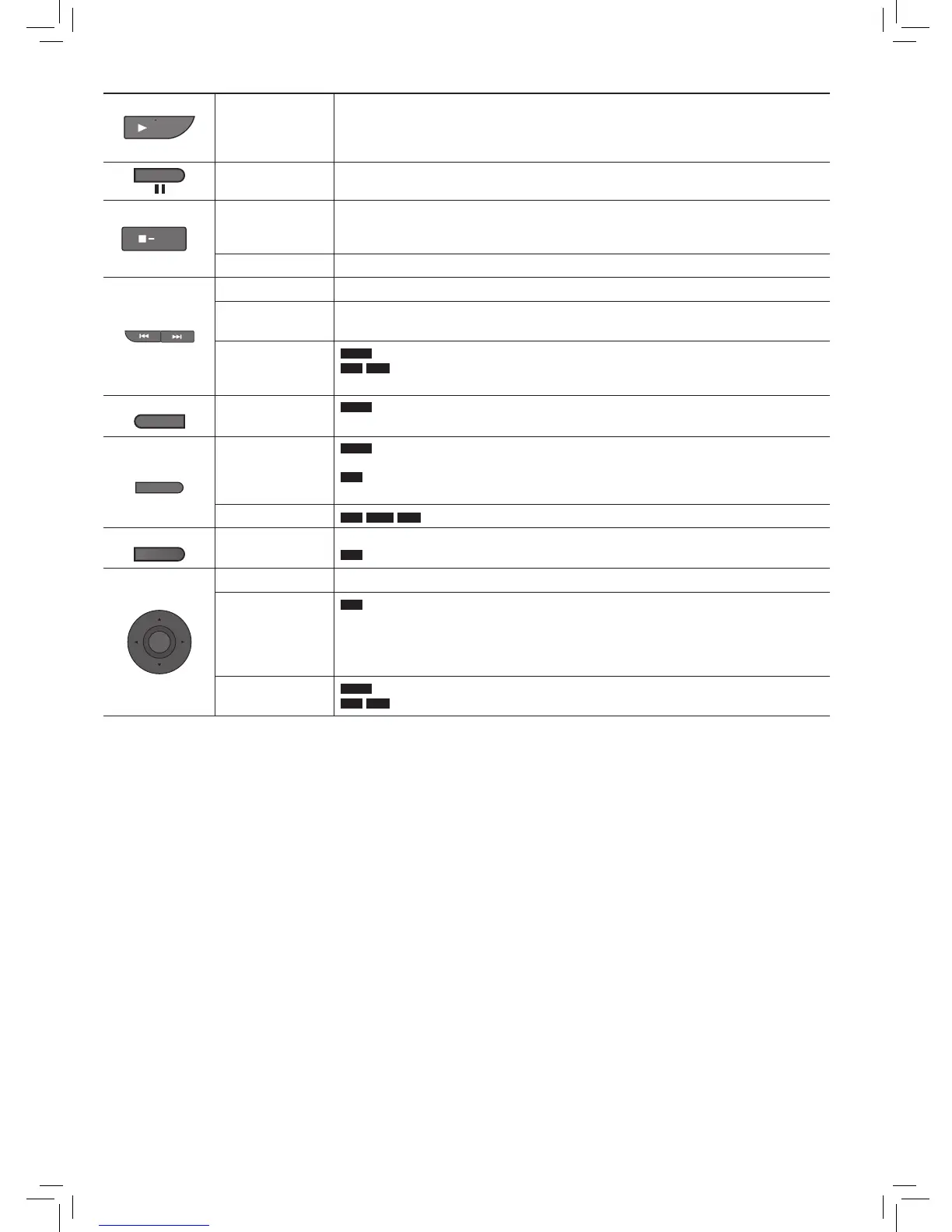
Stop
The position is memorized when you press it for the first time.
● Press
[
q
ON] to resume. (Resume play)
Opening the disc lid or pressing [
g
–OFF] cancels the memorized position.
Turn unit off Press and hold until the unit is off.
Skip
Press [
u
,
i
].
Search
Press and hold [
u
,
i
].
Press [
q
ON] to return to normal play.
Slow play
DVD-V
Press and hold [
u
,
i
] while paused.
VCD
DivX
Press and hold [
i
] while paused.
Press [
q
ON] to return to normal play.
Menu operation
Press [
e
r
w
q
] and [OK] to set.
Number Select
VCD
(with PBC off)
Press [DISPLAY] to display On-Screen Menus.
Press
[
e
r
] to select item.
Press
[
w
q
] to enter number.
Press [OK].
Frame-by-frame
DVD-V
While paused, press [
q
] or [
h
] to step forward, press [
w
] to step backward.
VCD
DivX
While paused, press [
h
] to step forward only.


 To Next Page