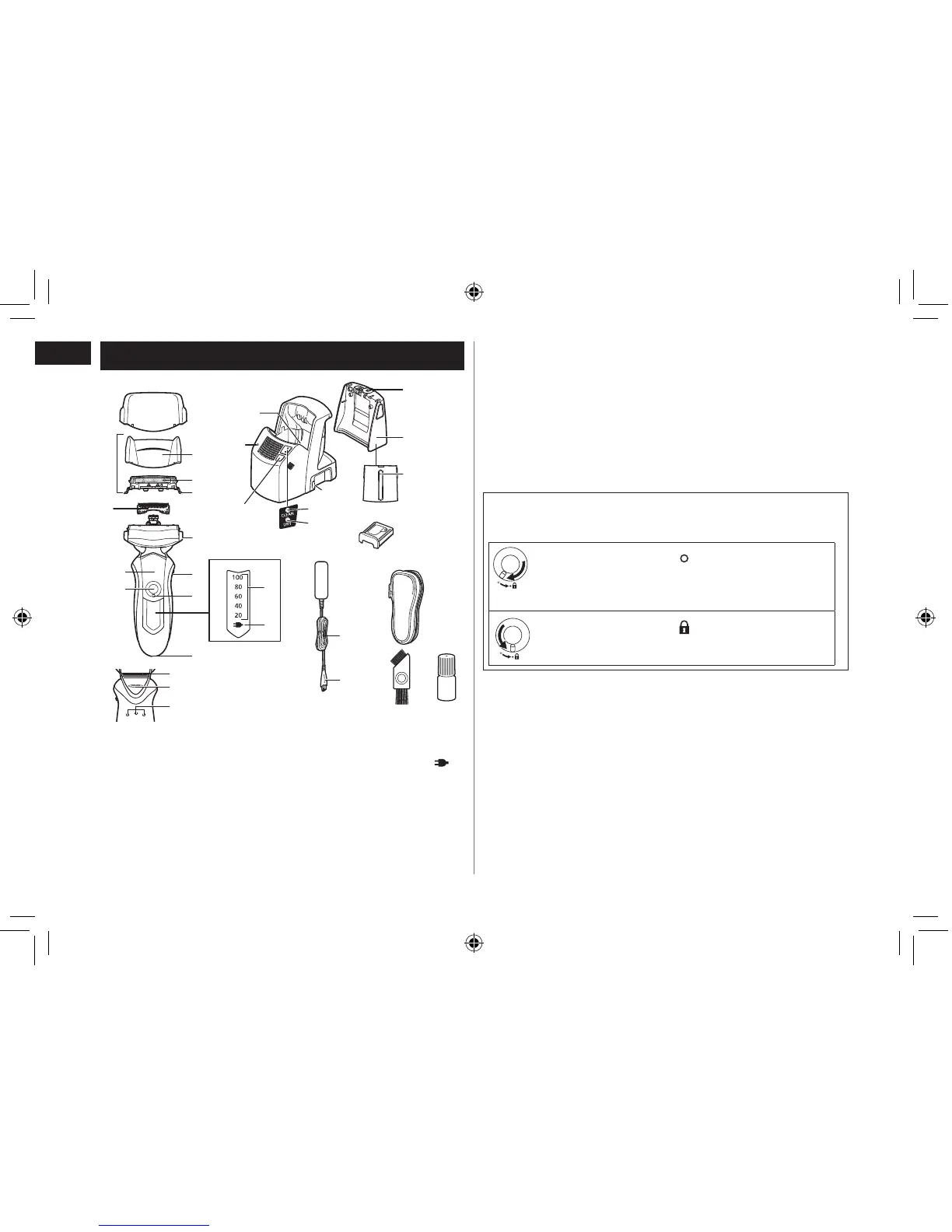
A Protective cap
B Outer foil section
1 Foil frame
2 System outer foil
3 System outer foil release
buttons
C Inner blades
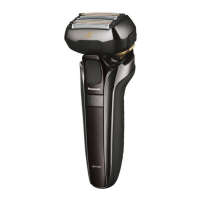
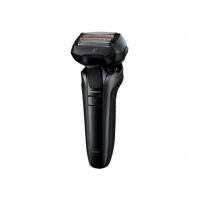
D Main body
4 Foil frame release buttons
5 Pivot action selector
6 Lock ring
7 Battery capacity lamp
8 Charge status lamp ( )
9 Appliance socket
: Power switch [0/1]
; Finger rest
< Trimmer
= Trimmer handle
Main body rear terminal
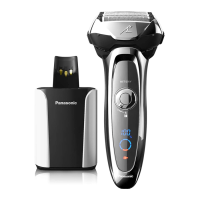
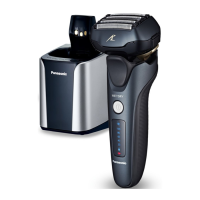
E Self‑cleaning recharger
Water tank cap
Water tank
Water maximum line
Detergent cartridge
Socket
CLEAN lamp
DRY lamp
SELECT button
STATUS lamp
Cleaning tray
F AC adaptor (RE7‑59)
Power cord
Appliance plug
G Travel case
H Cleaning brush
I Oil
Using the lock ring
Use the lock ring to lock or unlock the power switch.
Rotate the lock ring until it clicks.
Rotate the lock ring to “ ” to unlock the power
switch:
For when shaving, washing the shaver, lubricating
the shaver.
Rotate the lock ring to “ ” to lock the power
switch:
For when carrying the shaver.







 To Next Page