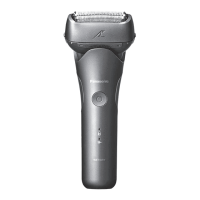
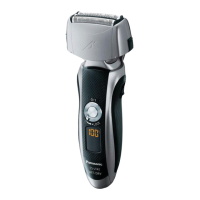
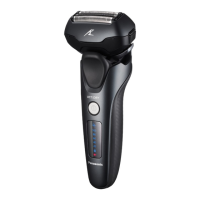
13
TR RO H SK CZ PL FIN S N P DK E NL I F D GB
A
1 Protective cap
2 System outer foil
3 Foil frame
4 Foil frame release
buttons
5 Power switch
Can be locked when
carrying around, or
can be set to the
sonic vibration
cleaning mode when
cleaning with water.
6 Lamp display
a. Shaving sensor
lamp (
)
b. Battery capacity
lamp
c. Switch lock lamp
(
)
d. Charge status
lamp (
)
7 Appliance socket
8 Outer foil section
9 System outer foil
release buttons
Inner blades
; Trimmer
Trimmer handle
B AC adaptor (RE7-87)
Adaptor
Power plug
Cord
Appliance plug
Accessories
C
Travel pouch
ES-LT68
D Cleaning brush
E Oil
F
Operating Instructions
G Guarantee Card
Preparation
Charging the shaver
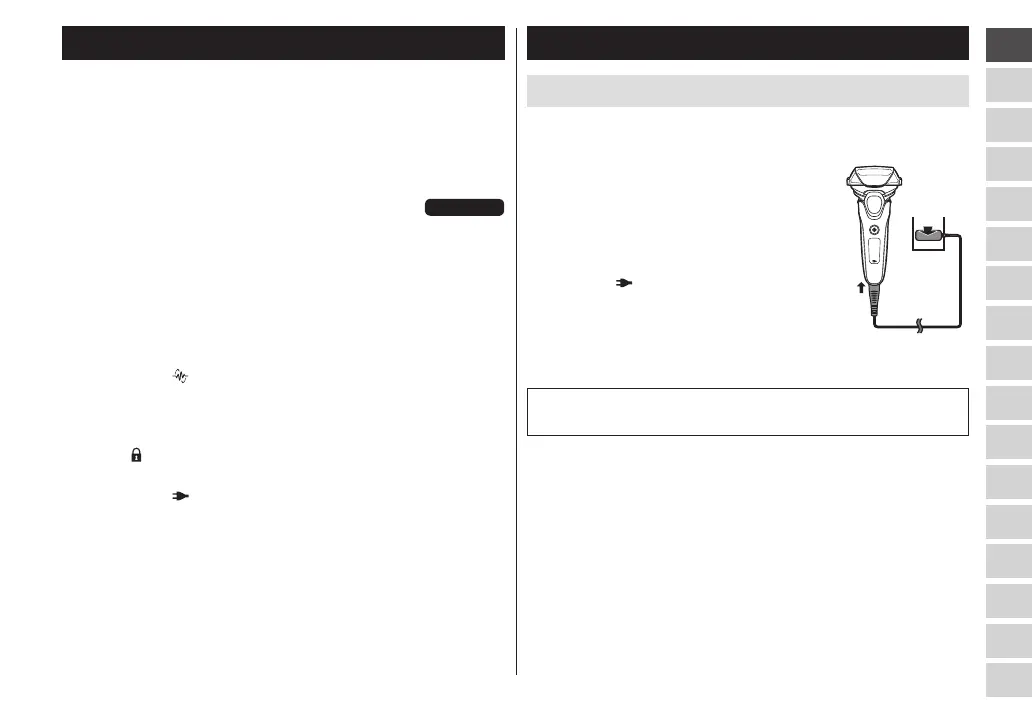
• Turn the shaver off.
• Wipe off any water droplets on the appliance socket.
1
Insert the appliance plug
[B] into the shaver�
2
Plug the adaptor [B] into a
household outlet�
• Check that the charge status
lamp (
) is glowing.
• Charging is completed after
approx. 1 hour.
3
Disconnect the adaptor after
charging is completed�
1
2
Note
You cannot operate the shaver while charging.


 To Next Page
 Loading...