The following symbol indicates that a specific detachable
power supply unit is required for connecting the electrical
appliance to the supply mains. The type reference of power
supply unit is marked near the symbol.
•
3
English
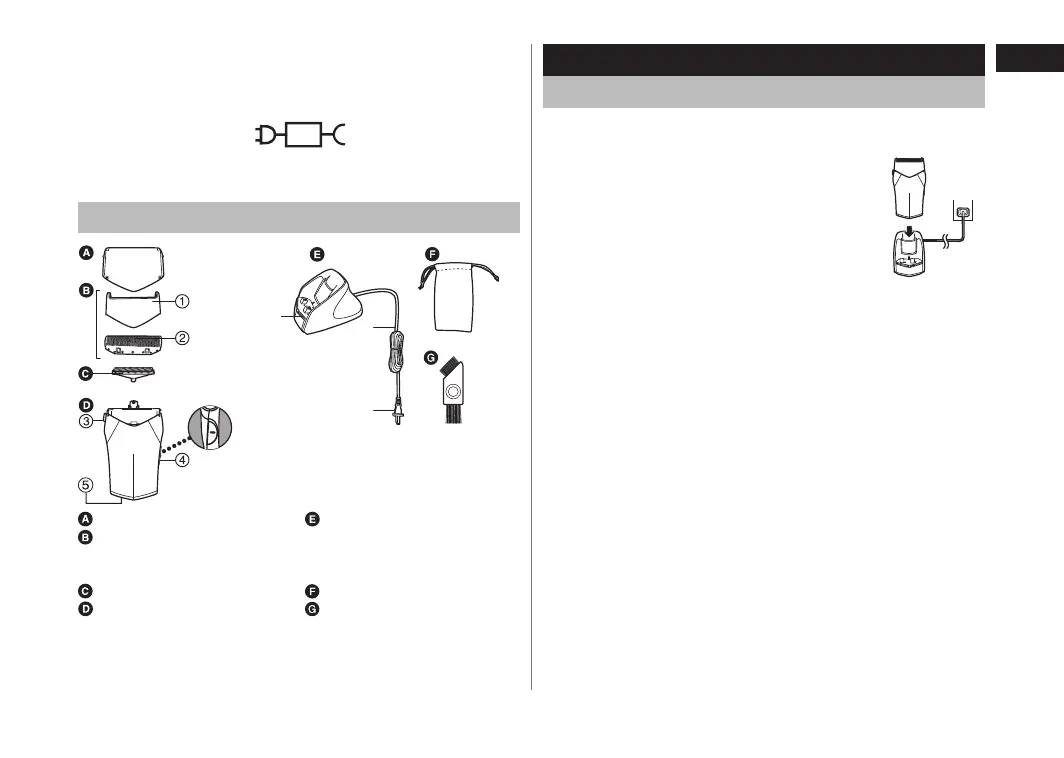
Parts identification
⑥
⑦
⑧
Protective cap
Outer foil section
① Foil frame
② Outer foil
Inner blade
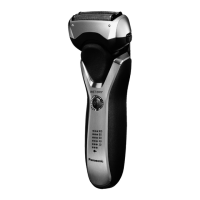
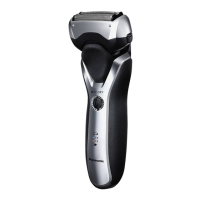
Main body
③ Foil frame release button
④ Power switch [0/1]
⑤ Appliance socket
AC adaptor (RE7-62)
⑥ Charge indicator lamp
⑦ Power cord
⑧ Power plug
Travel pouch
Cleaning brush
Charge
Charging the shaver
Perform the following steps to charge the shaver if it seems to lose
the speed.
1
1
Turn off the shaver and insert it in
the AC adaptor until it clicks as
illustrated.
2
2
Plug in the power plug into a
household outlet.
The charge indicator lamp glows red.
Charging is completed after approx. 8 hours.
The charge indicator lamp glows and stays on until the power
plug is disconnected from a household outlet.
Recommended ambient temperature for charging is 0-40 °C. The
battery may not charge under extreme low or high temperatures.
When charging the shaver for the first time or when it has not
been in use for more than 6 months, the charge indicator lamp
may not glow. It will eventually glow if kept connected.
•
•
•
•
ES-RC30_TW.indb 3 2014/03/05 14:04:35



 To Next Page