11
English
Charging the shaver
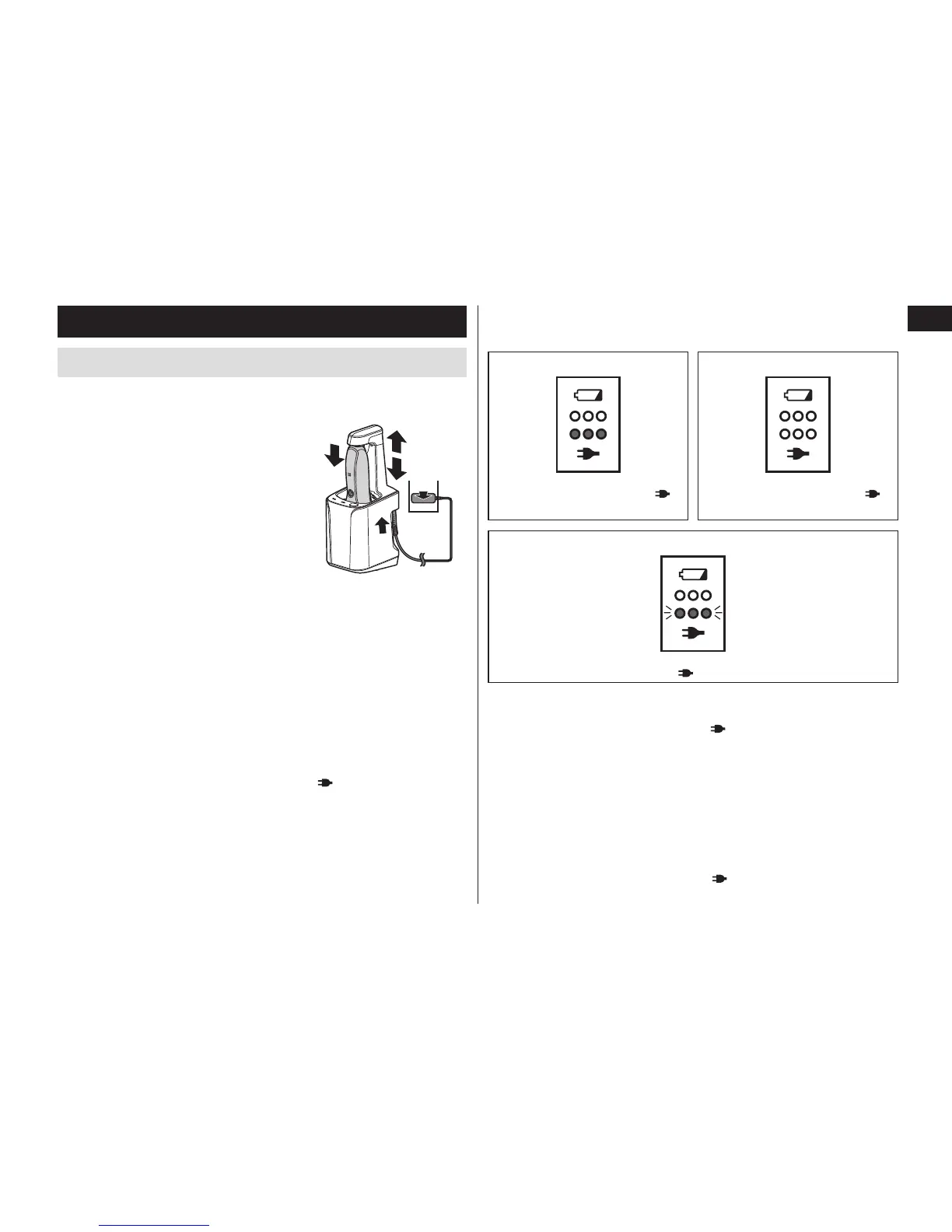
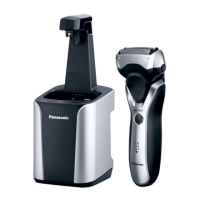
Charging using the self-cleaning recharger
Thoroughly wipe off any drops of water on or around the self‑
cleaning recharger so that it is dry before charging the shaver.
1
1
Insert the appliance plug into
the self-cleaning recharger.
2
2
Pull up the arm until it clicks.
3
3
Remove the protective cap
or comb attachment and
then attach the shaver.
• Turn the shaver off before attaching.
• Check that the system outer foil is
not deformed or damaged when
you are attaching the shaver.
1
2
4
3
5
• Put shaver into the self‑cleaning recharger with the trimmer
handle retracted. If the trimmer handle is not retracted, it
might scratch the cleaning tray.
4
4
Push down the arm until it clicks.
5
5
Plug in the adaptor into a household outlet.
• The “Charge” mode starts when attaching the shaver.
• Check that the charge status lamp ( ) glows.
• Charging is completed after approx. 1 hour.
The charging time may differ with the charging capacity.
• Top‑up charging will not cause reductions in battery performance.
• The appliance can be charged even with the cleaning liquid
unit removed.
• If the shape of the plug does not fit the power outlet, use an
attachment plug adaptor of the proper configuration.
6
6
Disconnect the adaptor after charging is
completed.
While charging After charging is completed
The charge status lamp ( )
glows.
The charge status lamp ( )
turns off.
Abnormal charging
The charge status lamp ( ) blinks twice every second.
• After charging is completed, turning the power switch ON with
the shaver plugged in or connected to the self‑cleaning recharger
will cause the charge status lamp (
) to turn on, and then turn
off after 5 seconds.
This shows that the shaver is fully charged.
• Recommended ambient temperature for charging is 10 – 35 °C
(50 – 95 °F). It may take longer to charge or the battery may fail to
charge properly in extremely high or low temperatures.
Charge the shaver within the recommended ambient temperature range.
• When charging the shaver for the first time or when it has not
been in use for more than 6 months, the charging time may
change or the charge status lamp ( ) may not glow for a few
minutes. It will eventually glow if kept connected.



 To Next Page