7
English
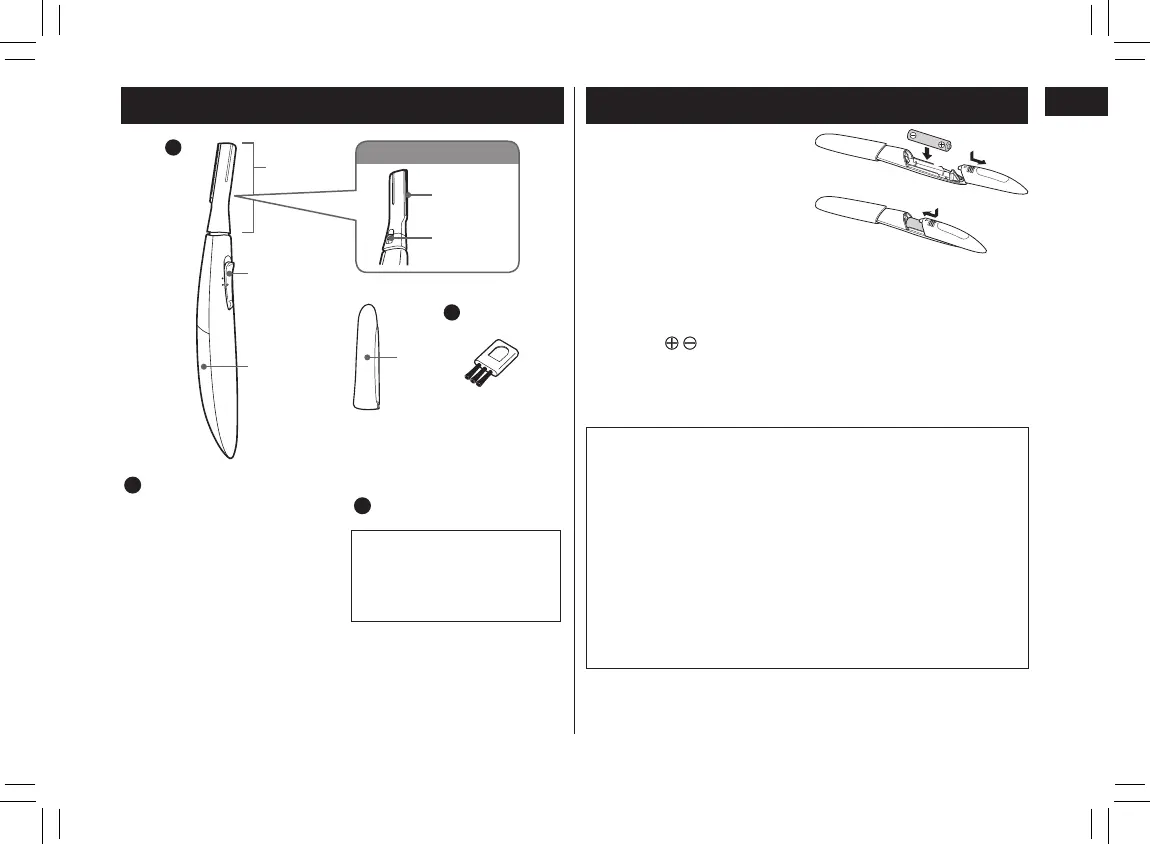
Parts identication
1
0
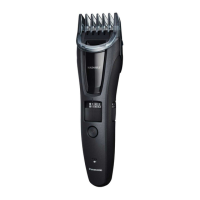
BODY
B
Back
A
Main body
1 Head
2 Power switch [0/1]
3 Battery cover
4 Blade
5 Blade release
button
6 Protective cap
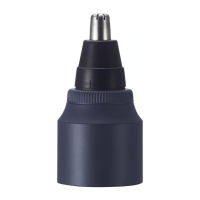
Accessory
B
Cleaning brush
The battery is not
provided.
Please purchase it at a
dealer.
Installing the battery
• Always attach the
protective cap when
installing or replacing the
battery.
• Make sure the power
switch is in the “0”
position.
1. Pull the battery cover to
remove it.
2. Check
and insert the
battery.
3. Attach the battery cover.
Press rmly until it clicks.
1
2
3
Notes
• You can use the appliance for approximately 1
month with the Panasonic LR03 (AAA alkaline
battery).
(When used in an environment at a 20 °C (68 °F)
room temperature, twice a week, and ve minutes at
a time.)
• Use only LR03 (AAA alkaline battery).
• Do not use rechargeable type battery.
• If using a battery other than the specied type, the
power or number of use may vary.
PB017344 -ES-WR50 ������_(01GB)_04-22-19.indd 7 2019/4/22 13:22:57


 To Next Page