VR401
41
When you feel
confused
Symptom Please confirm the following:
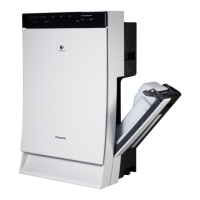
It is difficult to install the tray to
the body.
● Is the humidifying filter or the filter frame installed properly? (P.35)
→ If they are installed incorrectly, it may be difficult to install / remove
the tray to/from the body.
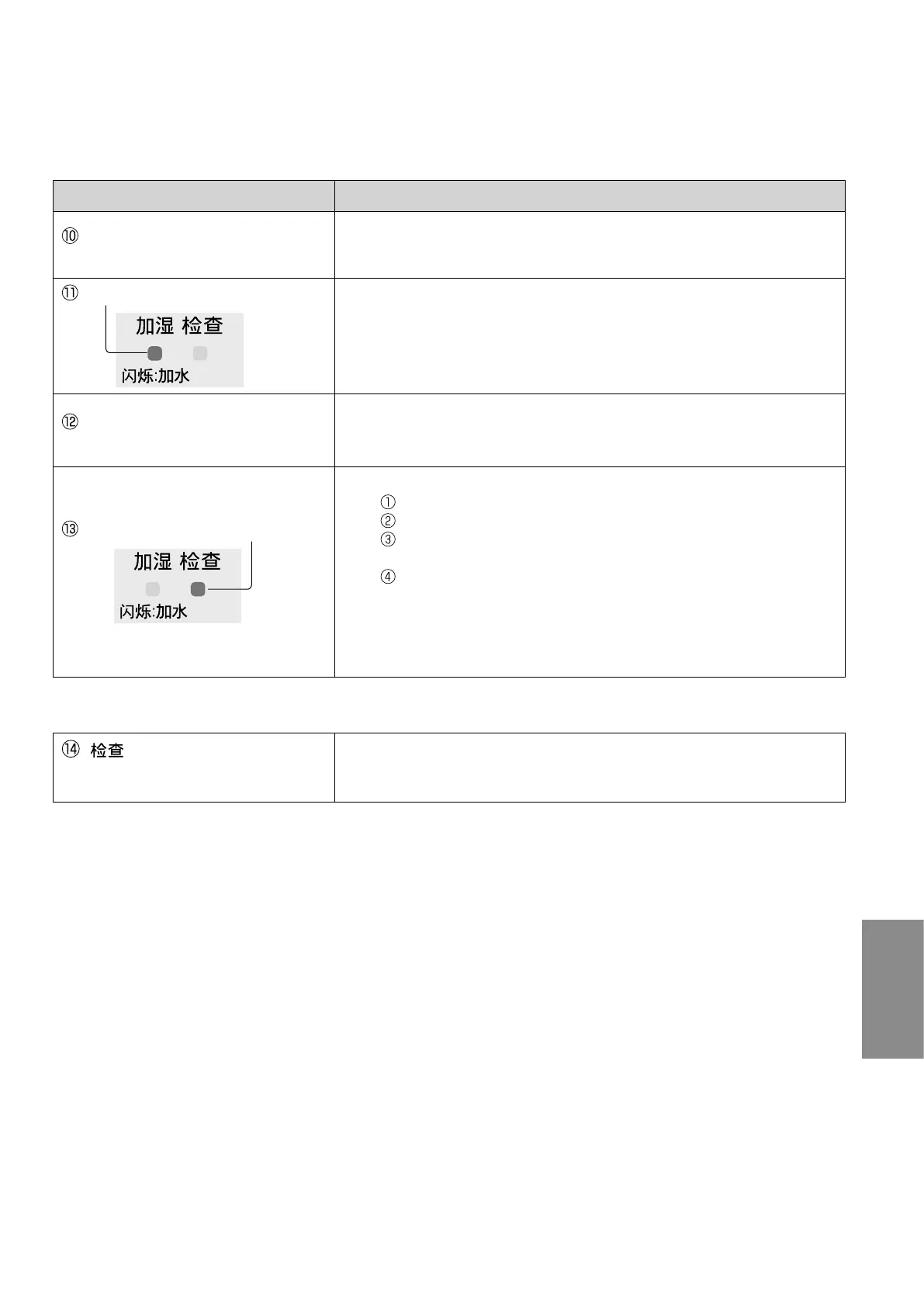
The humidifying indicator blinks.
● Is the tray filled with water? (P.29)
Water is empty in "Humidifying clean air" mode.
If the tray is empty, the product will switch to "Clean air" mode.
→ To continue humidifying, fill the tray with water. (P.29)
Even if the tray is not empty, the
humidifying indicator blinks.
● Is the tray installed properly and completely?
● Is the product inclined?
→ Place the product on the flat and stable platform or floor.
The check indicator blinks.
● Is the product fell down?
→ Disconnect the power plug.
Raise the product. (Wipe off the spilled water.)
Leave the product more than half a day without operation.
(Dry the interior of the product completely, if water enters inside.)
Reconnect and turn on the product.
● Has the product been shaken, inclined, or given impact?
→ Disconnect and connect the power plug again.
● Has the magnet or any metal objects been placed on the product?
→ Disconnect and connect the power plug again.
Contact an authorized service center (as described in the warranty) immediately in the following case.
[ (Check)] indicator is lit
and all [Air Volume] indicators
are blinking.
● Failure has occurred.
→ Disconnect the power plug and contact an authorized service
center (as described in the warranty) for a check or repair.


 To Next Page