EasyManua.ls Logo

Panasonic HX-A1 - User Manual

Panasonic HX-A1
42 pages
Print Icon
To Next Page IconTo Next Page
Loading...
Basic Owners Manual
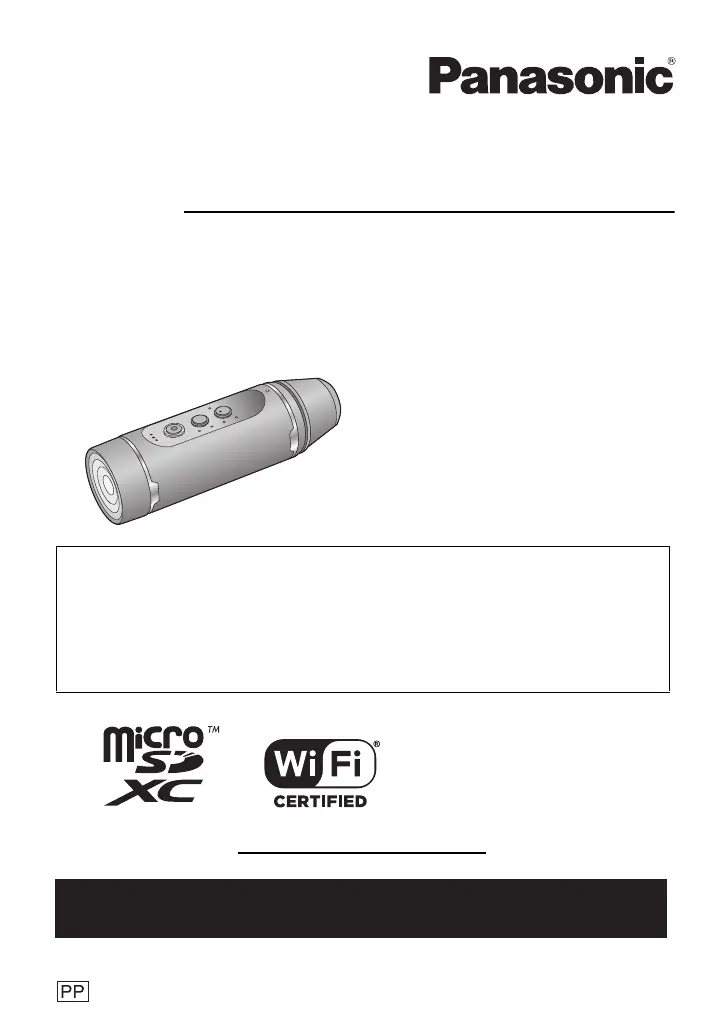
Wearable Camera
Model No.
HX-A1M
More detailed operating instructions are available in “Owner’s Manual (PDF format)”. To read it,
download it from the website.
https://eww.pavc.panasonic.co.jp/hdw/oi/A1/
Click the desired language.
* You will need Adobe Reader to browse or print the Owner’s Manual (PDF format).
You can download and install a version of Adobe Reader that you can use with your OS from
the following website. (As of March 2015)
http://www.adobe.com/products/acrobat/readstep2.html
SQT0885-1
until
2015/4/20
Please read these instructions carefully before using
this product, and save this manual for future use.
Register online at www.panasonic.com/register (U.S. customers only)
If you have any questions, visit :
U.S.A. : www.panasonic.com/support
Canada : www.panasonic.ca/english/support
HX-A1M-SQT0885_mst.book 1 ペー 015年6月1日 月曜日 午前9時58分

Questions and Answers

  • K
    Kimberly RuizJul 29, 2025
    What to do if Wi-Fi connection is not possible between Panasonic Action Cameras and a smartphone?
    • J
      Jessica AguirreJul 29, 2025
      If you're having trouble connecting your Panasonic Action Camera to a smartphone via Wi-Fi, first check the smartphone's Wi-Fi settings to ensure it's properly connected to the camera. Also, verify that you've entered the correct SSID and Password. Finally, ensure the smartphone isn't connected to a wireless access point; if it is, change the Wi-Fi access point using the smartphone’s Wi-Fi setup.
  • D
    Dr. Michelle WadeAug 4, 2025
    Why does my Panasonic Action Cameras battery drain so fast?
    • L
      Leah FloresAug 4, 2025
      If your Panasonic Action Camera isn't turning on, staying on, or the battery drains quickly, try recharging the battery. If the operating time remains short even after a sufficient recharge, the battery may be worn out. Also, keep in mind that battery life can be shorter in cold environments.
  • R
    Ricky KeithAug 10, 2025
    What to do if Panasonic Action Cameras Wi-Fi connection is disconnected immediately?
    • B
      Bonnie LongAug 11, 2025
      If the Wi-Fi connection on your Panasonic Action Camera disconnects immediately, check the Wi-Fi settings on your Android device and disable any settings that avoid unnecessary connections.
  • M
    Michael NguyenAug 16, 2025
    How to fix strange color balance on Panasonic HX-A1 Action Cameras?
    • J
      Joshua PooleAug 16, 2025
      If the color balance of your Panasonic Action Camera images appears strange when recording in places like a gymnasium, try setting the [White Balance] to [Indoor 2]. If the image is still unclear, use the [Custom] setting.
  • J
    James RojasAug 21, 2025
    Why do my Panasonic Action Cameras videos flicker?
    • B
      Brandi BradleyAug 22, 2025
      If your Panasonic Action Camera recorded motion pictures flicker or show horizontal lines, especially when using [1280k720/60fps] or [848k480/ 120fps] in [Slow Motion], this may occur under fluorescent lighting.

Summary

Safety and Handling

General Safety Precautions

Warns against hazards like fire and electric shock, detailing safe usage and handling practices.

Preparation and Setup

Waterproof and Durability Features

Explains the unit's IP68 waterproof rating and MIL-STD drop test compliance for rugged use.

Power and Charging Guide

Instructions for charging the unit's built-in battery and related charging time information.

Connectivity and Control

Wi-Fi Functionality and Security

Details on using the Wi-Fi feature, potential risks, and interference avoidance.

Smartphone App Integration

Steps to install the Panasonic "Image App" on a smartphone to control the camera.

Smartphone Connection and Configuration

Guides on establishing Wi-Fi connection and setting up date, time, and network parameters.

Panasonic HX-A1 Specifications

General IconGeneral
BrandPanasonic
ModelHX-A1
CategoryAction Cameras
LanguageEnglish

Related product manuals