EasyManua.ls Logo

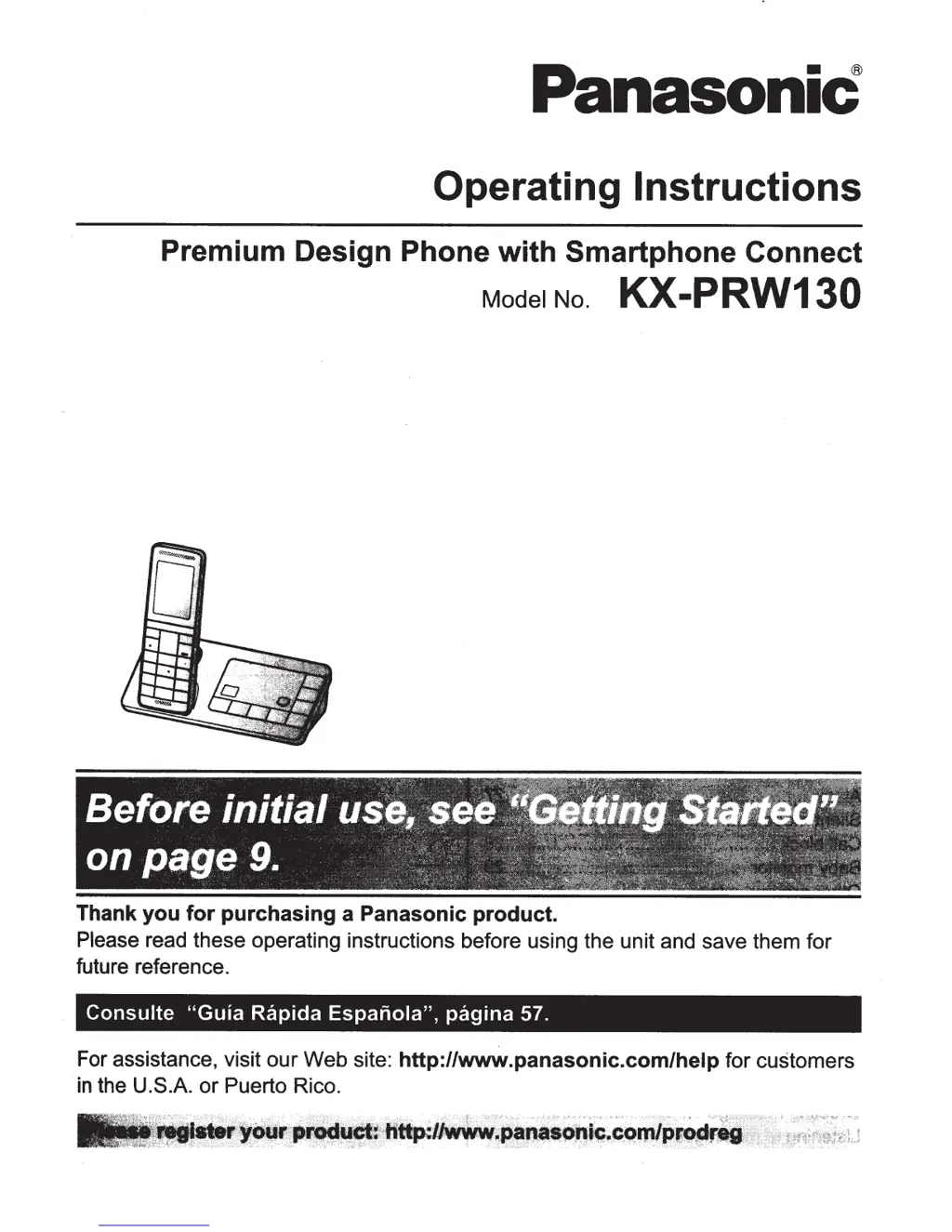
Panasonic KX-PRW130 - User Manual

Panasonic KX-PRW130
77 pages
Print Icon
To Next Page IconTo Next Page
Loading...
PanasoniC
Operating
Instructions
Premium Design Phone
with
Smartphone
Connect
Model No.
KX-PRW130
Thank
you
for
purchasing
a Panasonic product.
Please
read these operating instructions before using the unit and save them for
future reference.
Consulte
"Guia
Rap
ida
Espanola",
pagina
57.
For assistance, visit our Web site:
http://www.panasonic.com/help
for customers
in
the U.S.A. or Puerto Rico.

Other manuals for Panasonic KX-PRW130

Questions and Answers

  • F
    fred68Aug 8, 2025
    Why my Panasonic Digital phone doesn't have a dial tone?
    • C
      Cynthia PatrickAug 8, 2025
      If you cannot hear a dial tone on your Panasonic Digital phone, ensure you are using the supplied telephone line cord, as older cords may have different wiring. Also, check that the base unit's AC adapter and telephone line cord are properly connected. If the issue persists, disconnect the base unit and connect the telephone line to a working phone. If the working phone operates, the unit may need repair; if it doesn't, contact your service provider.
  • M
    Mitchell GeorgeAug 13, 2025
    Why is my Panasonic Digital phone base unit beeping?
    • C
      Christina BrownAug 13, 2025
      The Panasonic Digital phone base unit beeps to indicate that new messages have been recorded. You should listen to the new messages.
  • S
    samantha52Aug 18, 2025
    How to fix a blank or dark display on Panasonic Digital phone?
    • C
      Connie TaylorAug 18, 2025
      If your Panasonic Digital phone handset display is blank or dark, it might be in screen saver mode. To activate the display, press M N during a call or press MOFFN at all other times. Alternatively, check if “LCD backlight” is set to “Off” while on charge and change the setting.
  • N
    Natalie JohnsonAug 23, 2025
    What to do if my Panasonic Digital phone unit does not work?
    • K
      Kristopher MillerAug 23, 2025
      If your Panasonic Digital phone unit isn't working, make sure the batteries are correctly installed. Fully charge the batteries. Check all connections. Try resetting the unit by unplugging the base unit's AC adapter, then reconnecting it. Also, ensure the handset is registered to the base unit.
  • D
    diazjustinAug 28, 2025
    What to do if Panasonic Digital phone handset display begins operating automatically?
    • A
      Anthony RiggsAug 29, 2025
      If the handset display on your Panasonic Digital phone starts operating automatically, it means that the demonstration mode is activated. To solve this, remove the batteries from the handset, and then re-insert them.
  • A
    Alexa JonesSep 2, 2025
    What to do if Panasonic Digital phone handset does not turn on?
    • S
      Susan RiveraSep 2, 2025
      If your Panasonic Digital phone handset does not turn on even after installing charged batteries, place the handset on the base unit or charger to turn it on.

Summary

Important Information and Safety

Safety, Installation, and Medical Info

Covers safety warnings, installation guidance, operating safeguards, and medical device considerations.

Battery Information and Handling

Recommends specific battery types and provides handling precautions.

Getting Started with Your Phone

Initial Setup and Connections

Step-by-step guide to connecting and setting up the base unit.

Battery Installation and Charging

Instructions for installing and charging the handset batteries.

Making and Answering Calls

Basic Call Operations

Making, answering, and hanging up calls.

Intercom Communication

Making, answering, and managing intercom calls between handsets.

Phonebook Management

Phonebook Overview and Usage

Storing up to 500 names and numbers, smartphone contact copying.

Adding and Editing Entries

Detailed steps for adding and modifying phonebook entries.

Erasing Phonebook Entries

Procedures for deleting individual or all phonebook entries.

Speed Dial Configuration

Setting up and managing speed dial numbers and entries.

Programming Features

Menu Navigation and Command Codes

Explains accessing features via menus or direct command codes.

Network and Registration

Configuring network settings, Wi-Fi, and registering units.

Call Management and Alarms

Features for call blocking, silent mode, and alarm scheduling.

Answering System Operations

Message Management

Listening to messages, playback controls, and erasing all messages.

Useful Information and Troubleshooting

General Troubleshooting

Step-by-step troubleshooting for common operational issues and specific areas.

Smartphone Connect Setup Guide

Panasonic KX-PRW130 Specifications

General IconGeneral
BrandPanasonic
ModelKX-PRW130
CategoryCordless Telephone
LanguageEnglish

Related product manuals