EasyManua.ls Logo

Panasonic KX-TCA155 - User Manual

Panasonic KX-TCA155
50 pages
Print Icon
To Next Page IconTo Next Page
Loading...
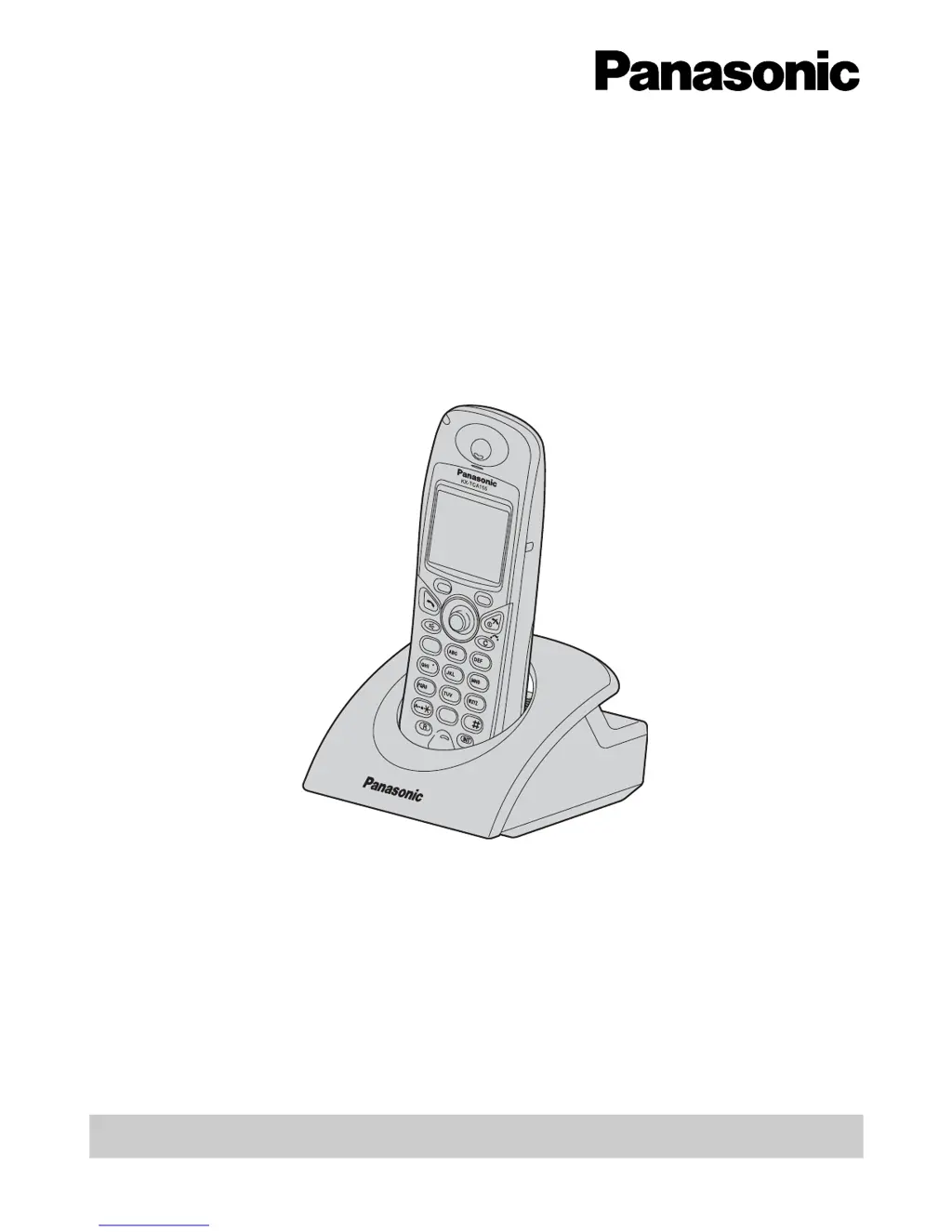
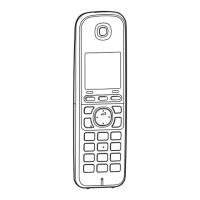
DECT Portable Station
Operating Instructions
Model No. KX-TCA155
Thank you for purchasing the Panasonic KX-TCA155, DECT Portable Station. Please
read this manual carefully before using this product and save this manual for future
use.
This manual is designed to be used with the KX-TCA155 DECT Portable Station and a
Panasonic KX-TDA series Business Telephone System.
Charge the battery for about 7 hours before initial use.
7
1
0
3
6
2
4
8
9
5

Other manuals for Panasonic KX-TCA155

Questions and Answers

  • J
    James AdamsAug 21, 2025
    Why can't I make or receive calls on my Panasonic Cordless Telephone?
    • L
      Larry DavisAug 22, 2025
      If you cannot make or receive a call on your Panasonic Cordless Telephone, it might be because the PS is out of range, or the Cell Station (CS) is busy. Try moving closer to the CS or try again later. It could also be that the radio channel is busy, or a radio communication error occurred; in this case, simply try again later.
  • M
    Melissa GillespieSep 4, 2025
    What to do if my Panasonic IP Phone displays 'PS Not Connected'?
    • J
      John AllenSep 4, 2025
      If your Panasonic IP Phone displays 'PS Not Connected', it indicates that the called phone is either out of range or powered off. Please try again later.
  • K
    Kevin KnappSep 2, 2025
    How to fix noise issues on my Panasonic IP Phone?
    • B
      brownkatieSep 3, 2025
      If you are experiencing frequent noise during calls on your Panasonic IP Phone, try the following: * Move the phone and the Cell Station away from other electrical appliances. * Move closer to the Cell Station.
  • T
    Tracy BrownSep 1, 2025
    What to do if 'CS BUSY' is displayed on my Panasonic KX-TCA155 IP Phone?
    • J
      Jacob ReeseSep 1, 2025
      If your Panasonic IP Phone displays 'CS BUSY', it means the Cell Station is currently busy. Please try your call again later.
  • M
    Mr. Jose Villarreal MDAug 31, 2025
    What to do if Panasonic Cordless Telephone stops working during operation?
    • K
      Kevin SmithAug 31, 2025
      If your Panasonic Cordless Telephone (PS) stops working during operation, turn the power OFF and ON, then try again. You can also try reinserting the batteries and try again.
  • L
    Laurie BrownAug 29, 2025
    What to do if I cannot dial on my Panasonic Cordless Telephone?
    • J
      John JamesAug 29, 2025
      If you cannot dial on your Panasonic Cordless Telephone, it could be due to several reasons. The number you dialed might be restricted by the Business Telephone System. Alternatively, the key lock mode might be ON; to cancel it, press the Joystick for about 2 seconds. Also, the radio channel may be busy, or a radio communication error may have occurred, so try again later.
  • H
    Hector SnyderAug 27, 2025
    What does 'PS Not Connected' mean on Panasonic Cordless Telephone?
    • A
      Allison CarrollAug 27, 2025
      If “PS Not Connected” is displayed on your Panasonic Cordless Telephone, the called PS may be out of range, or the PS is powered off. Try again later.
  • Q
    qvazquezAug 27, 2025
    How to fix noise issues on Panasonic Cordless Telephone?
    • D
      Diane AndersonAug 27, 2025
      If you frequently hear noise on your Panasonic Cordless Telephone, try setting the PS and CS away from other electrical appliances. Also, try moving closer to the CS.
  • Y
    yhuffAug 25, 2025
    How to fix Panasonic Cordless Telephone when it does not ring?
    • A
      Anita KingAug 25, 2025
      If your Panasonic Cordless Telephone (PS) does not ring, the ringer volume might be set to “Off”. Adjust the ringer volume level.
  • M
    Matthew FernandezAug 23, 2025
    Why my Panasonic Cordless Telephone does not work?
    • M
      Maria JohnsonAug 23, 2025
      If your Panasonic Cordless Telephone (PS) does not work, it could be due to several reasons. The battery might be drained, so charge it fully. The power might be OFF, so turn it ON. The PS may have been cancelled, or the PS has not been registered, so consult your dealer.

Summary

Operating the DECT Portable Station

Connection and Power Management

Details how to connect the AC adapter, install batteries, and perform the initial battery charge for the device.

Making Calls

Dialing Procedures

Provides instructions on how to dial extension numbers and make calls to outside parties using different methods.

Phonebook Usage

Details how to access, search, and make calls from various phonebook directories.

Receiving Calls

Answering Calls

Provides steps for answering different types of incoming calls, including intercom and group calls.

During a Conversation

Call Transfer and Holding

Guides on how to transfer calls to extensions or outside parties, and how to put calls on hold.

Programming and Settings

Customizing Initial Settings

Guides on customizing handset settings through the menu system for personalized operation.

Troubleshooting Guide

Resolving Common Issues

Offers solutions for common problems encountered with the DECT portable station, such as connectivity and operational issues.

Important Information and Safety

Battery Information and Care

Provides essential information on battery performance, charging best practices, warnings, and replacement procedures.

Safety and Environmental Guidelines

Outlines crucial safety precautions, environmental considerations, and proper placement guidelines for the device.

Panasonic KX-TCA155 Specifications

General IconGeneral
BrandPanasonic
ModelKX-TCA155
CategoryIP Phone
LanguageEnglish

Related product manuals