EasyManua.ls Logo

Panasonic KX-TGM430B - User Manual

Panasonic KX-TGM430B
112 pages
Print Icon
To Next Page IconTo Next Page
Loading...
Operating Instructions
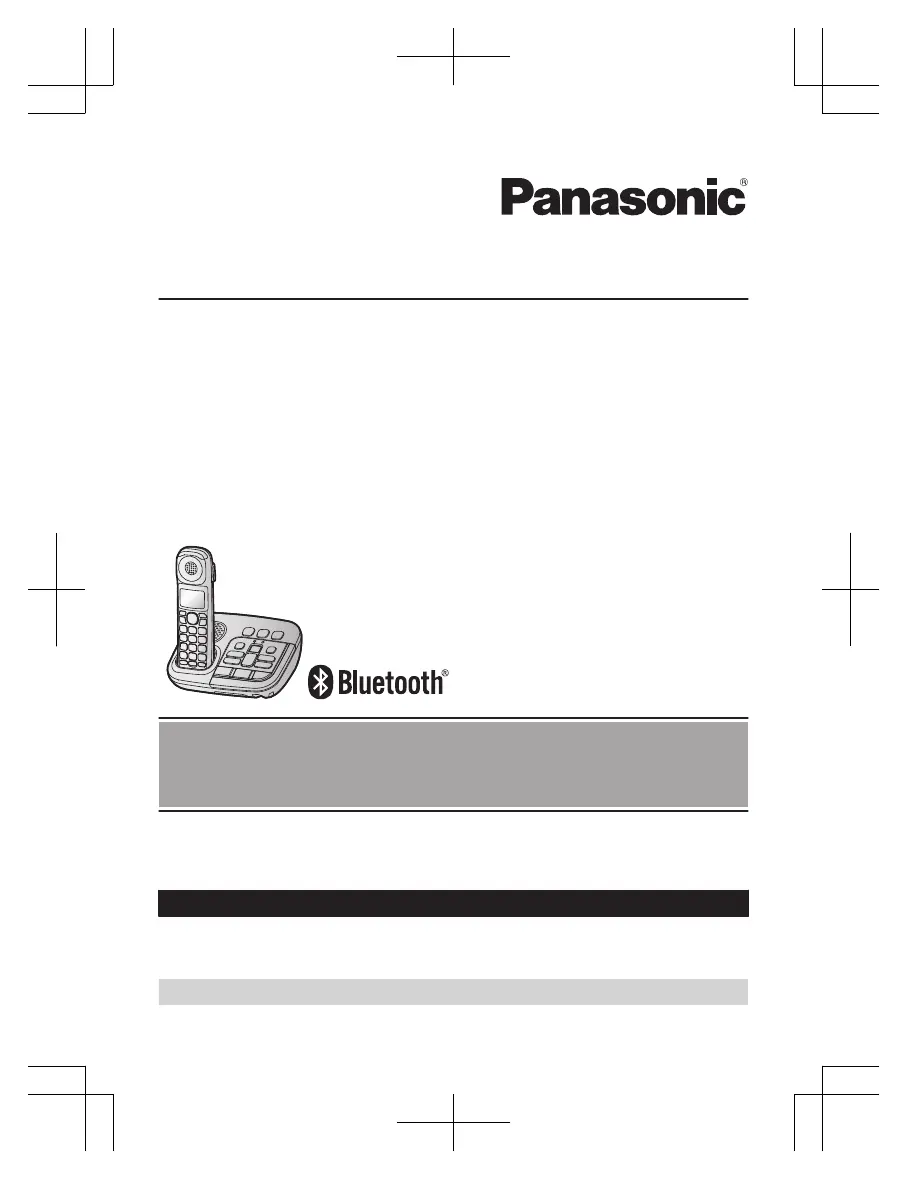
Amplified Cordless Telephone with Bluetooth and Digital Answering Machine
Model No. KX-TGM430
Before initial use, see “Getting Started”
on page 13.
Thank you for purchasing a Panasonic product.
Please read these operating instructions before using the unit and save them for
future reference.
Consulte “Guía Rápida Española”, página 94.
For assistance, visit our Web site: http://shop.panasonic.com/support for
customers in the U.S.A.
Please register your product: http://shop.panasonic.com/support
TGM43x(en)_0426_ver031.pdf 1 2016/04/26 10:55:15

Table of Contents

Questions and Answers

Summary

Important Information

For Your Safety

Crucial safety precautions for power connection, installation, and operation.

Getting Started

Accessibility

Volume Booster

Steps to activate and adjust the volume booster feature for louder sound.

Link to Cell

Link to Cell Feature

Overview of connecting the base unit and cellular phone via Bluetooth.

Pairing a Cellular Phone

Step-by-step guide to pair a cellular phone with the base unit via Bluetooth.

Making;Answering Calls

Making Cellular Calls

Instructions for making and answering calls using the cellular line.

Making Landline Calls

Instructions for making and answering calls using the landline connection.

Answering Calls

How to answer incoming calls on the handset and base unit.

Call Block

Call Block

How to disconnect calls and add numbers to the block list.

Phonebook

Adding Phonebook Entries

How to add new contact entries with names and numbers.

Programming

Caller ID Service

Using Bluetooth Devices

Answering System for Landline

Summary

Important Information

For Your Safety

Crucial safety precautions for power connection, installation, and operation.

Getting Started

Accessibility

Volume Booster

Steps to activate and adjust the volume booster feature for louder sound.

Link to Cell

Link to Cell Feature

Overview of connecting the base unit and cellular phone via Bluetooth.

Pairing a Cellular Phone

Step-by-step guide to pair a cellular phone with the base unit via Bluetooth.

Making;Answering Calls

Making Cellular Calls

Instructions for making and answering calls using the cellular line.

Making Landline Calls

Instructions for making and answering calls using the landline connection.

Answering Calls

How to answer incoming calls on the handset and base unit.

Call Block

Call Block

How to disconnect calls and add numbers to the block list.

Phonebook

Adding Phonebook Entries

How to add new contact entries with names and numbers.

Programming

Caller ID Service

Using Bluetooth Devices

Answering System for Landline

Panasonic KX-TGM430B Specifications

General IconGeneral
Colorblack
Speakerphoneyes
Expandableyes
Paging Locatoryes
Volume Controlyes
Intercomyes
Incoming Lines1
Visual Ring Indicationyes
Ringtones40
Record Time18 minutes
Display Typeled
Message Counteryes
Caller IDyes
Call Waitingyes
Answering Systemyes
Flash Functionno
Conference Callyes
Conference Call Capability3-way
Hold Buttonyes
Caller ID Memory50 gigabytes
Phone Book Memory3000 gigabytes
Handsetsyes
Expansion Base Stations1
Expansion Handsets1, 6
Backlit Keypadyes
Keypad Locationhandset
Bluetoothyes
Frequencydect 6.0 plus digital
Weight and Dimensions IconWeight and Dimensions
Depth5.6 inches
Height2.8 inches
Net Weight17.6 ounces

Related product manuals