EasyManua.ls Logo

Panasonic KX-TGMA44AZ - User Manual

Panasonic KX-TGMA44AZ
76 pages
Print Icon
To Next Page IconTo Next Page
Loading...
Operating Instructions
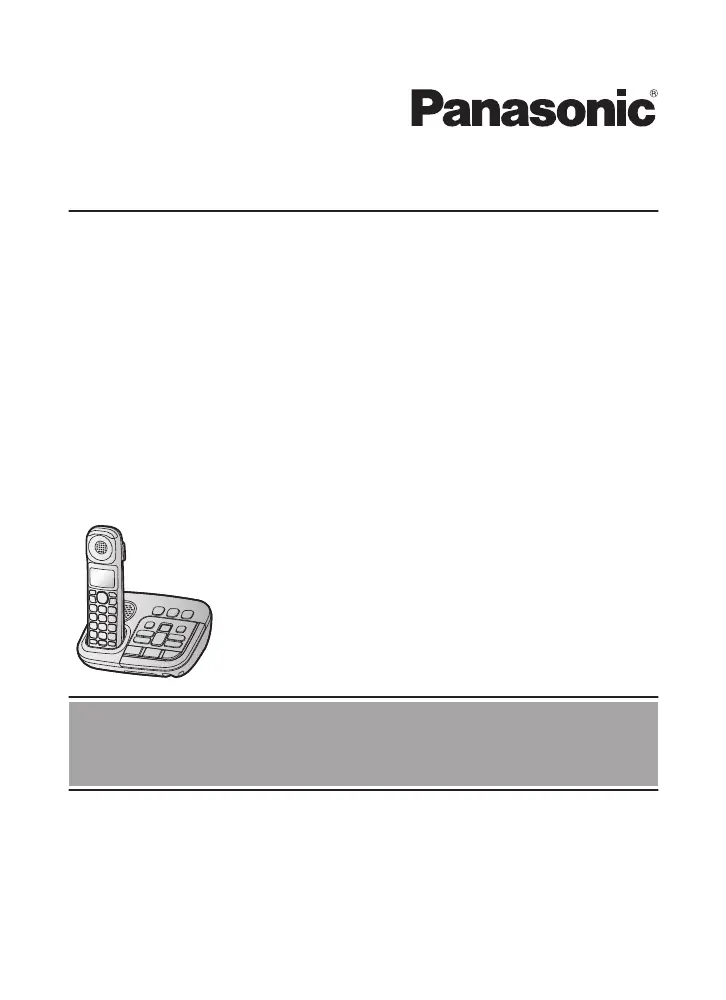
Amplified Digital Cordless Phone with Answering Machine
Model No. KX-TGM420AZ
KX-TGM422AZ
Before initial use, see “Getting Started”
on page 12.
Thank you for purchasing a Panasonic product.
Please read these operating instructions before using the unit and save them for
future reference.
To
use
this
unit in your country, first change the unit’s region setting to match
your country (page 47).
0605_TGM42xAZ OI_ver002.pdf 1 5/6/2016 5:01:39 PM
Accessory Model No. KX-TGMA44AZ

Questions and Answers

Summary

Introduction

Model Composition

Details the included base unit and handset models.

Accessory Information

Lists supplied accessories like AC adaptor, cords, and batteries.

Expanding Your Phone System

Explains how to add optional handsets to the system.

Important Information

For Your Safety

Crucial safety warnings for power, installation, and operation to prevent injury.

For Best Performance

Guidance on optimal base unit placement and environmental considerations.

Specifications

Technical details including frequency range, power, and operating conditions.

Getting Started

Setting Up Connections

Step-by-step instructions for connecting the base unit, charger, and handset.

Controls and Displays

Identifies and explains buttons, icons, and features on the handset and base unit.

Date, Time, and Greeting

Instructions for setting the date/time and recording a custom greeting message.

Accessibility Features

Tone Control

Adjusts voice clarity by modifying equalization settings for better understanding.

Volume and Speech Boosters

Enhances audio output volume and user's voice clarity for better communication.

Assistive Listening Devices

Guides on connecting hearing aids and neckloops for enhanced audio.

Call Management

Making and Answering Calls

Guides users on how to initiate and receive calls using the handset or base unit.

Call Features During a Call

Covers features like Hold, Mute, and Recall during active calls.

Call Block

Allows blocking calls by number or range to reduce unwanted interruptions.

Phonebook and Dialing

Adding Phonebook Entries

Details how to store names and phone numbers for quick access.

Chain Dial

Allows dialing phonebook entries during an active call, e.g., for PINs.

Memory Dial

Assigns phone numbers to dial keys for one-touch calling.

System Programming

Menu Navigation and Codes

Provides access to various features through menu navigation or command codes.

Alarm and Night Mode

Sets up alarms and configures periods of quiet operation.

Registering and Managing Units

Guides on adding or removing additional handsets to the base unit.

Caller ID Service

Using Caller ID Service

Requirements and features for displaying caller information.

Talking Caller ID

Announces caller names/numbers audibly without viewing the display.

Caller List Management

Stores and allows viewing of recent incoming calls with caller details.

Answering System

System Operation and Greeting

Controls system on/off, greeting messages, and recording.

Listening to and Managing Messages

Instructions for playing back and erasing messages left by callers.

New Message Alerts

Configures audible or call-based notifications for new messages.

Answering System Settings

Customizes call screening, ring counts, and other system parameters.

Useful Information

Voicemail Integration

Explains integration and use of phone provider voicemail services.

Wall Mounting and Charger

Provides detailed steps for mounting the base unit and charger.

Troubleshooting and Error Messages

Offers solutions for common problems and explains error codes.

Warranty Information

Other Information

Charge Only Mode

Dedicated mode for charging backup batteries without full unit functionality.

For Your Future Reference

Summary

Introduction

Model Composition

Details the included base unit and handset models.

Accessory Information

Lists supplied accessories like AC adaptor, cords, and batteries.

Expanding Your Phone System

Explains how to add optional handsets to the system.

Important Information

For Your Safety

Crucial safety warnings for power, installation, and operation to prevent injury.

For Best Performance

Guidance on optimal base unit placement and environmental considerations.

Specifications

Technical details including frequency range, power, and operating conditions.

Getting Started

Setting Up Connections

Step-by-step instructions for connecting the base unit, charger, and handset.

Controls and Displays

Identifies and explains buttons, icons, and features on the handset and base unit.

Date, Time, and Greeting

Instructions for setting the date/time and recording a custom greeting message.

Accessibility Features

Tone Control

Adjusts voice clarity by modifying equalization settings for better understanding.

Volume and Speech Boosters

Enhances audio output volume and user's voice clarity for better communication.

Assistive Listening Devices

Guides on connecting hearing aids and neckloops for enhanced audio.

Call Management

Making and Answering Calls

Guides users on how to initiate and receive calls using the handset or base unit.

Call Features During a Call

Covers features like Hold, Mute, and Recall during active calls.

Call Block

Allows blocking calls by number or range to reduce unwanted interruptions.

Phonebook and Dialing

Adding Phonebook Entries

Details how to store names and phone numbers for quick access.

Chain Dial

Allows dialing phonebook entries during an active call, e.g., for PINs.

Memory Dial

Assigns phone numbers to dial keys for one-touch calling.

System Programming

Menu Navigation and Codes

Provides access to various features through menu navigation or command codes.

Alarm and Night Mode

Sets up alarms and configures periods of quiet operation.

Registering and Managing Units

Guides on adding or removing additional handsets to the base unit.

Caller ID Service

Using Caller ID Service

Requirements and features for displaying caller information.

Talking Caller ID

Announces caller names/numbers audibly without viewing the display.

Caller List Management

Stores and allows viewing of recent incoming calls with caller details.

Answering System

System Operation and Greeting

Controls system on/off, greeting messages, and recording.

Listening to and Managing Messages

Instructions for playing back and erasing messages left by callers.

New Message Alerts

Configures audible or call-based notifications for new messages.

Answering System Settings

Customizes call screening, ring counts, and other system parameters.

Useful Information

Voicemail Integration

Explains integration and use of phone provider voicemail services.

Wall Mounting and Charger

Provides detailed steps for mounting the base unit and charger.

Troubleshooting and Error Messages

Offers solutions for common problems and explains error codes.

Warranty Information

Other Information

Charge Only Mode

Dedicated mode for charging backup batteries without full unit functionality.

For Your Future Reference

Panasonic KX-TGMA44AZ Specifications

General IconGeneral
BrandPanasonic
ModelKX-TGMA44AZ
Number of Handsets1
Answering MachineYes
SpeakerphoneYes
Caller IDYes
Talking Caller IDYes
Keypad on BaseNo
Expandable HandsetsYes
Power Outage OperationNo
Hearing Aid CompatibleYes
FrequencyDECT 6.0
Battery LifeUp to 10 hours talk time
Call WaitingYes
IntercomYes
Backlit DisplayYes
Headset JackYes
Display1.8 inch LCD
TypeCordless Phone
RangeUp to 300 meters
Phonebook Capacity50 entries

Related product manuals