23
23
Using this system will make the oven controls inoperable; however, the door can be opened.
Child Lock can be set when the display shows a colon or the time.
Press Start three times
The time of day will disappear. Actual
time will not be lost. ‘Key icon’ is
indicated in the display.
To Set: To Cancel:
Press Stop/Cancel three times
The time of day will reappear in the
display.
When the oven is rst plugged in “88:88” appears in display window.
Setting the Clock
Child Lock
1. To activate child lock, Start must be pressed 3 times within a 10 second period.
Note
1. To reset time of day, repeat step 1 through to step 3, as above.
2. The clock will keep the time of day as long as the oven is plugged in and electricity is
supplied.
3. This is a 24 hour clock, ie 2 pm = 14:00 not 2:00.
Notes
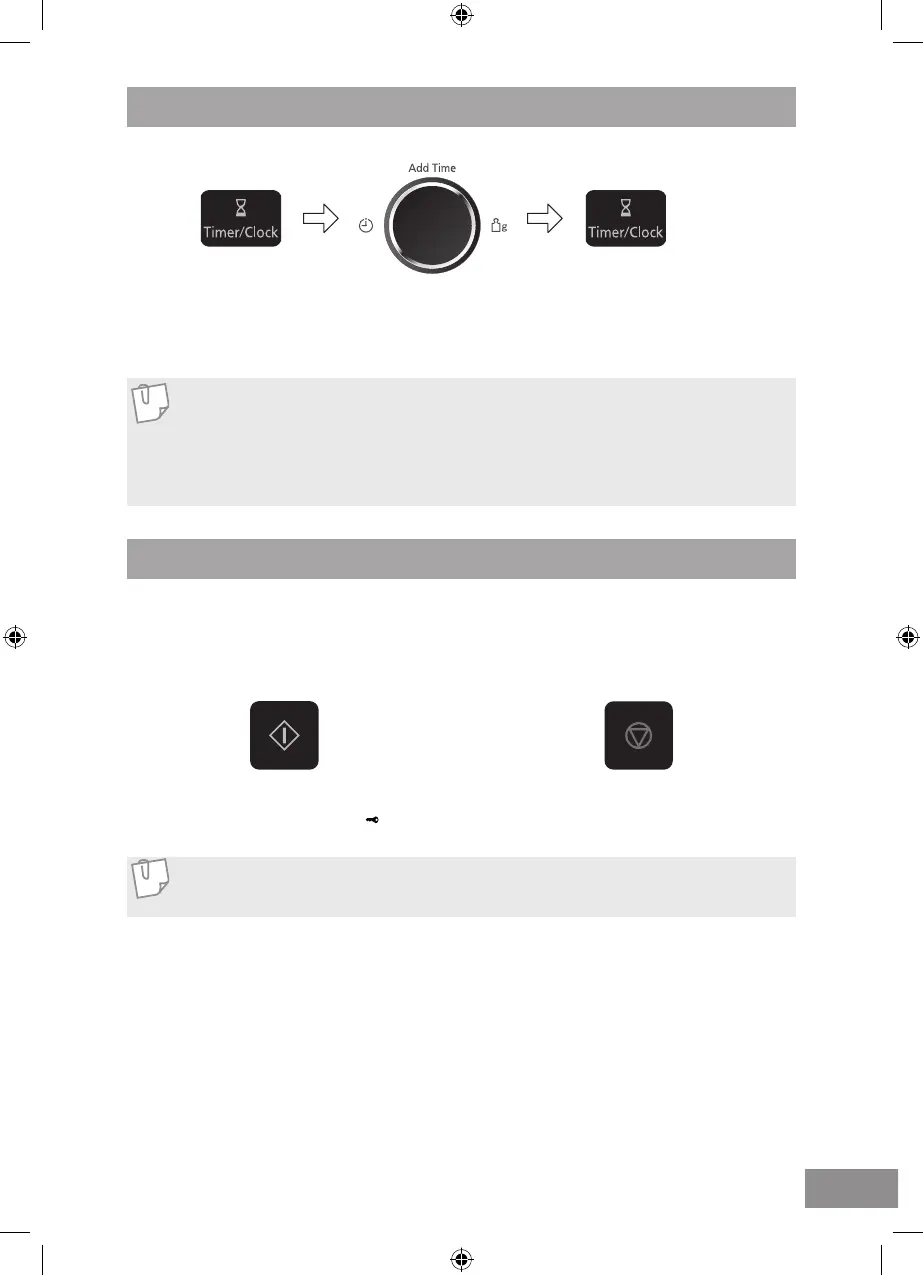
Press Timer/Clock
twice
A colon starts to
blink.
Turn dial
Enter the time by turning the
dial. The time appears in the
display.
Press Timer/Clock
The colon stops blinking.
Time of day is now
locked into the display.



 To Next Page