42
Deleting the Pictures Recorded on a
Card
Using the Movie Camera, you can delete the still pictures
recorded on a Card. After the picture is deleted, it cannot be
restored.
To Select and Delete a Picture
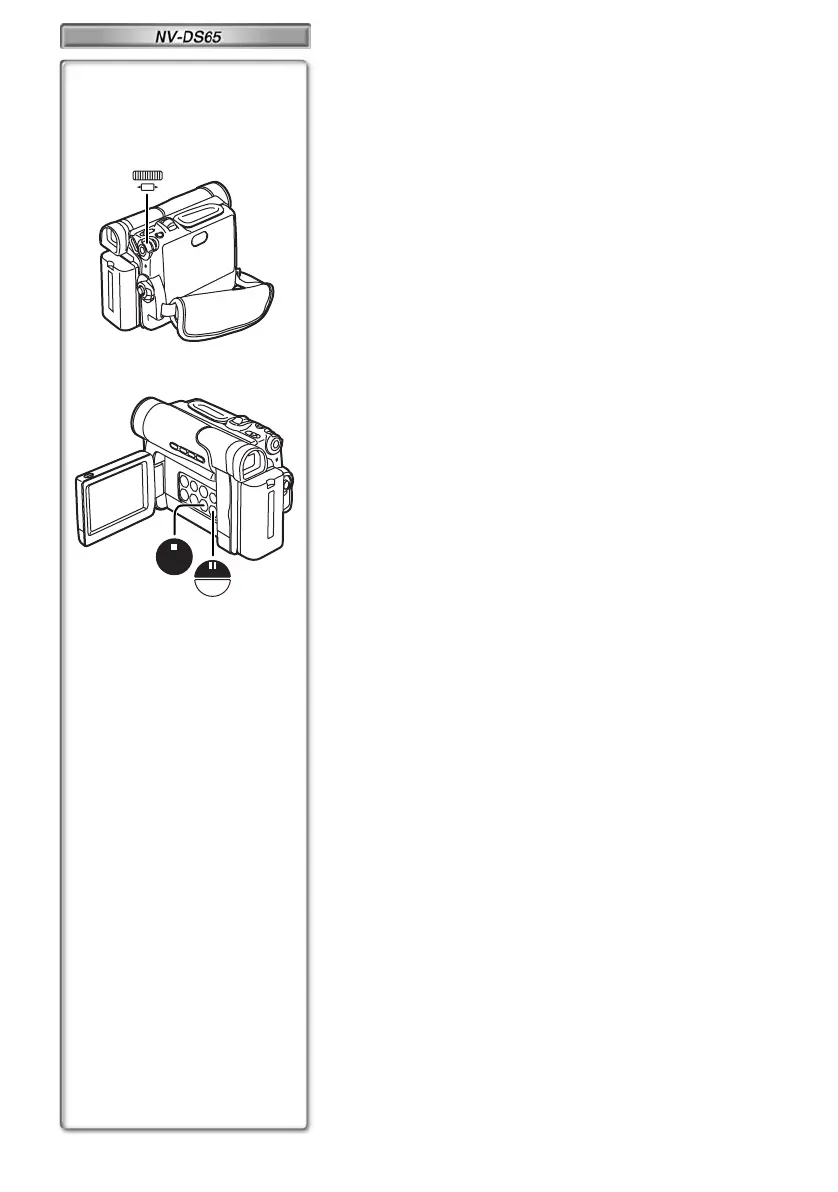
1 Press the [M-DEL] Button in the card playback
mode.
2 Select [FILE] and press the [PUSH] Dial.
3 Select the picture and press the [PUSH] Dial.
≥The selected Picture is underlined pink.
≥A verification message appears.
4 Select [YES] and press the [PUSH] Dial.
≥The selected picture is deleted from the Card.
≥If [NO] is selected, the picture selection is cancelled.
5 Repeat Step 3 and 4 and press the [M-STOP]
Button when the setup is completed.
To Delete All Pictures
1 Press the [M-DEL] Button in the card playback
mode.
2 Select [ALL] and press the [PUSH] Dial.
≥A verification message appears.
3 Select [YES] and press the [PUSH] Dial.
≥All the pictures recorded in the Card are deleted.
To Format the Card
1
Press the [M-DEL] Button in the card playback
mode.
2
Select [FORMAT] and press the [PUSH] Dial.
≥A verification message appears.
3
Select [YES] and press the [PUSH] Dial.
≥All the data recorded in the Card are deleted.
≥For other notes concerning this item, see page 49.
1, 1,
1
2, 3, 4, 5
2, 3,
2
,
3
5
STOP
M-STOP
M-DEL
STILL/
P-IN-P
PUSH
SHUTTER /
W B / IRIS/
MF / JOG
EG-ENG.book 42 ページ 2003年1月6日 月曜日 午後3時43分




 To Next Page