35
HighMAT
CD Text
Page 1/1
Sorted according
to artist
Sorted according
to sampler
Sorted according
to category
Playlist
to select to exit to play
0
9
~
ENTER RETURNRETURN
1
2
3
Sorted according to artist
Sorted according to sampler
Sorted according to category
4. Acapella
No. Playlist title
Playlist
Group
Content
!
Sorted according to artist
!
Acapella
CD Text
1/11 2:53
1.
2. Song
3. Song
4.
5.
6.
7.
9.
10.
Song
Disc Title :
Disc Artist :
Track Title :
Track Artist:
to select and press to exit
ENTER
RETURNRETURN
HighMAT
CD-Text
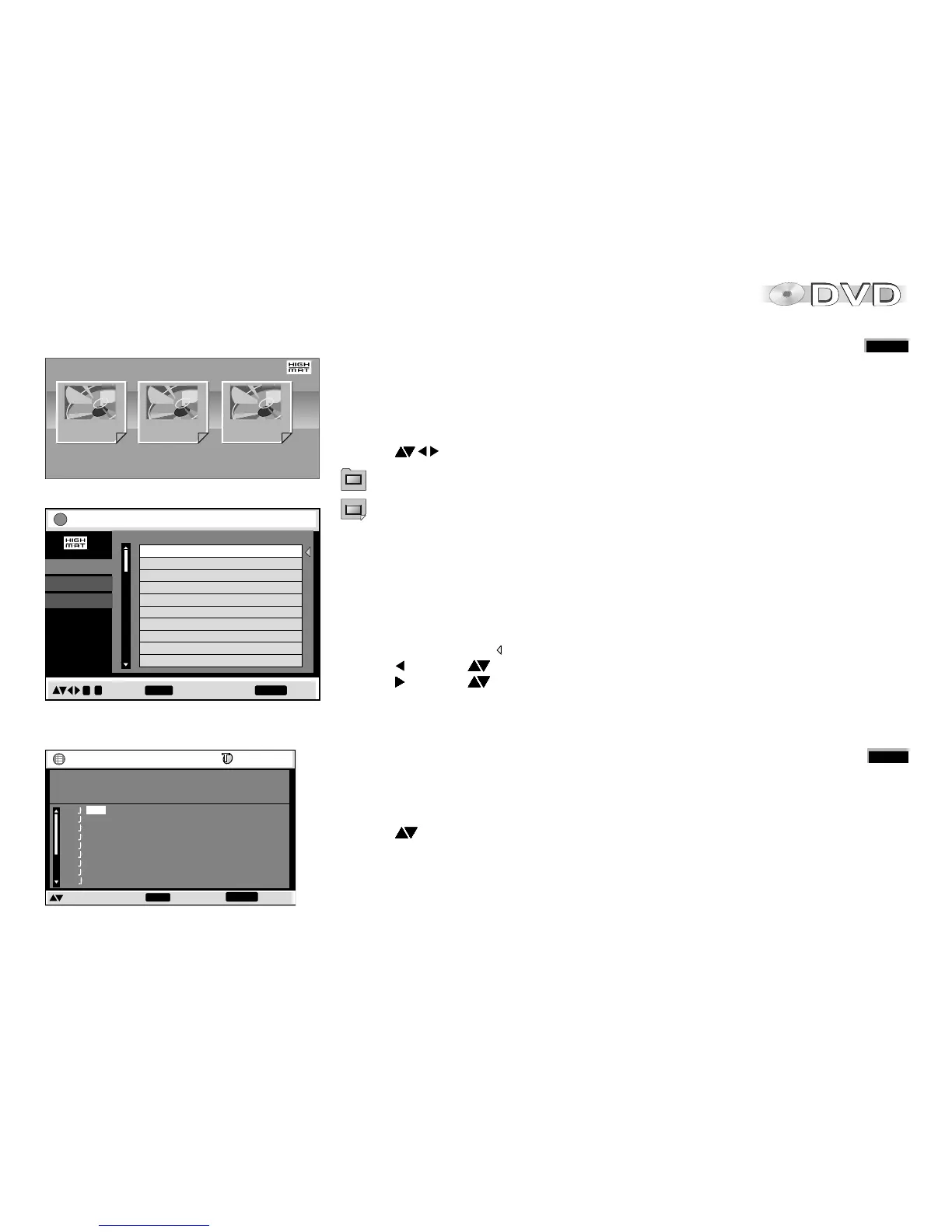
HighMAT (High Performance Media Access Technology) is a joint Panasonic and
Microsoft technology development. Diverse HighMAT-level2 format data (WMA, MP3
and/or JPEG) stored on a disc by a PC can be quickly played back by the appliance with
the additional help of a menu.
While the HighMAT menu is displayed:
!
Press to select and ENTER to confirm.
Menu: Takes you to a sub-menu containing further play lists or menus.
Playlist: Starts playback
Selecting from a Playlist
!
Press PLAYLIST during playback.
The play list appears ( indicates the currently playing item).
!
Press and then to move from Playlist to Group and Content and back.
!
Press and then to select an item, then press ENTER to confirm.
!
Press PLAYLIST to quit the Playlist screen.
!
Press TOP MENU to show or hide the HighMAT menu.
!
Press RETURN to go back to the previous menu.
!
Press FUNCTIONS to show or hide the background stored on the disc.
CD Text menu
!
Press PLAYLIST.
The CD Text menu appears on the screen.
The screen contains information on the disc and a list of tracks.
!
Press to select a title.
!
To play the selected track, press ENTER.
!
Press RETURN to quit the menu.





 To Next Page