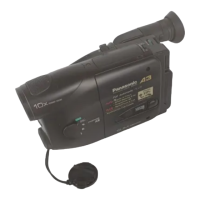
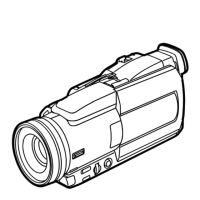
How to use the Panasonic NVGS300/280 digital video camera - New version
Generated by Clearspace on 2009-11-19Z
7
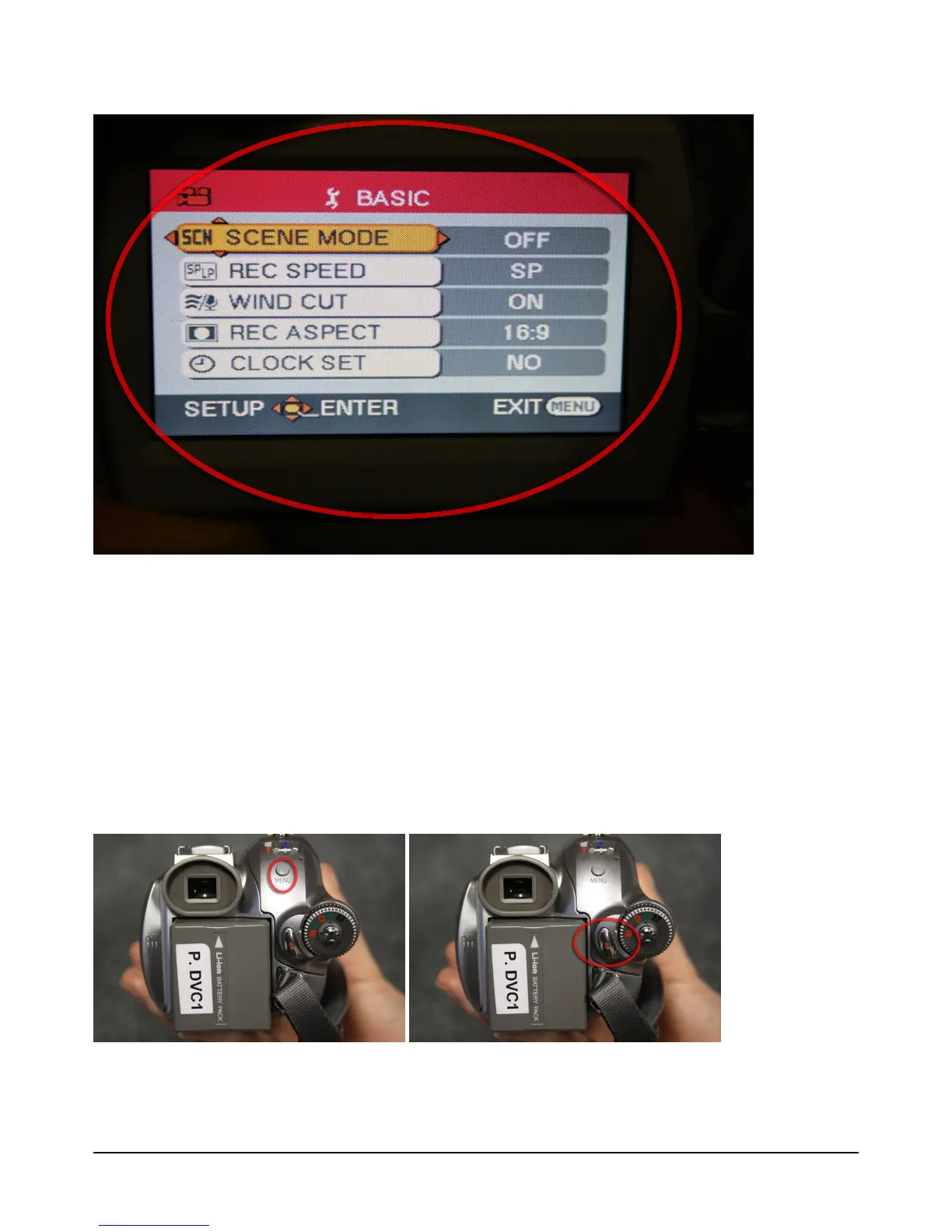
4. Change record speed and record aspect by moving joy stick down/ up/ left/ right
and pushing it in to select your preference
Recommend record speed; SP and record aspect; 16:9 (widescreen)
SP = Short Play (60mins recording time), LP = Long Play (90mins recording time)
5. Press 'Menu' button to exit


 To Next Page