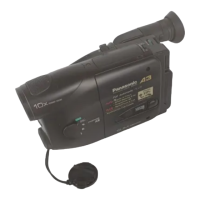
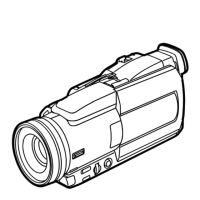
How to use the Panasonic NVGS300/280 digital video camera - New version
Generated by Clearspace on 2009-11-19Z
8
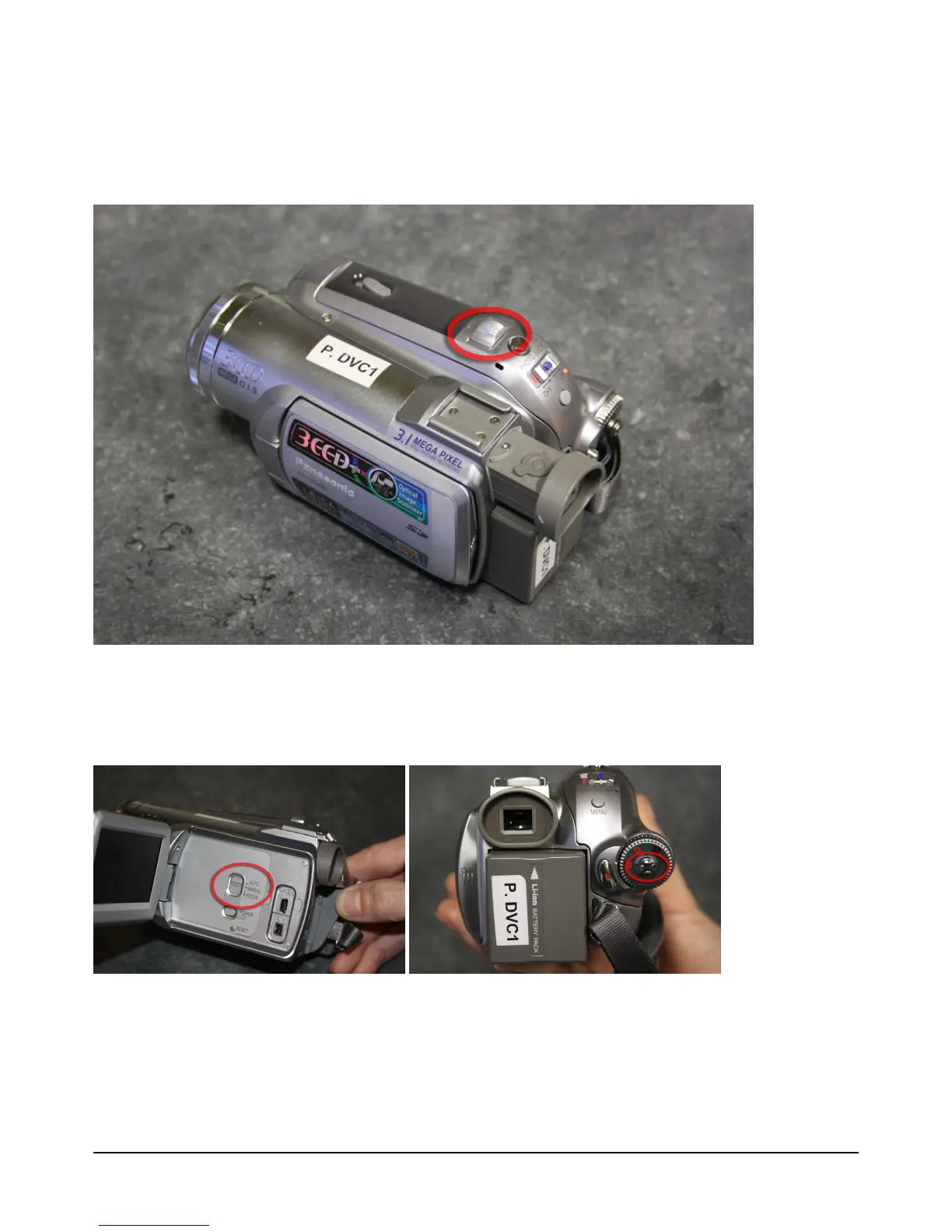
6. Press record start/ stop button at back of video camera to record
7. Use Zoom lever at top of video camera to zoom in and out
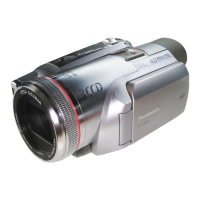
To change focus use the 'Focus' lever at side of video camera. Press it down twice to
select 'manual focus' mode. Use the joystick to alter focus


 To Next Page