EasyManua.ls Logo

Panasonic PT-53X54 - User Manual

Panasonic PT-53X54
96 pages
Print Icon
To Next Page IconTo Next Page
Loading...
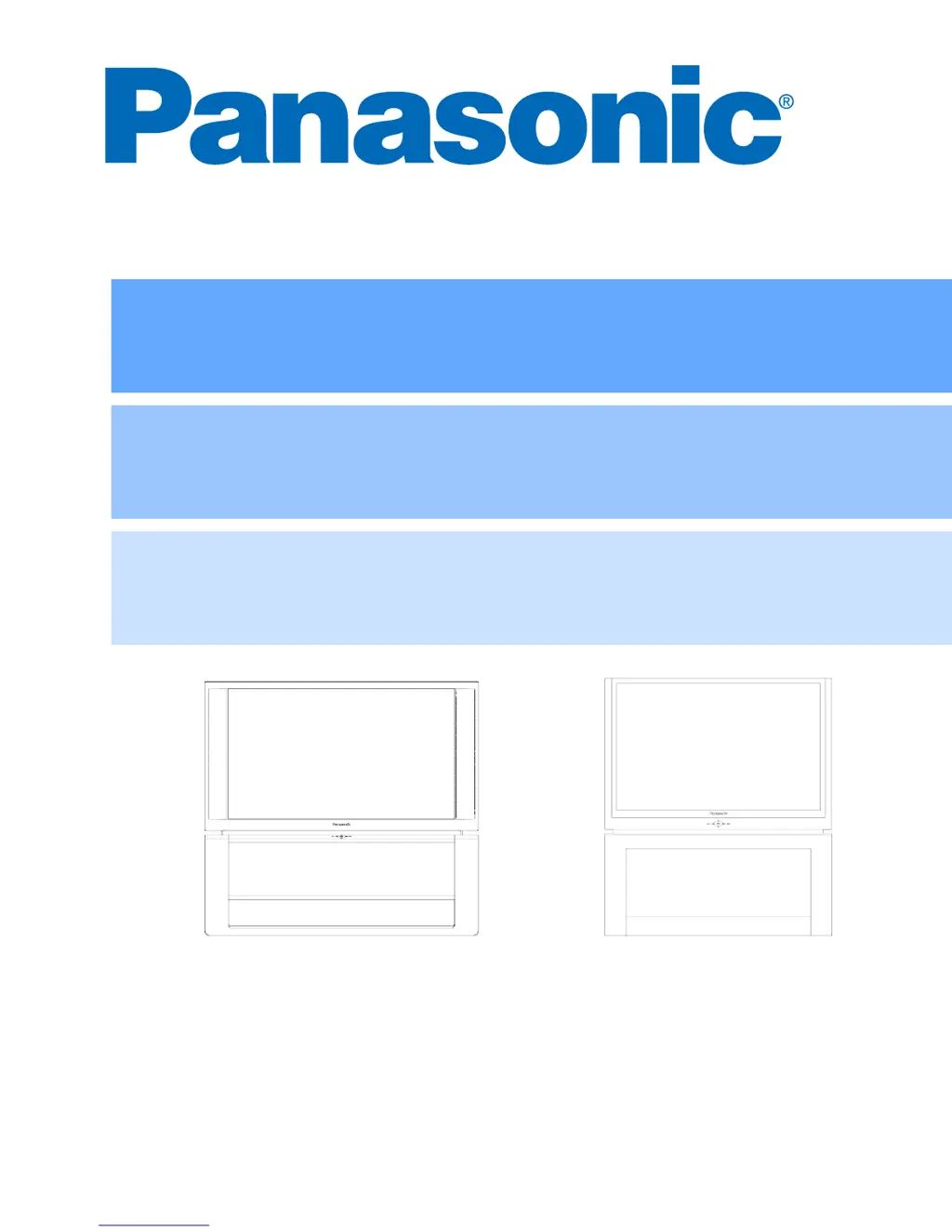
HDTV Projection Monitor
Operating Instructions
Monitor de proyección de Alta Definición
Instrucciones de Operación
Téléprojecteur haute définition
Manuel d’utilisation
TQB2AA0506 40324
PRINTED IN USA
IMPRESO EN EE.UU
IMPRIMÉ AUX ÉTATS-UNIS
PT-53TW54 PT-W4734X
PT-47X54
PT-53X54

Table of Contents

Questions and Answers

  • L
    Laura PotterJul 30, 2025
    What to do if my Panasonic Projection TV has no audio?
    • J
      Jacob Carroll IIJul 30, 2025
      If your Panasonic Projection TV has no audio, try the following: * Increase the volume. * Check if mute is enabled. * Ensure the television speakers are turned on. * Change the channel. * Verify the power cord is plugged into an active outlet. * Adjust brightness and audio controls. * Check the cable connections. * Program the remote control again. * Check the second video source operation. * Make sure that a PC is not connected to HDMI (DIGITAL-IN) input.
  • B
    Brent HernandezAug 9, 2025
    How to fix noisy audio on Panasonic Projection TV?
    • D
      Donald FreyAug 9, 2025
      To address noisy audio on your Panasonic Projection TV: * Adjust the antenna location and connection. * Check the antenna cables. * Set the TV or cable mode properly. * Check the antenna lead-in wire. * Move the television away from electrical appliances, lights, vehicles, and medical equipment. * Adjust convergence (refer to pages 24 and 25).
  • O
    oconnelljaredAug 20, 2025
    What to do if Panasonic Projection TV has wrong audio?
    • E
      ellisstevenAug 20, 2025
      If your Panasonic Projection TV has the wrong audio, check if the audio is set to stereo or mono, and not SAP.

Summary

HDTV Projection Monitor Operating Instructions

Important Safety Instructions

Information Regarding Convergence

Auto Convergence Procedure

Guide to automatically adjust convergence for optimal picture alignment.

Installation Guide

Initial Setup Menu

Language, Auto Program, and Mode Setup

Steps to set language, automatically program channels, and select TV or cable mode.

Automatic Convergence Setup

Procedure to automatically adjust convergence for optimal picture alignment.

Optional Equipment Connections

VCR and Cable Box Connections

Diagrams and procedures for connecting VCRs and cable boxes to the television.

Amplifier Connection

Digital TV - Set-Top Box or DVD Connection

Program Out Connection

HDMI Input Connection

Details on connecting devices via HDMI for digital audio and video signals.

Special Features

Split Operation Feature

How to watch two channels simultaneously or use an external video source.

Remote Control Operation

Remote Control Operation (Cont.)

Operating External Components

Instructions for programming the remote for VCR, DVD, DBS, and CD operations.

Operating Set-Top Boxes and Other Devices

Instructions for programming the remote for DTV, Receiver, Cassette Deck, Cable Box, and PVR operations.

Programming the Remote Control

Steps for programming the remote control using codes or the sequence method.

Basic Menu Navigation

Main Menu and Sub-menu Navigation

Step-by-step guide on how to navigate through the main menu and sub-menus.

Icon Menus Operation

Picture Menu Operations

Details on Picture Mode settings, Color, Tint, Brightness, Picture, Sharpness, and Normal reset.

Audio Menu Operations

Details on Audio menu settings like Mode, Bass, Treble, Balance, and BBE features.

Icon Menus Operation (Cont.)

U.S. TV Programs V-Chip Setup

Guides for blocking TV programs using U.S. ratings and V-Chip procedure.

U.S. Movies V-Chip Setup

Guides for blocking movies using U.S. ratings and V-Chip procedure.

Canadian French V-Chip Setup

Guides for blocking Canadian French programs using ratings and V-Chip procedure.

Lock Set Functionality

Procedures for creating a secret code and setting up program lock functions.

Canadian English V-Chip Setup

Guides for blocking Canadian English programs using ratings and V-Chip procedure.

Troubleshooting Chart

Panasonic PT-53X54 Specifications

General IconGeneral
Screen Size53 inches
Aspect Ratio4:3
Resolution480i
Comb Filter3D
Watts per channel10W
InputsComposite, S-Video, Component

Related product manuals