38-E
NGLISH
# Press the MENU button.
$ Press the
FF
or
GG
button to select an item
from the main menu on the left side.
% Press the ENTER button.
Menu operation guide
The menu screen will be displayed.
The selected item will be displayed in
orange.
The sub-menu for the selected item will
be displayed on the right side.
You can select an item from the sub-menu.
NOTE:
B Press the MENU
button to return to
the previous
screen.
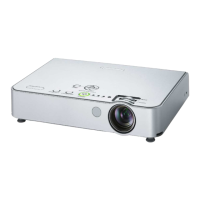
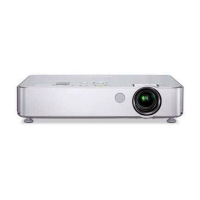
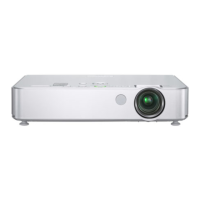
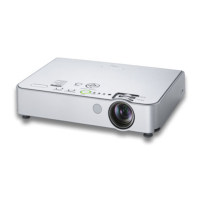
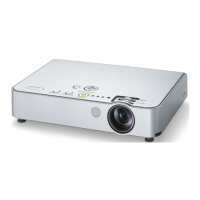
Projector control
panel



 To Next Page