Slide # 14
Models:
SA-PT660
SA-PT760
SA-PT960
SA-PT1060
SH-FX67, 85
Outline
Wireless
Mech
Pwr Supply
Protection
Audio
1. Plug In, Press Power On
2. Fan turns on - starts noisy (high speed)
3. Hello is displayed
4. Last Mode used is displayed
(DVD, Aux, D-in, Am, FM, or IPod)
Unit Operation - Plug in, Power On Sequence
5. Use the panel “Select” button to
change modes or the < or >
buttons to change stations.
6. Tray 1 status is displayed (disc
tracks or time or No disc)
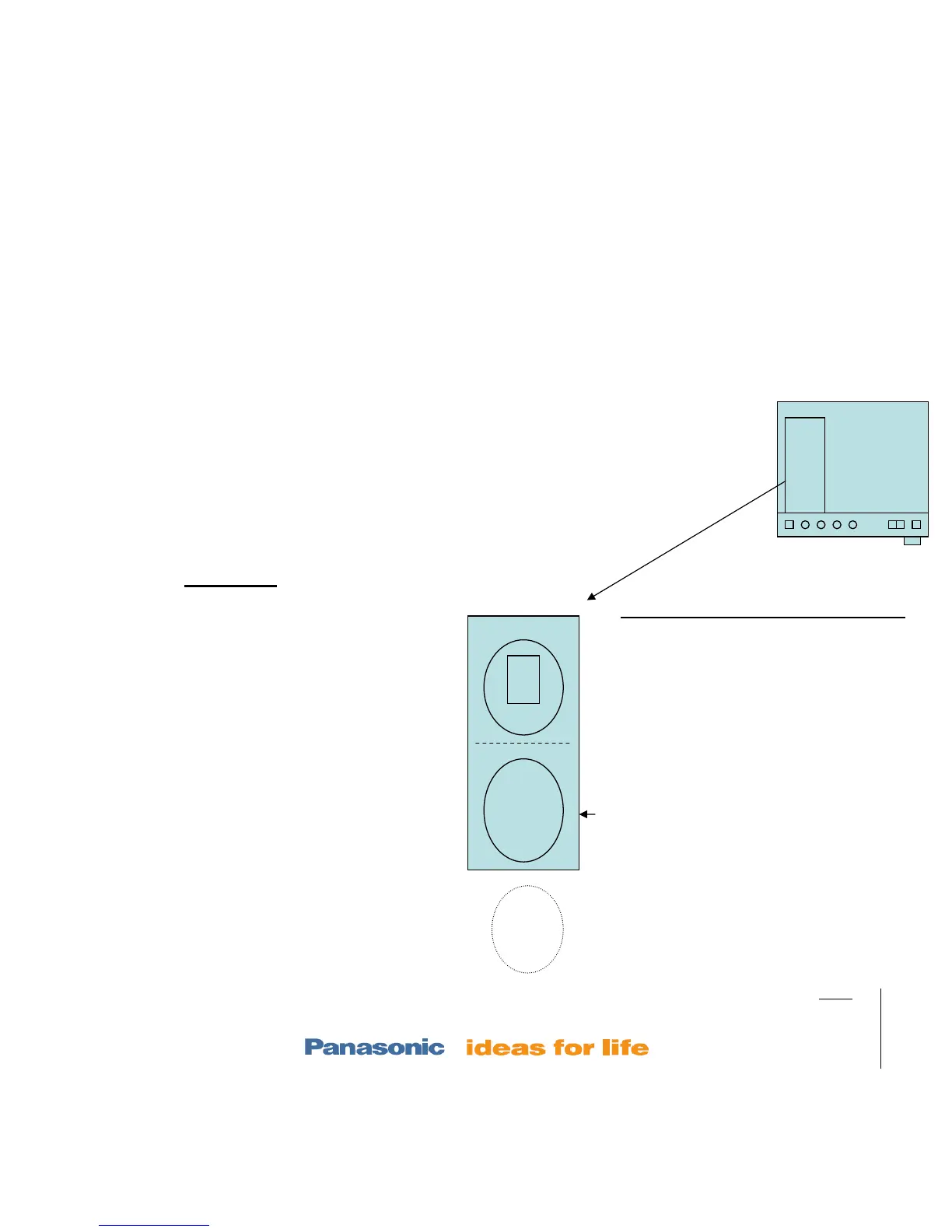
Trays
stocked
laser
Tray 1
Tray out
position
5. Micro checks “Top” & “Home” mech
switches to ID tray 1 (SW3 & Q3 = 0Vdc =
tray 1 loaded in the laser).
6. If tray 1 is not in the laser compartment
(default), the mech will load tray 1 in:
• Not tray 1 moves to stock (center) position. (Q1 UD
sensor = 0Vdc to stop rear traverse motor)
• Elevator moves laser assembly up to tray 1 level (SW 3
= 0Vdc at top level to stop the stock/elevator motor @
tray 1)
• Tray 1 is pulled into the laser assembly
• Mech clamps the disc
7. With Tray 1 in the laser compartment, Disc
Detection occurs
– Laser moves away from home,
laser on, focus searches. Disc spins if a disc is found.
8. Tray 1 status (contents if any) is displayed.
DVD Mode
Aux, D-in, Am, FM, or IPod Mode
Fan
SA-PT760
mech
Top view
Tray
release
mech













 To Next Page