Slide # 15
Models:
SA-PT660
SA-PT760
SA-PT960
SA-PT1060
SH-FX67, 85
Outline
Wireless
Mech
Pwr Supply
Protection
Audio
5 Disc Mechanism - Operation
Default position = Tray 1 is loaded into the laser assembly at plug-in, power-on when the DVD
function is selected. The remaining 4 trays are in the middle “stock” area.
Tray 5 selection
– (button 5 is pressed)
a) Press 5 button – Display = “Disc 5”
b) Laser unclamps and the tray returns to middle stock location (TRV motor).
c) Display = “Change”
d) Laser assembly lowers to tray 5 location (Stocker motor).
e) TRV motor pulls tray 5 into the laser assembly.
f) TRV motor clamps the disc if any.
g) TRV motor moves the sled away from home position to begin disc readout for play.
All Trays out – (Close / Open button is pressed)
a) Laser drops down (unclamps) and tray returns to middle stock location (TRV motor).
b) Stocker motor continues to turn to internally catch all 5 gears of the #328 “OC” gear. When the last gear is
caught, all the trays are moved to the end of the stock area almost out of the mechanism (for disc insertion)
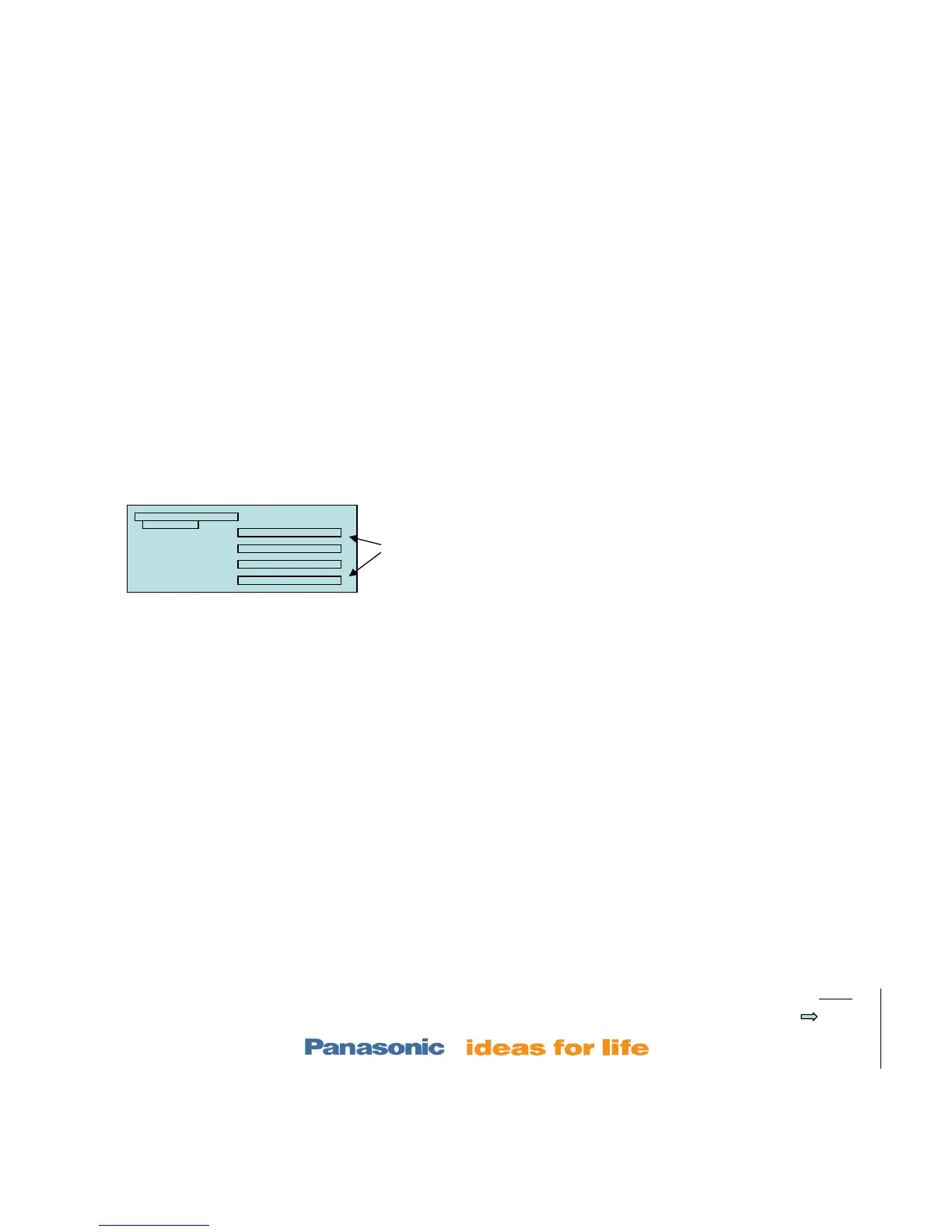
laser
Stock
location
Trays 2-5rear
Side View













 To Next Page