ro
(IIII/V
uulUt" mei_s OlU+pc pray++,+ +:++
+ +++++:++++_++_+!++++_+++_++@+_+ ++ + +
+ _® ++ ++ ++ > _+;++>?+ _+ +
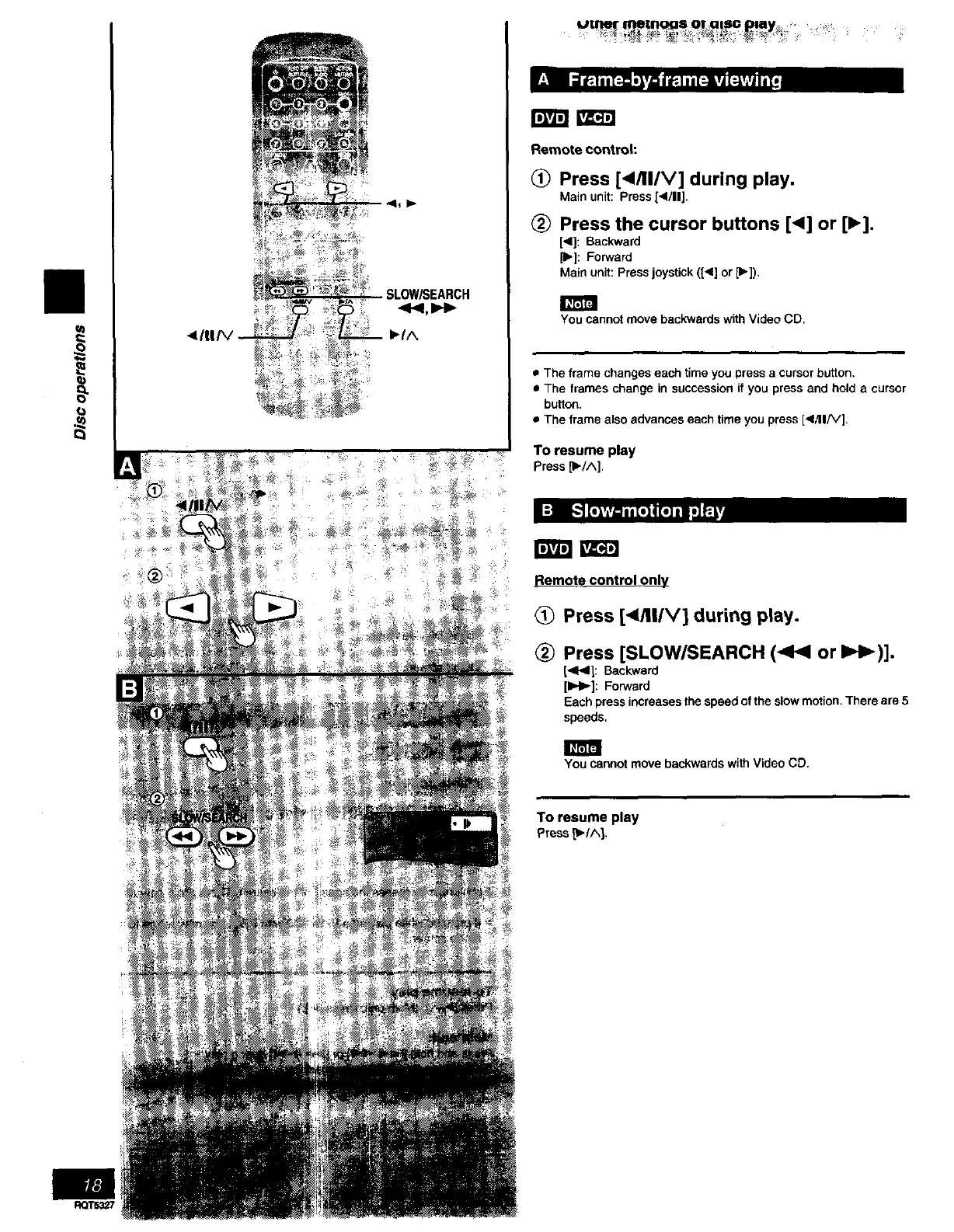
Remote control:
(_) Press [4/II/V] during play.
Main unit: Press [</11].
Press the cursor buttons [<] or [1_].
[<]: Backward
[1_]: Forward
Main unit: Press joystick ([4] or [_]),
You cannot move backwards with Video CD.
• The frame changes each time you press a cursor button,
• The frames change in succession if you press and hold a cursor
button.
• The frame also advances each time you press [</II/V],
To resume play
Press lib/A].
l' J
Remote control only
Press [</ll/V] during play.
(_ Press [SLOW/SEARCH (<1,4 or I=H_)].
1<1<]: Backward
[IH_]: Forward
Each press increasesthe speedofthe slowmotion.There are5
speeds.
You cannot move backwards with Video CD.
To resume play
Press p/^].
RQT53_7



 To Next Page