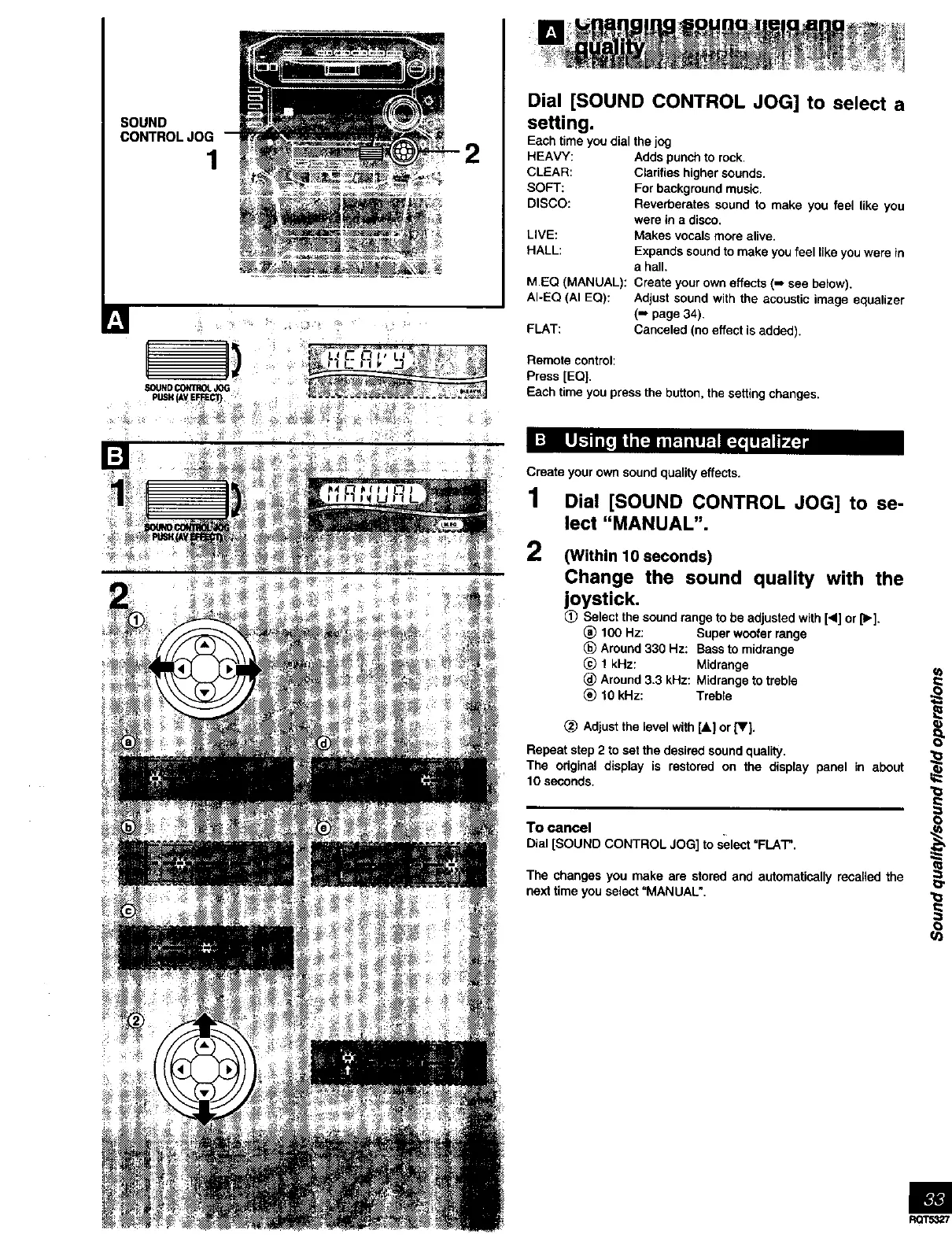
SOUND
CONTROLJOG
1
Dial [SOUND CONTROL JOG] to select a
setting.
Each time you dial the jog
HEAVY: Adds punch to rock,
CLEAR: Clarifies higher sounds.
SOFT: For background music.
DISCO: Reverberates sound to make you feel like you
were in a disco.
LIVE: Makes vocals more alive.
HALL: Expands sound to make you feel like you were in
a hall.
M.EQ (MANUAL): Create your own effects (-_ see below).
AI-EQ (AI EQ): Adjust sound with the acoustic image equalizer
(-* page 34).
FLAT: Canceled (no effect is added).
Remote control:
Press [EQ}.
Each time you press the button, the setting changes.
Create your own sound quality effects.
1 Dial [SOUND CONTROL JOG] to se-
lect "MANUAL".
2
(Within 10 seconds)
Change the sound quality with the
joystick.
Select the sound range to be adjusted with [4] or [_'].
(_) 100 Hz: Super woofer range
_) Around 330 Hz: Bass to midrange
@ 1 kHz: Midrange
(_) Around 3.3 kHz: Midrange to treble
(_) 10 kHz: Treble
(_ Adjust the level with [&] or [V}.
Repeat step 2 to set the desired sound quality.
The original display is restored on the display panel in about
10 seconds.
To cancel
Dial[SOUND CONTROL JOG] to select"FLAT".
The changes you make are stored and automatically recalled the
next time you select "MANUAL".
==
i
o



 To Next Page