II
O
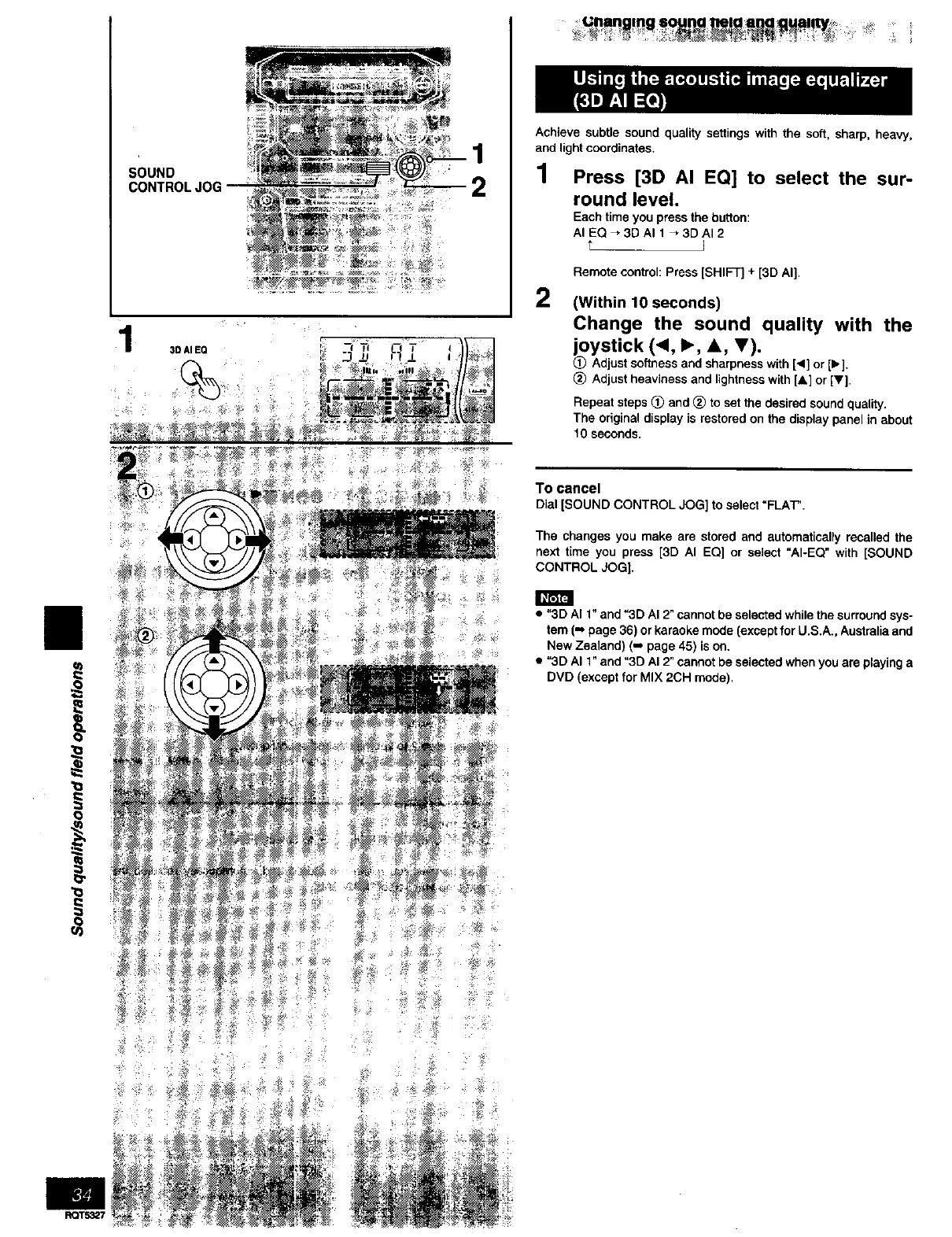
SOUND
CONTROLJOG
1
2
3D AI EQ
U n in I J_ _
Achieve subtle sound quality settings with the soft, sharp, heavy,
and light coordinates.
1 Press [3D AI EQ] to select the sur-
round level.
Each time you press the button:
AI EQ _3D AI 1 _3DAI 2
t I
2
Remote control: Press [SHIFT] + [3D AI].
(Within 10 seconds)
Change the sound quality with the
joystick (_1, I_, A, T),
(_ Adjust softness and sharpness with [,] or [1_].
(_ Adjust heaviness and lightness with [&] or [V].
Repeat steps _ and (_) to set the desired sound quality.
The original display is restored on the display panel in about
10 seconds.
To cancel
Dial [SOUND CONTROL JOG] to select"FLAT".
The changes you make are stored and automatically recalled the
next time you press [3D AI EQ] or select "AI-EQ" with [SOUND
CONTROL JOG].
• "3D AI 1" and "3D AI 2" cannot be selected while the surround sys-
tem (m page 36) or karaeke mode (except for U.S.A., Australia and
New Zealand) (m page 45) is on.
• "3D AI 1" and "3D AI 2" cannot be selected when you are playing a
DVD (except for MIX 2CH mode).



 To Next Page