13
-DISPLAY/
-DEMO
•OISPLAYI (_
-DESO
%
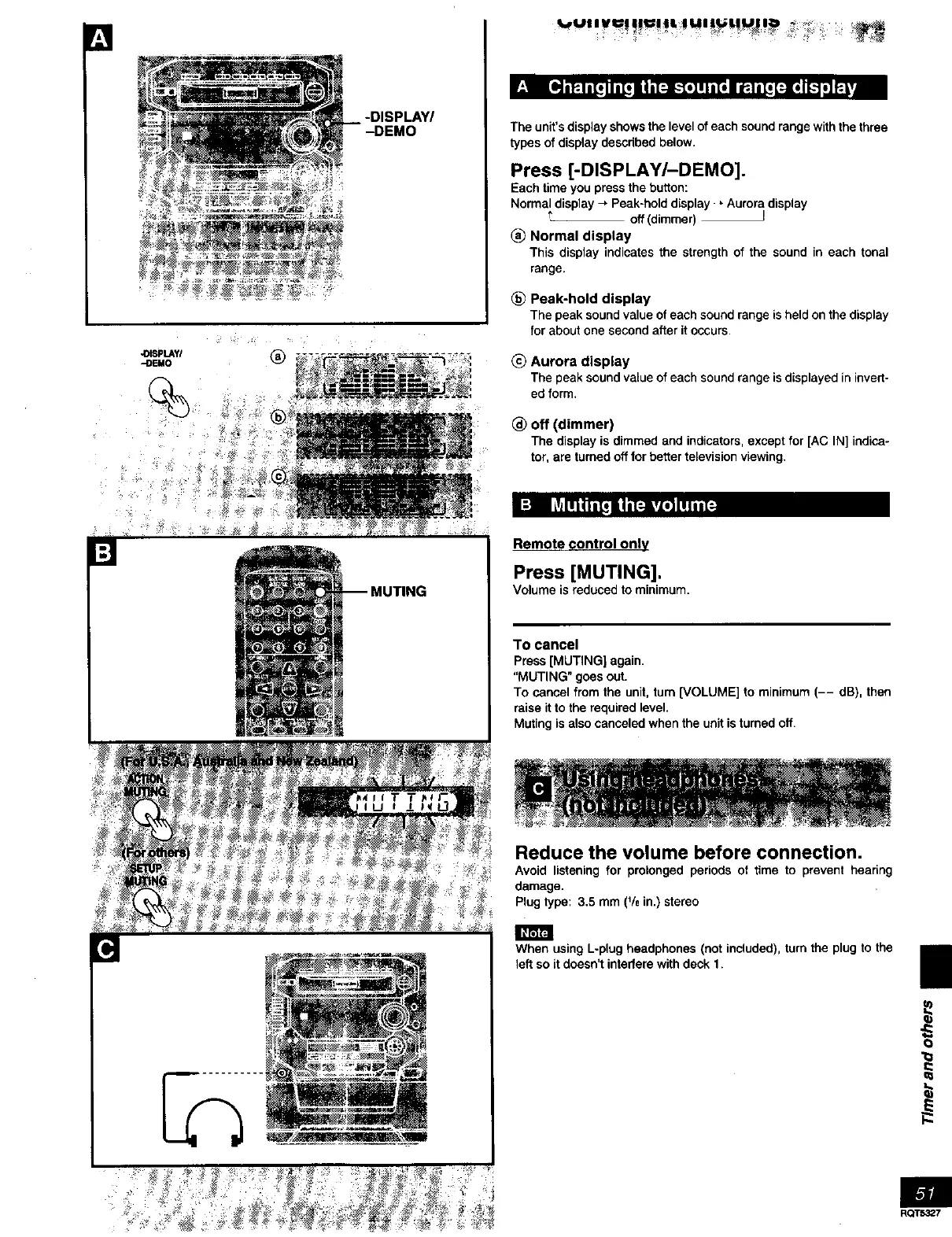
The unit's display shows the level of each sound range with the three
types of display described below.
Press [-DISPLAY/-DEMO].
Each time you press the button:
Normal display -, Peak-hold display , Aurora display
t off (dimmer) J
(_ Normal display
This display indicates the strength of the sound in each tonal
range.
Peak-hold display
The peak sound value of each sound range is held on the display
for about one second after it occurs,
(_) Aurora display
The peak sound value of each sound range is displayed in invert-
ed form,
_) off (dimmer)
The display is dimmed and indicators, except for [AC IN] indica-
tor, are turned off for better television viewing.
ITING
Remote control only
Press [MUTING],
Volume is reduced to minimum.
To cancel
Press[MUTING] again.
"MUTING" goesout.
To cancelfromthe unit,turn[VOLUME] to minimum(-- dB), then
raise itto therequiredlevel.
Mutingis alsocanceledwhen theunitis turnedoff.
Reduce the volume before connection,
Avoid listening for prolonged periods of time to prevent hearing
damage.
Plug type: 3.5 mm (% in.) stereo
When using L-plug headphones (not included), turn the plug to the
left so it doesn't interfere with deck 1.
II
O
1=
l-
RQT5327



 To Next Page