[]
[]
1
2
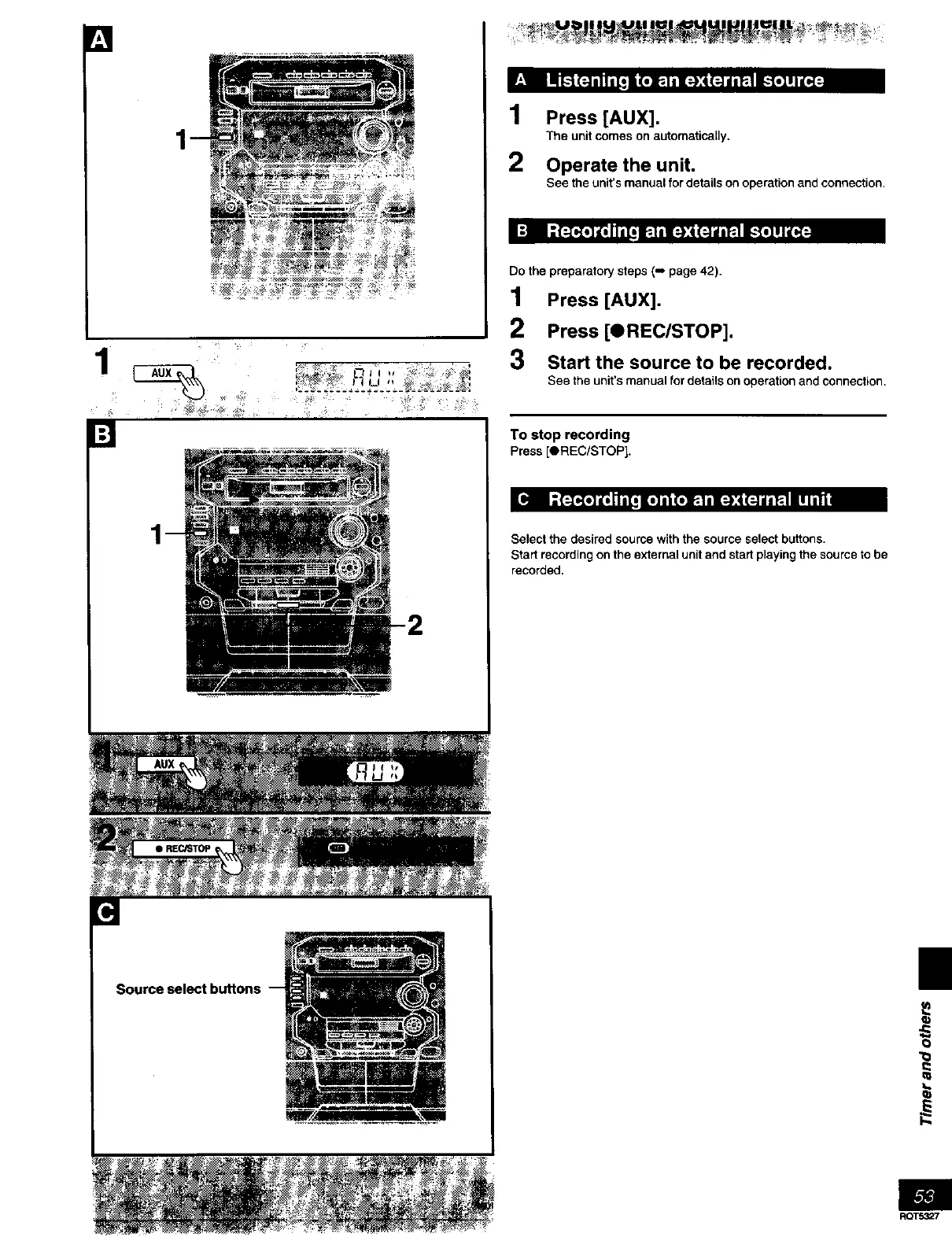
Press [AUX].
The unit comes on automatically,
Operate the unit.
See the unit's manual for details on operation and connection.
Do the preparatory steps (-, page 42).
1 Press [AUX].
2 Press [OREC/STOP].
3 Start the source to be recorded.
See the unit's manual for details on operation and connection,
To stop recording
Press [OREC/STOP].
Select the desired source with the source select buttons.
Start recording on the external unit and start playing the source to be
recorded.
Source select buttons
i
q)
0
"0
t,.
ROTS327



 To Next Page