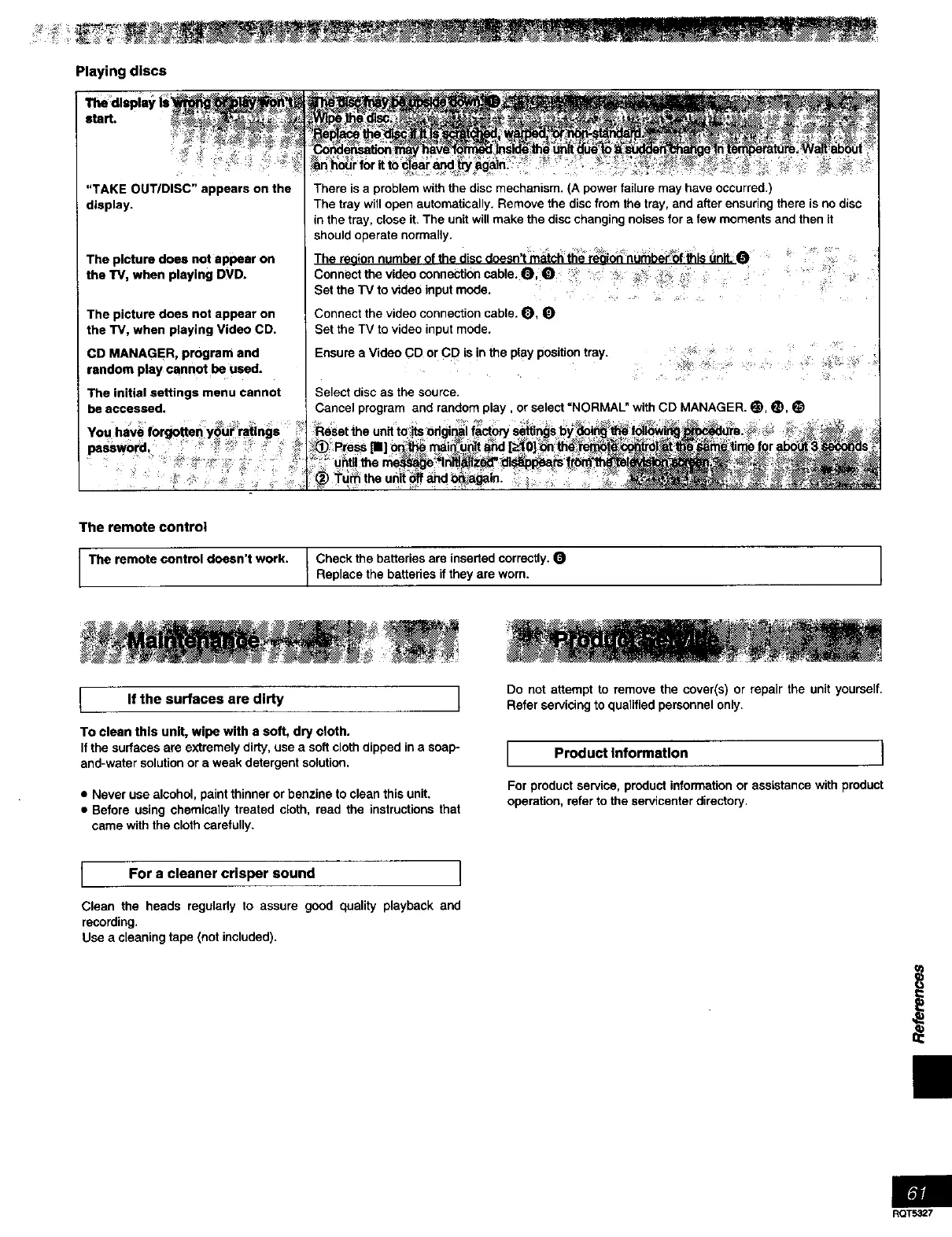
Playing discs
"TAKE OUT/DISC" appears on the
display.
The picture does not appear on
the TV, when playing DVD.
The picture does not appear on
the TV, when playing Video CD.
CD MANAGER, program and
random play cannot be used.
The initial settings menu cannot
be accessed.
There is a problem with the disc mechanism. (A power failure may have occurred.)
The tray will open automatically. Remove the disc from the tray, and after ensuring there is no disc
in the tray, close it. The unit will make the disc changing noises for a few moments and then it
should operate normally.
The reason number of the dmc doesn't match the reach numberof this unit: O
Connect the video connection cable. O,_ _? _ •
Set the TV to video input mode. ...... .
Connect the video connection cable. O, O
Set the TV to video input mode.
Ensere a Video CD or CD is in the play position tray.
Select disc as the source•
Cancel program and random play, or select =NORMAL" with CD MANAGER. e, e,
The remote control
The remote control doesn't work. Check the batteries are inserted correctly.
Replace the batteries if they are worn.
If the surfaces are dirty I
To clean this unit, wipe with a soft, dry cloth.
If the surfaces are extremely dirty, use a soft cloth dipped in a soap-
and-water solution or a weak detergent solution,
• Never use alcohol, paint thinner or benzine to clean this unit.
• Before using chemically treated cloth, read the instructions that
came with the cloth carefully.
Do not attempt to remove the cover(s) or repair the unit yourself.
Refer servicing to qualified personnel only.
I Product Information ]
For product service, product information or assistance with product
operation, refer to the servicenter directory.
I For a cleaner crisper sound I
Clean the heads regulady to assure good quality playback and
recording.
Use a cleaning tape (not included).
Ii
RQT5327



 To Next Page