ENGLISH
5
RQT8043
RQTX0055
GETTING STARTED
GETTING STARTED
DISC OPERATIONS
OTHER OPERATIONS
REFERENCE
Table of contents
Caution for AC Mains Lead ............................................................................2
Safety precautions ......................................................................................4
Accessories ..............................................................................................6
Preparing the remote control .........................................................................6
Placement of speakers .................................................................................7
Speaker assembly ......................................................................................8
Speaker installation options .................................................................................................................... 9
Simple setup .......................................................................................... 10
Making the connections ........................................................................................................................ 10
Performing QUICK SETUP ........................................................................... 12
Disc information ...................................................................................... 13
Discs that can be played ....................................................................................................................... 13
Overview of controls ................................................................................. 14
Main unit ............................................................................................................................................... 14
Remote control ...................................................................................................................................... 15
Disc — Basic play .................................................................................... 16
Using the main unit ............................................................................................................................... 16
Using the remote control ....................................................................................................................... 16
Advanced play ......................................................................................... 18
Displaying current playback condition ................................................................................................... 18
Program and Random play ................................................................................................................... 18
Playing data discs using navigation menus ...................................................... 19
Playing data discs ................................................................................................................................. 19
Playing RAM and DVD-R/-RW (DVD-VR) discs ................................................................................... 19
Using on-screen menus .............................................................................. 20
Functions menu .................................................................................................................................... 20
Changing the player settings ....................................................................... 23
MAIN menu ........................................................................................................................................... 23
Changing the delay time of the speakers .............................................................................................. 25
Tips for making data discs .................................................................................................................... 26
About DivX VOD content ...................................................................................................................... 27
Using the radio ........................................................................................ 28
Manual tuning / Selecting the preset channels / Automatic presetting / RDS broadcasting ................. 28
Using sound effects................................................................................... 29
Enhancing the sound from the center speaker: Center Focus .............................................................. 29
Adjusting the amount of bass: Subwoofer level .................................................................................... 29
Changing the sound quality: Equalizer Mode (EQ) ............................................................................... 29
Enhancing the stereo sound: Dolby Pro Logic II .................................................................................. 29
Enhancing the stereo sound: Super Surround ...................................................................................... 29
Adjusting the volume of each speaker: Speaker level adjustments ...................................................... 30
Enjoying karaoke ...................................................................................... 30
Enjoying karaoke with karaoke DVD and VCD ..................................................................................... 30
Enjoying karaoke with other sources / Mic volume adjustment / Adding an echo effect ....................... 31
Vocal cancel function / Changing the pitch ........................................................................................... 31
Operating other equipment .......................................................................... 32
Optional antenna connection ................................................................................................................ 32
Optional connection for set top box, cable TV box or video cassette recorder ..................................... 32
Optional audio connection for video cassette recorder or television ..................................................... 32
Optional Music Port connection and operation ..................................................................................... 33
Optional USB connection and operation ............................................................................................... 33
Operating the television ........................................................................................................................ 34
Changing the main unit and remote control .......................................................................................... 34
Troubleshooting guide ............................................................................... 35
Language code list ................................................................................... 37
Glossary ................................................................................................ 38
Specifi cations ......................................................................................... 39
Maintenance ................................................................................. Back cover
RQTX0055-B_Out_new5.indd 5RQTX0055-B_Out_new5.indd 5 2/26/07 3:30:23 PM2/26/07 3:30:23 PM
Downloaded From TheatreSystem-Manual.com Manuals

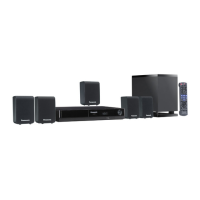
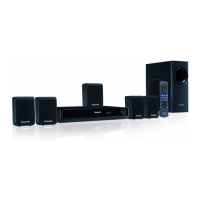
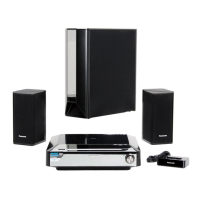
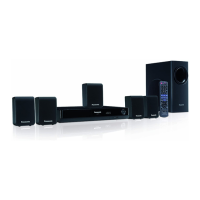
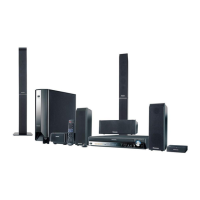
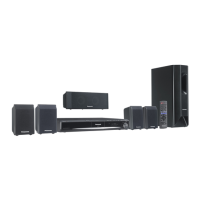
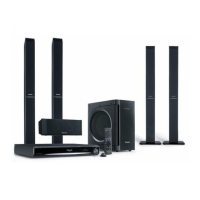
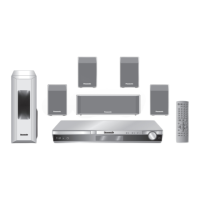

 To Next Page
