EasyManua.ls Logo

Panasonic SC-XH160 - User Manual

Panasonic SC-XH160
26 pages
Print Icon
To Next Page IconTo Next Page
Loading...
[GA] [GS] [GW]
RQT9801-B
Operating Instructions
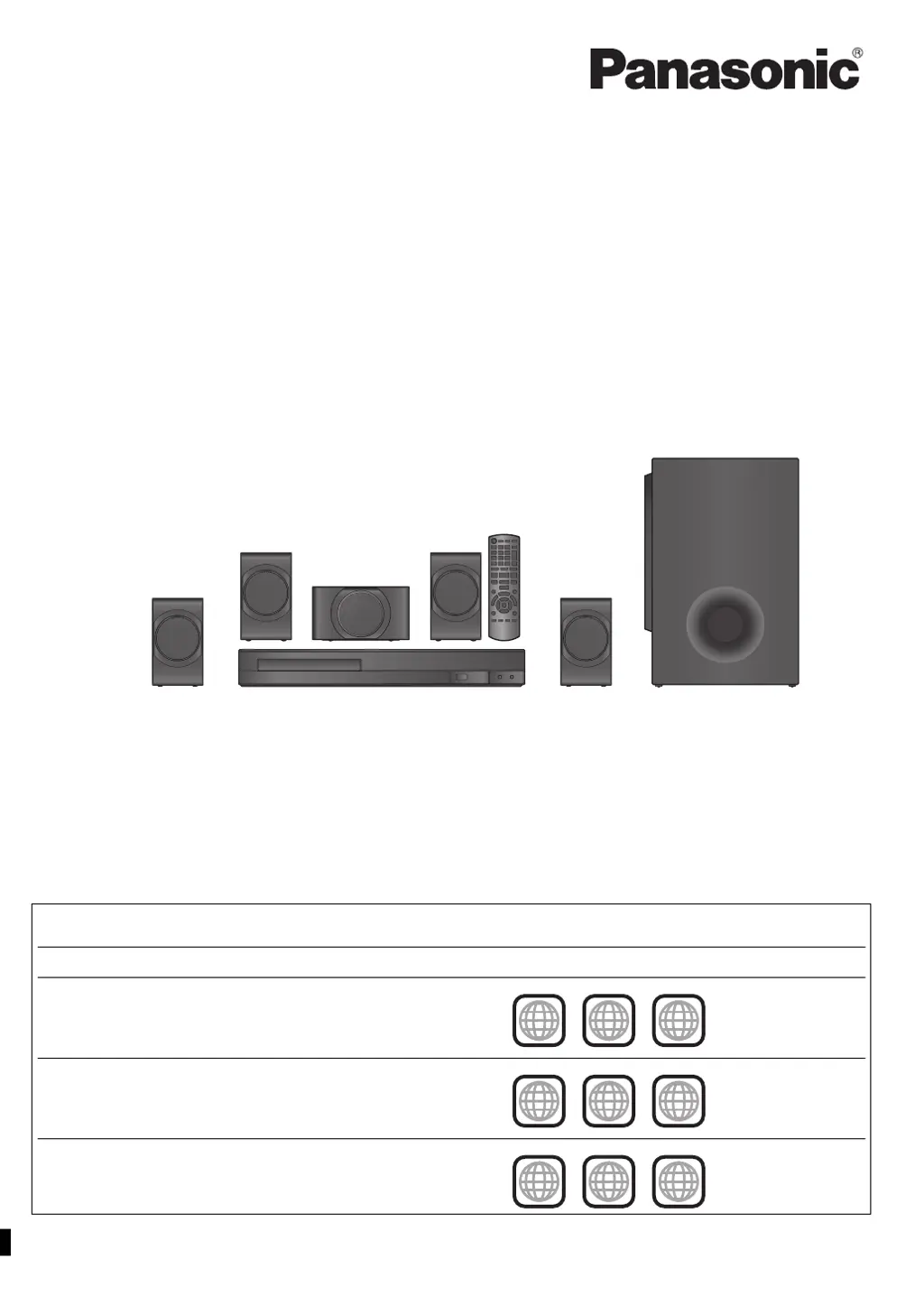
DVD Home Theater Sound System
Model No. SC-XH160
SC-XH100
SC-XH60
until
2013/04/01
Thank you for purchasing this product.
Please read these instructions carefully before using this product, and save this manual for future use.
The illustrations shown may differ from your unit.
Region number
The player plays DVD-Video marked with labels containing the region number or ALL”.
Region Number Example
The Middle East and South Africa 2
Southeast Asia 3
India 5
2 ALL
3
5
2
3 ALL
3
5
2
5 ALL
3
5
2
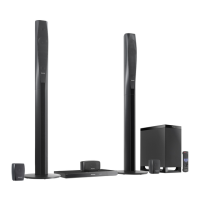
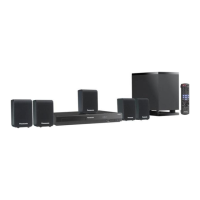
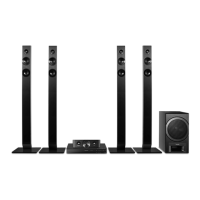
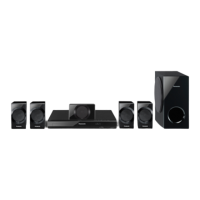
This illustration shows SC-XH100.
SC-XH160-100-60_GAGSGW_RQT9801-B_eng.book 1 ペー 012年12月26日 水曜日 午後4時57

Questions and Answers

  • W
    whitneyrojasAug 12, 2025
    What to do if my Panasonic Home Theater System remote control buttons are not responding?
    • R
      Robert RamirezAug 12, 2025
      If the remote control buttons are not responding, first, check that the battery is correctly installed. If it is, the battery may be depleted, so replace it with a new one. Ensure you are aiming the remote control directly at the remote control signal sensor on the unit.
  • L
    lharringtonAug 16, 2025
    How to reset forgotten ratings password on Panasonic SC-XH160 Home Theater System?
    • C
      Calvin JordanAug 16, 2025
      To reset a forgotten ratings password, reset all the settings to Factory Preset. Alternatively, while 'DVD/CD' is the source and there is no disc inserted, press and hold [< OPEN/CLOSE]2 on the main unit and [S10]2 on the remote control until 'RESET' appears on the main unit’s display. Turn the unit off and on again.
  • W
    Wayne ValenzuelaAug 19, 2025
    Why is there no picture or sound from my Panasonic Home Theater System?
    • J
      Joshua DonovanAug 19, 2025
      If you're experiencing a lack of picture or sound, verify the video and speaker connections. Also, check the power and input settings of both the connected equipment and the main unit. Ensure that the disc being used has recorded content. Note that during HD JPEG playback, there will be no video output from the VIDEO OUT terminal.
  • J
    Julie KempAug 25, 2025
    Why does the picture on my Panasonic Home Theater System disappear or display incorrectly on the TV?
    • J
      James ChavezAug 25, 2025
      The unit and TV might be using different video systems, or the system used on the disc may not match your TV. Ensure the unit is directly connected to the TV and not through a VCR. Mobile telephone chargers can cause disturbance. If using an indoor TV antenna, try an outdoor antenna, and ensure the TV antenna wire is not too close to the unit. Reduce the number of connected HDMI devices. When using the HDMI AV OUT terminal, ensure an incompatible video output with the connected TV is not selected. Be aware that video images converted to 1920k1080 resolution may look different from true native 1080p full-HD sources.
  • X
    xhayesAug 27, 2025
    What to do if my Panasonic Home Theater System buttons are not responding?
    • C
      Christopher JoyceAug 27, 2025
      If the buttons are not responding, the unit may not be operating properly due to lightning, static electricity, or some other external factor. Try turning the unit off and then back on. Alternatively, turn the unit off, disconnect the AC mains lead, and then reconnect it. If condensation has formed, wait 1 to 2 hours for it to evaporate.
  • L
    lbrownAug 31, 2025
    Why does my Panasonic SC-XH160 automatically switch to standby mode?
    • A
      amy86Aug 31, 2025
      The unit might be automatically switching to standby mode because the Sleep timer was active and reached its set time limit, or the main unit will automatically switch to standby mode after 30 minutes of inactivity.
  • W
    Wesley BarrettSep 4, 2025
    How to display the START menu on Panasonic SC-XH160?
    • J
      Joseph RiveraSep 4, 2025
      To display the START menu, remove the disc and then press [START]B again.
  • A
    amy80Sep 8, 2025
    How to adjust picture size to fit the screen on Panasonic SC-XH160 Home Theater System?
    • C
      Cheryl McneilSep 8, 2025
      To adjust the picture size, change 'TV Aspect' in the Video menu. Alternatively, use the TV to change the aspect, or change the zoom setting.

Panasonic SC-XH160 Specifications

General IconGeneral
Speaker Type2.1 Channel
BluetoothYes
USB PlaybackYes
FM RadioYes
DVD PlayerYes
HDMI OutputYes
USB PortYes
Audio InputYes

Related product manuals