67
VQT3E89
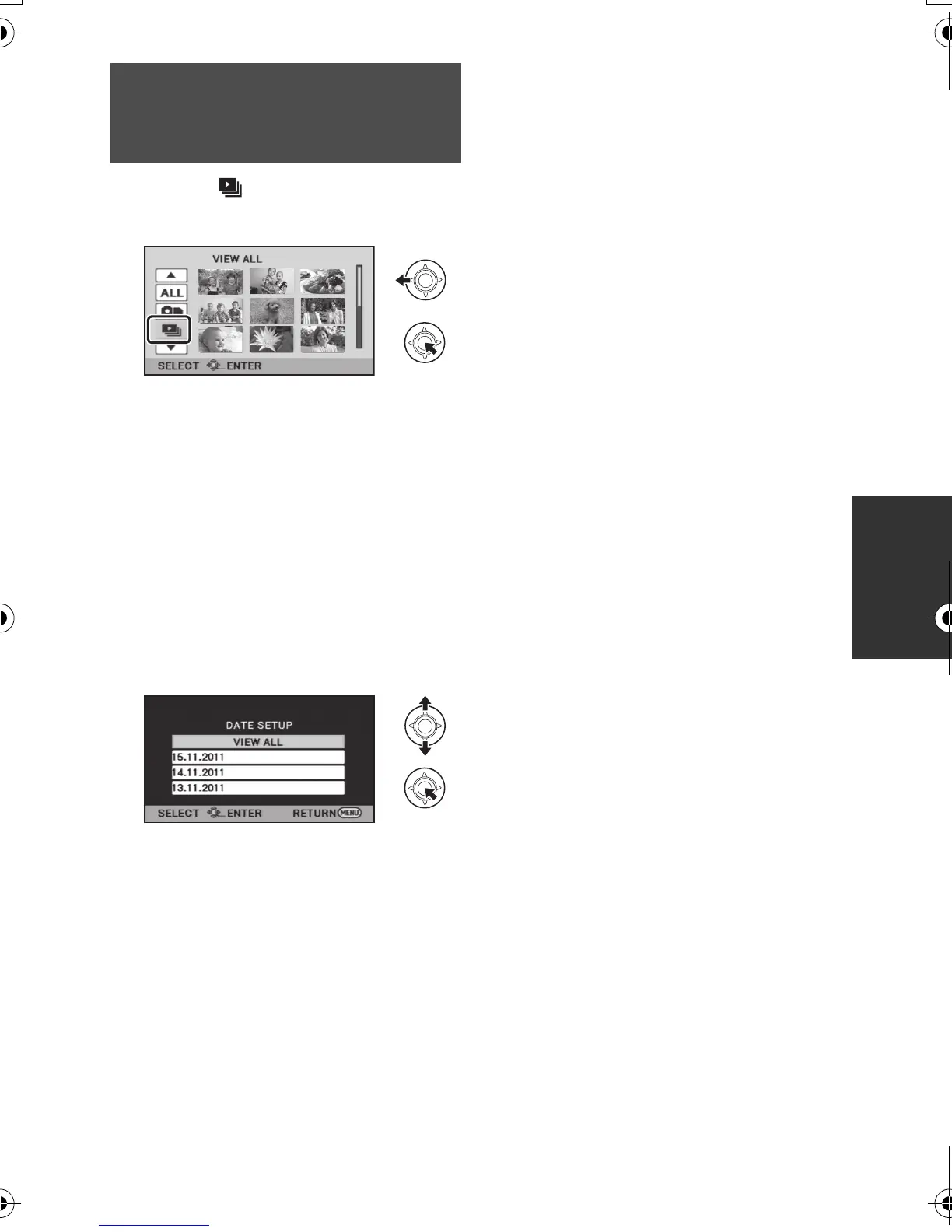
1 Select and press the
joystick.
2 Select the desired item and
press the joystick.
[DATE SETUP]:
Select the desired playback date.
[SLIDES INTERVAL]:
Select the playback time display interval.
(When [DATE SETUP] has been
selected)
Select the desired playback date,
then press the centre of the
joystick.
(When [SLIDES INTERVAL] has been
selected)
Select the playback interval, then
press the centre of the joystick.
[SHORT]:
Approx. 1 second
[NORMAL]:
Approx. 5 seconds
[LONG]:
Approx. 15 seconds
3 Select [START], then press the
centre of the joystick.
Changing the playback
setting and playing back
the slide show
SDRS71&H101GN-VQT3E89_mst.book 67 ページ 2010年12月2日 木曜日 午後3時35分












 To Next Page