59
VQT3J03
Playback
Playback
1
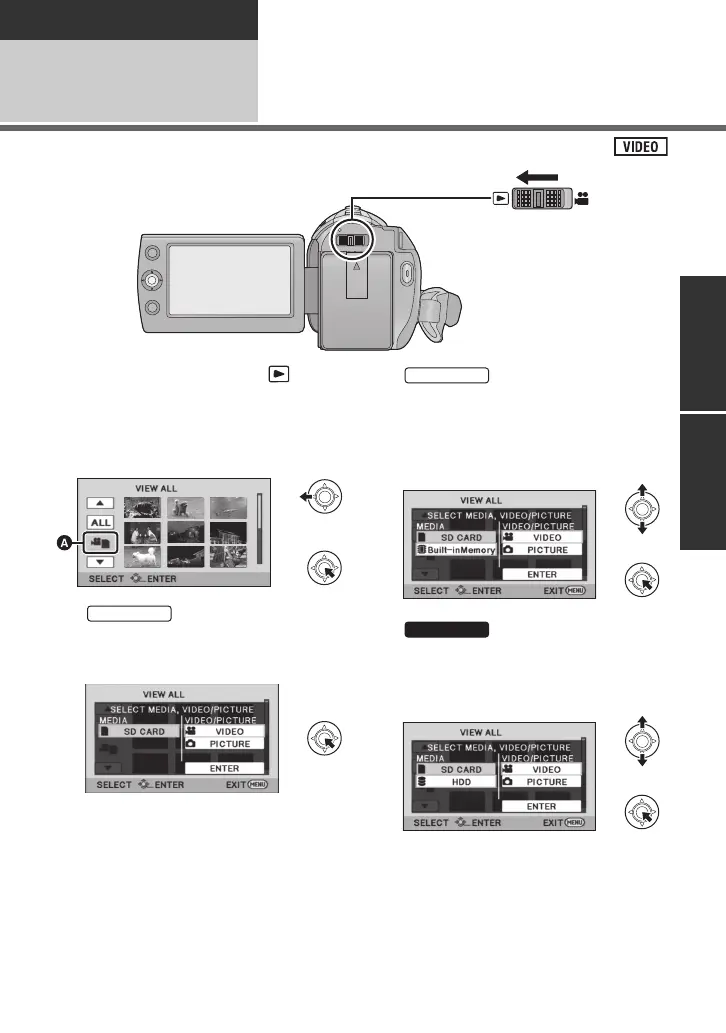
Motion picture playback
1 Change the mode to .
2
Use the joystick to select the
play mode select icon
A
, then
press the centre of the joystick.
3
Select [VIDEO], then press the
centre of the joystick.
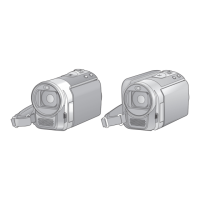
Select [SD CARD]/[Built-
inMemory] and [VIDEO], then
press the centre of the
joystick.
Select [SD CARD]/[HDD] and
[VIDEO], then press the centre
of the joystick.
≥ Select [ENTER], then press the centre of
the joystick.
≥ Press the MENU button to cancel the
setting.
SDRH101&T76&S71GC-VQT3J03_mst.book 59 ページ 2010年11月22日 月曜日 午後4時49分




 To Next Page