English
8
6
5
4
3
1
2
7
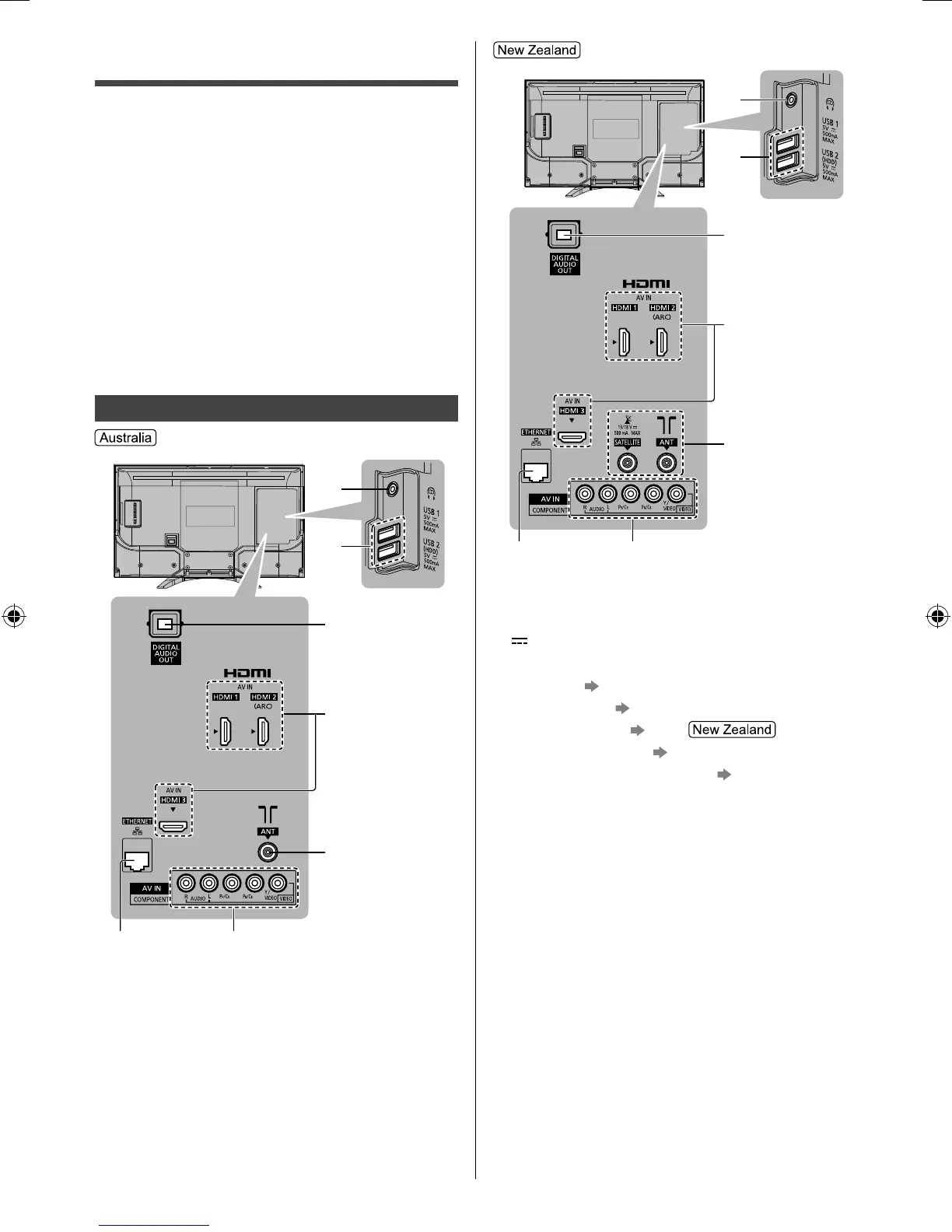
1 Headphone jack
2 USB 1 - 2 port
This symbol indicates DC operation.
3 DIGITAL AUDIO OUT
4 HDMI 1 - 3
(p. 10 - 11)
5 Aerial terminal
(p. 9)
Satellite terminal
(p.10)
6 ETHERNET terminal (p. 10)
7 AV IN (COMPONENT / VIDEO)
(p. 11)
Connections
●
External equipment and cables shown are not
supplied with this TV.
●
Please ensure that the unit is disconnected from the
mains socket before attaching or disconnecting any
cables.
●
Check the terminal type and cable plugs are correct
for connection.
●
Use a fully wired HDMI compliant cable.
●
Keep the TV away from electronic equipment (video
equipment, etc.) or equipment with an infrared sensor,
otherwise distortion of image / sound may occur or
operation of other equipment may be affected.
●
Please also read the manual of the equipment being
connected.
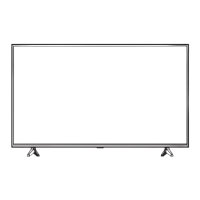
Terminals
6
5
4
3
1
2
7
TH-32FS500AZ_Eng.indb 8TH-32FS500AZ_Eng.indb 8 3/5/2018 3:09:44 PM3/5/2018 3:09:44 PM



 To Next Page