35
Advanced
Signage Mode
Guest Menu
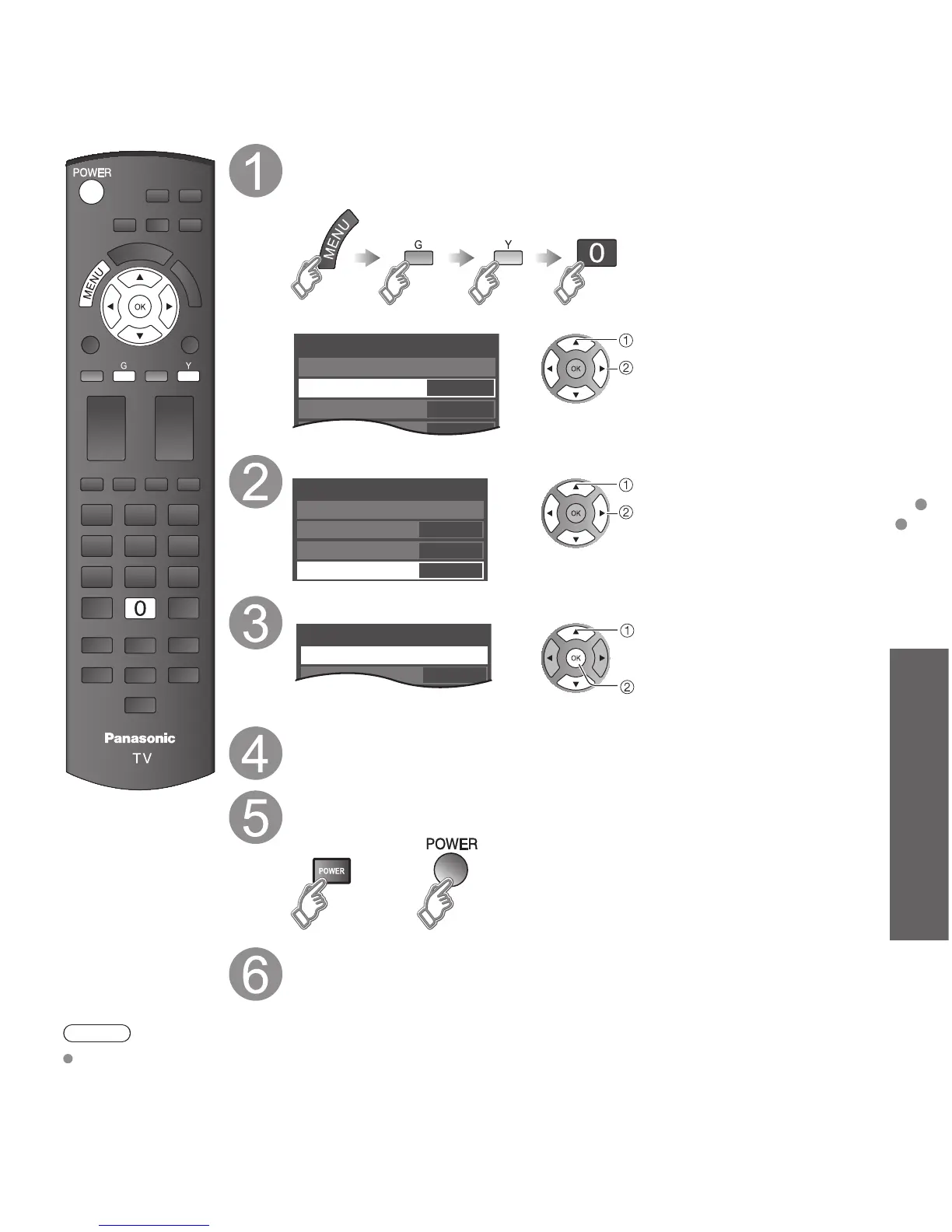
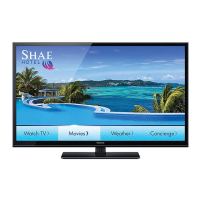
You can set “Signage Mode” to display the digital signage contents on the SD Card.
Display “Hotel Mode” menu
• Hotel Mode Setup (p. 20)
Press MENU, G, Y and 0 remote button.
(“Mode” must be “On” )
Hotel Mode
Mode
TA Ctrl
Initial input
Save
1/3
HDMI 1
On
Off
select
set
Select “Initial input” and set to “SD”
Hotel Mode
Mode
TA Ctrl
Initial input
Save
1/3
SD
On
Off
select
set
Select “Save” then press OK
Hotel Mode
Mode
TA Ctrl
Save
1/3
On
Internal
select
ok
Turn the TV Off and insert the SD Card
• How to insert the SD Card (p. 17)
Turn the TV On with the POWER button
(TV)
or
(Remote)
Slideshow automatically starts
• How to operate and details on “Slideshow settings” (p. 17-19)
Note
This mode is available when “TA Ctrl” is set to “Off” or “Local Auth”.
Signage Mode




 To Next Page