EasyManua.ls Logo

Panasonic TX-26LXD50 - User Manual

Panasonic TX-26LXD50
44 pages
Print Icon
To Next Page IconTo Next Page
Loading...
Operating Instructions
Digital Progressive LCD TV
Model No.
Please read these instructions before operating your set and retain them for future reference.
English
TQB0E0119-2
123
456
789
0
OK
C
IDTV
N
MODE
PULL
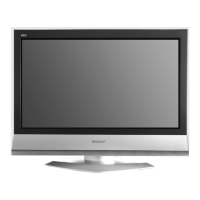
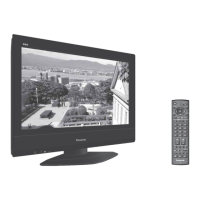
TX-26LXD50
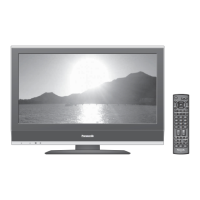
TX-32LXD50
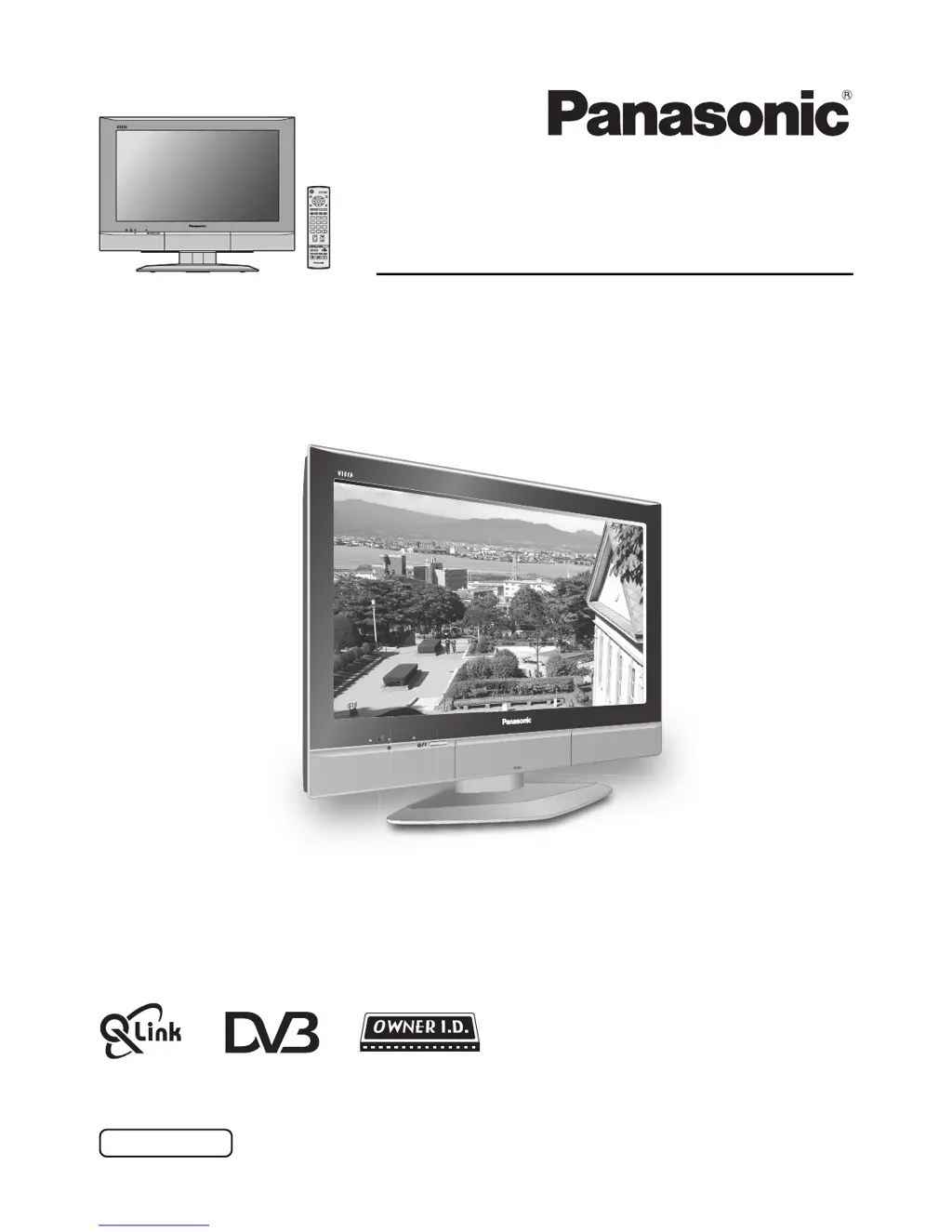
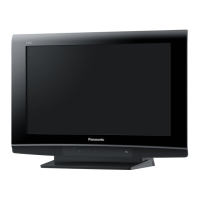
The image shown is for illustration only.
(U.K. Standard)

Questions and Answers

Summary

Warnings and Precautions

Accessories

Fitting remote control batteries

Step-by-step instructions for correctly inserting batteries into the remote control.

Cable cover removal and fitting

How to open the front cover

How to use the LCD stand

Quick Start Guide

Connection and setting up options

Guide to connecting external devices and initial TV setup.

Basic controls: front panel and remote control

Using the On Screen Displays

Picture menu

Sound menu

Setup menu

Q-Link

Enables communication with compatible VCRs/DVD recorders for data transfer.

Tuning Menu

Provides access to programme editing, auto setup, and manual tuning options.

Owner ID

Allows entry of security code and personal details for owner identification.

Shipping condition

Resets TV to original condition, clearing tuning and controls to factory settings.

Tuning menu - overview (Analogue mode)

Programme edit

Customize programme settings like adding, deleting, or moving channels.

Auto setup

Automatically retunes the TV to locate and store local stations.

Manual tuning

Tune individual programme positions manually or via the front panel.

DVB Setup Menu - overview (DVB mode)

Timer Programming

Set programme times for recording on an external DVB device.

Profile Edit menu

Select favourite programmes for quick access in TV Guide or Information banner.

Child Lock menu

Lock specific DVB channels to prevent unauthorized access.

DVB Tuning Menu

Access features for DVB auto setup, adding new services, and signal quality.

DVB System Setup

Configure DVB specific options like common interface, subtitles, and system updates.

System Update menu (DVB mode)

TV Guide - Electronic Programme Guide (EPG) (DVB mode)

Information banner

Subtitles ON; OFF (DVB mode)

Q-Link

Aspect Controls

Still

VCR; DVD operation

Teletext operation

Audio; video connections

How to connect the Headphones; AV3 terminals

Details on connecting headphones and AV3 terminals for audio/video input.

How to connect the AV1; 2; 4 Scart terminals

Instructions for connecting various external devices via Scart terminals.

How to connect the Component Input terminals

Guide for connecting component video and audio sources.

Troubleshooting

Maintenance

Scart and S-video terminal information

Component signal that can be displayed

Specifications

Summary

Warnings and Precautions

Accessories

Fitting remote control batteries

Step-by-step instructions for correctly inserting batteries into the remote control.

Cable cover removal and fitting

How to open the front cover

How to use the LCD stand

Quick Start Guide

Connection and setting up options

Guide to connecting external devices and initial TV setup.

Basic controls: front panel and remote control

Using the On Screen Displays

Picture menu

Sound menu

Setup menu

Q-Link

Enables communication with compatible VCRs/DVD recorders for data transfer.

Tuning Menu

Provides access to programme editing, auto setup, and manual tuning options.

Owner ID

Allows entry of security code and personal details for owner identification.

Shipping condition

Resets TV to original condition, clearing tuning and controls to factory settings.

Tuning menu - overview (Analogue mode)

Programme edit

Customize programme settings like adding, deleting, or moving channels.

Auto setup

Automatically retunes the TV to locate and store local stations.

Manual tuning

Tune individual programme positions manually or via the front panel.

DVB Setup Menu - overview (DVB mode)

Timer Programming

Set programme times for recording on an external DVB device.

Profile Edit menu

Select favourite programmes for quick access in TV Guide or Information banner.

Child Lock menu

Lock specific DVB channels to prevent unauthorized access.

DVB Tuning Menu

Access features for DVB auto setup, adding new services, and signal quality.

DVB System Setup

Configure DVB specific options like common interface, subtitles, and system updates.

System Update menu (DVB mode)

TV Guide - Electronic Programme Guide (EPG) (DVB mode)

Information banner

Subtitles ON; OFF (DVB mode)

Q-Link

Aspect Controls

Still

VCR; DVD operation

Teletext operation

Audio; video connections

How to connect the Headphones; AV3 terminals

Details on connecting headphones and AV3 terminals for audio/video input.

How to connect the AV1; 2; 4 Scart terminals

Instructions for connecting various external devices via Scart terminals.

How to connect the Component Input terminals

Guide for connecting component video and audio sources.

Troubleshooting

Maintenance

Scart and S-video terminal information

Component signal that can be displayed

Specifications

Panasonic TX-26LXD50 Specifications

General IconGeneral
BrandPanasonic
ModelTX-26LXD50
CategoryLCD TV
LanguageEnglish

Related product manuals