
 Need help?
Do you have a question about the Panasonic TX-26LXD500 and is the answer not in the manual?
Important safety information regarding the power plug and fuse replacement.
Guidance on connecting VCR/DVD recorders and aerials.
Steps to turn on the TV and perform automatic channel tuning.
Overview of key buttons on the remote control.
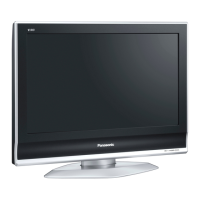
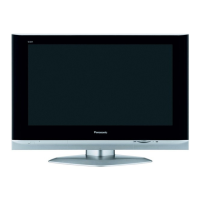
Description of buttons and slots on the TV's front panel.
Selecting predefined picture settings (Dynamic, Normal, Cinema, Auto).
Adjusting contrast, brightness, colour, sharpness, tint, and balance.
Using P-NR, MPEG NR, and 3D-COMB for noise reduction.
Modifying bass, treble, and speaker balance.
Using NICAM, sound modes, and ambience effects.
Configuring audio for HDMI sources.
Accessing tuning menus and DVB specific settings.
Procedures for channel scanning and fine-tuning.
Tuning channels using the TV's physical buttons.
Setting timers and customizing favourite channels.
Locking channels and accessing DVB tuning features.
Programming the TV for automatic recordings.
Selecting daily or weekly recording schedules.
Performing DVB auto setup and managing new services.
Adding new services and checking signal quality.
How Panasonic Auto and WSS work.
Selecting specific aspect ratios like 16:9, 4:3, etc.
How to connect audio output devices.
Linking the TV to external audio systems.
Diagnosing common visual and audio issues.
Addressing spots on screen and HDMI connection problems.
Handling error indicators and seeking professional help.
Solutions for missing DVB channels.
Troubleshooting blocky images and frozen pictures.
Tips for improving DVB reception.
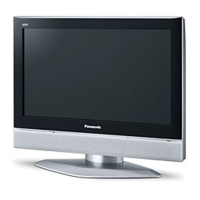
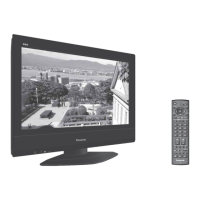
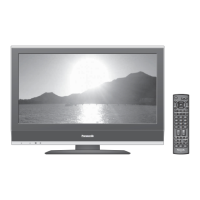


 To Next Page
 General