EasyManua.ls Logo

Panasonic TX-26LX50F - User Manual

Panasonic TX-26LX50F
32 pages
Print Icon
To Next Page IconTo Next Page
Loading...
Please read these instructions before operating your set and retain them for future reference.
TQB0E0120U-1
123
456
789
0
OK
C
TV
N
PULL
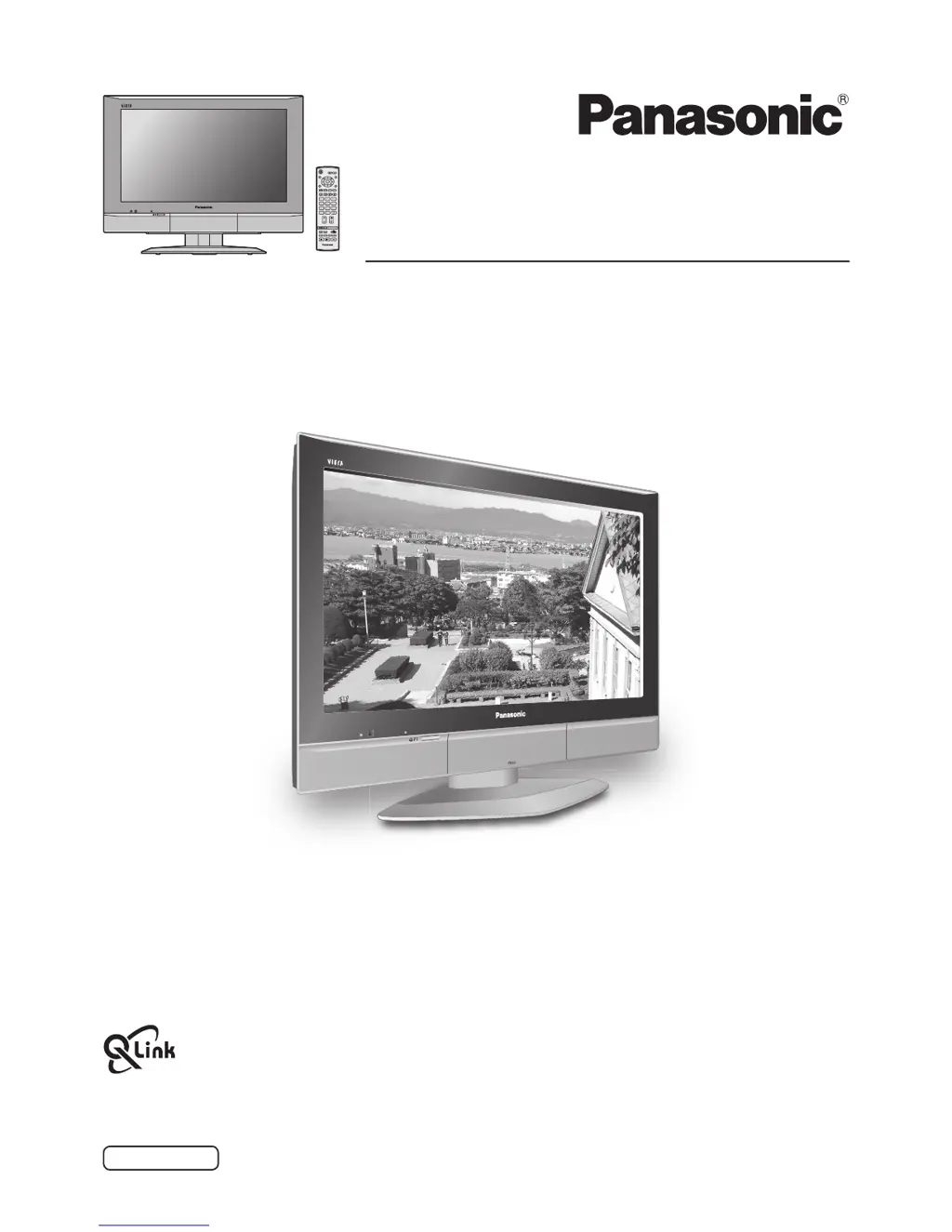
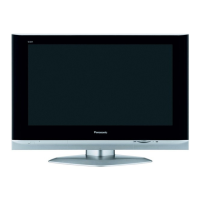
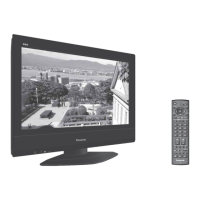
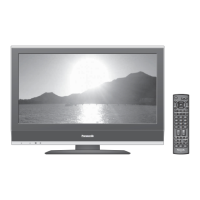
The illustration shown is an image.
English
TX-26LX50F
TX-32LX50F
Model No.
Operating Instructions
Wide LCD TV

Other manuals for Panasonic TX-26LX50F

Questions and Answers

  • T
    tloweAug 12, 2025
    What to do if my Panasonic TX-26LX50F LCD TV has no picture?
    • J
      Jennifer ParkerAug 12, 2025
      If your Panasonic LCD TV shows no picture, ensure the TV is not in AV mode, is properly plugged into the AC outlet, and is switched on. Also, check that the picture and sound controls aren't set to their minimum levels and that the TV is not in standby mode.
  • K
    Karen SwansonAug 16, 2025
    How to reduce interference on Panasonic TX-26LX50F?
    • K
      Kristi MeadowsAug 16, 2025
      If you are experiencing interference on your Panasonic LCD TV, try switching on the P-NR (Picture Noise Reduction) option in the Picture menu. This feature is designed to reduce picture noise caused by electrical appliances, cars, motorcycles, or fluorescent lights.
  • A
    Amanda HarperAug 20, 2025
    How to fix a snowy picture on Panasonic LCD TV?
    • C
      Christina JordanAug 20, 2025
      If your Panasonic LCD TV picture is snowy, check the aerial location, direction, and connection.
  • E
    Erica PorterAug 25, 2025
    What to do if my Panasonic TX-26LX50F has no color?
    • A
      Ashley JacksonAug 25, 2025
      If your Panasonic LCD TV has no color, check if the color controls are set at the minimum levels and adjust accordingly.
  • J
    John NguyenAug 27, 2025
    Why are there red, blue, and green spots on my Panasonic LCD TV screen?
    • S
      Sheri TaylorAug 28, 2025
      Red, blue, and green spots are a characteristic of liquid crystal panels and not a defect. This does not affect the performance of your Panasonic LCD TV.
  • J
    Jeffrey PierceAug 31, 2025
    What to do if my Panasonic TX-26LX50F LCD TV has normal picture but no sound?
    • W
      watkinscynthiaAug 31, 2025
      If your Panasonic LCD TV is showing a normal picture but there is no sound, check the volume level and ensure that the sound mute is switched off.
  • L
    Laura SheltonSep 4, 2025
    Why does my Panasonic LCD TV have poor sound reception?
    • L
      Lisa PotterSep 4, 2025
      If the sound reception of your Panasonic LCD TV has deteriorated but the picture is normal, try switching the MPX setting (in the Sound menu) to Off until the reception improves.
  • H
    hernandezlauraSep 7, 2025
    What causes multiple images on my Panasonic TX-26LX50F LCD TV?
    • T
      trevor54Sep 7, 2025
      If your Panasonic LCD TV displays multiple images, you should check the aerial location, direction, and connection.

Panasonic TX-26LX50F Specifications

General IconGeneral
BrandPanasonic
ModelTX-26LX50F
CategoryLCD TV
LanguageEnglish

Related product manuals