2
Warnings and Cautions 4~5
Before Operating This Set 6~7
Battery Installation ............................................................................................................................................................... 6
Connecting the Aerial cable to the RF In Terminal .............................................................................................................. 7
Connecting the Plug to the Wall outlet ................................................................................................................................. 7
How to turn the Power On.................................................................................................................................................... 7
Location of Controls 8~9
Remote Control.................................................................................................................................................................... 8
Controls and Terminals on the TV........................................................................................................................................ 9
Connections 10~15
How to connect the “AV1, 2, 3 or 4” Input Terminals .......................................................................................................... 10
How to connect the DVD Input Terminals .......................................................................................................................... 11
How to connect the AV Monitor Output Terminals to other equipment .............................................................................. 11
How to connect the AUDIO-OUT terminals ....................................................................................................................... 12
How to connect the DIGITAL AUDIO INPUT ..................................................................................................................... 12
How to connect External Speakers.................................................................................................................................... 13
How to connect the RGB Input Terminals .......................................................................................................................... 14
Connecting Headphones ................................................................................................................................................... 15
Dear Panasonic Customer
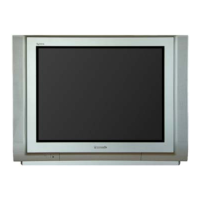
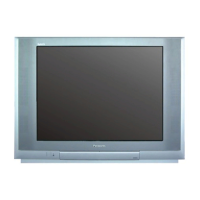
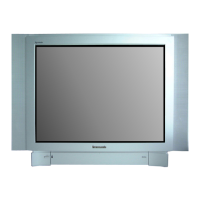
Welcome to the Panasonic family of customers. We hope that you will
have many years of enjoyment from your new colour television set.
To obtain maximum benefit from your set, please read these Instructions
before making any adjustments, and retain them for future reference.
Retain your purchase receipt also, and note down the Model Number and
Serial Number of your set in the space provided on the rear cover of
these Instructions.
Table of Contents









 To Next Page