English
11
8 ETHERNET terminal (p. 12)
Basic connections
Mains lead
AC 220-240 V
50 / 60 Hz
Mains lead
(supplied)
Insert the mains plug firmly into place.
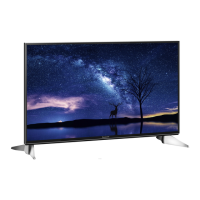
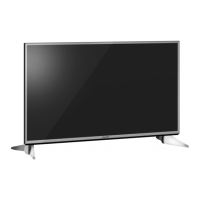
32-inch model 40-inch model
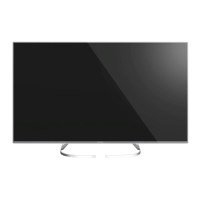
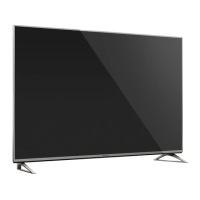
49-inch model
When disconnecting the mains lead, be absolutely
sure to disconnect the mains plug from the mains
socket first.
Aerial
TV
Cable
RF cable
Terrestrial aerial
For DVB-C, DVB-T, Analogue
DVB-via-IP client connection
This TV has DVB-via-IP client function and can connect
to DVB-via-IP server or SAT>IP compatible servers to
receive broadcast streaming.
It is recommended to connect to DVB-via-IP server
with a LAN cable.
Wired connection
TV
Cable
LAN cable (Shielded)
Use Shielded Twist Pair (STP) LAN cable.
DVB-via-IP server
RF cable
Terrestrial aerial
Satellite dish
Wireless connection
Cable
Built-in wireless LAN
Access point
DVB-via-IP server
RF cable
Terrestrial aerial
Satellite dish
This function may not be available depending on
network condition and broadcast.
For information about the connections, read the
manual of the DVB-via-IP server.
For details, refer to [eHELP] (Search by Purpose >
Functions > DVB-via-IP).









 To Next Page
